1 / 5
Wholesale WiFi Temperature Humidity Sensor with Backlight Manufacturers, Factories
Product Description
Product Parameters
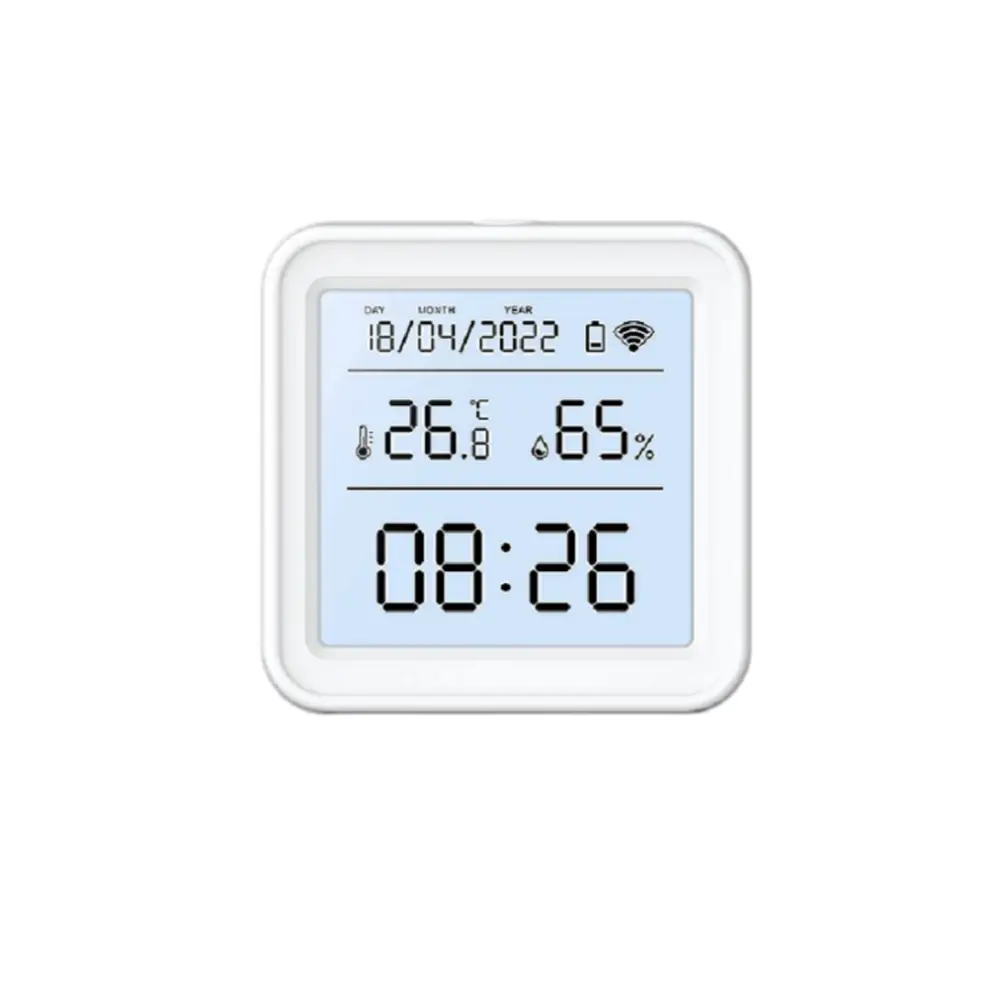
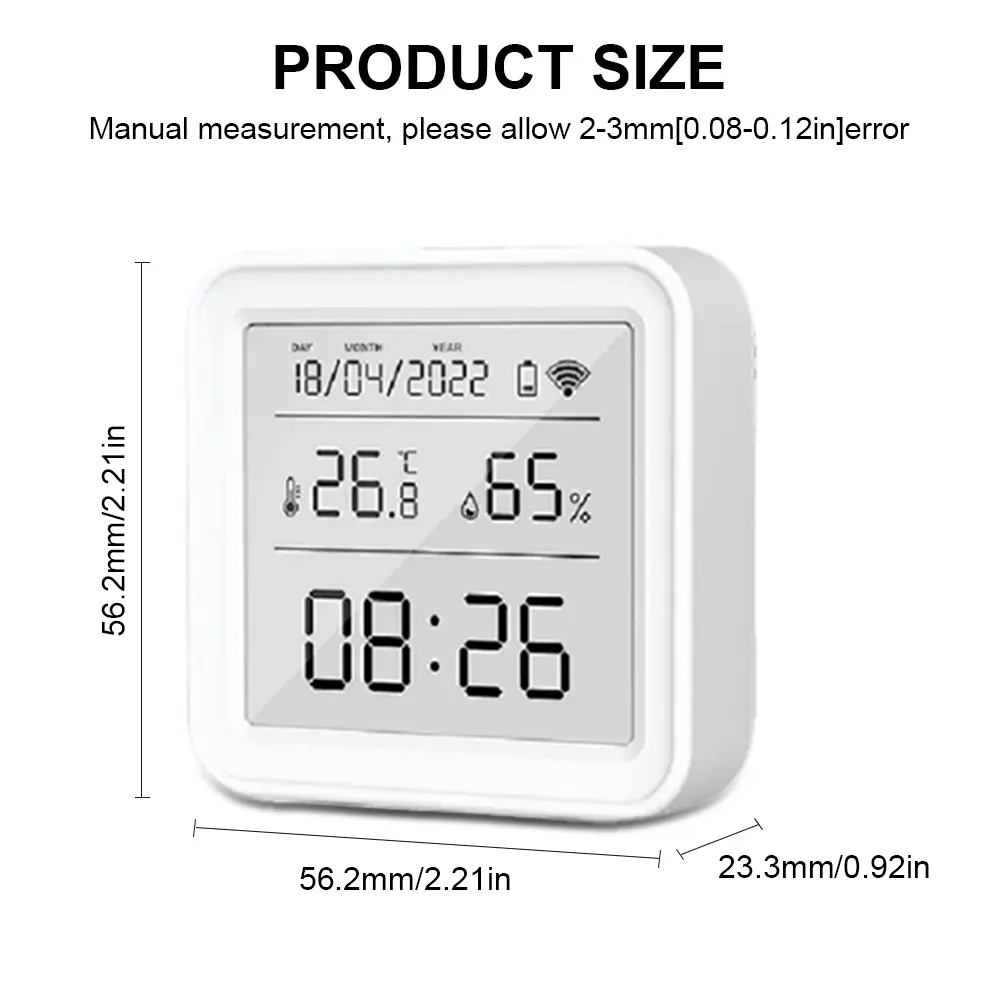
| Size | 56*56*23mm |
| Backlight | Support |
| Power Supply | Battery LR03-1.5V / AAA*3 (Not Included) |
| Wi-Fi Support | 2.4G IEEE 802.11 b/g/n |
| Temperature Measurement Range | -9.9°C ~ 60°C |
| Temperature Accuracy | ±1℃ |
| Humidity Measurement Range | 0% ~ 99% RH |
| Humidity Accuracy | ±5% RH |
Smart Home Temperature & Humidity Sensor Features
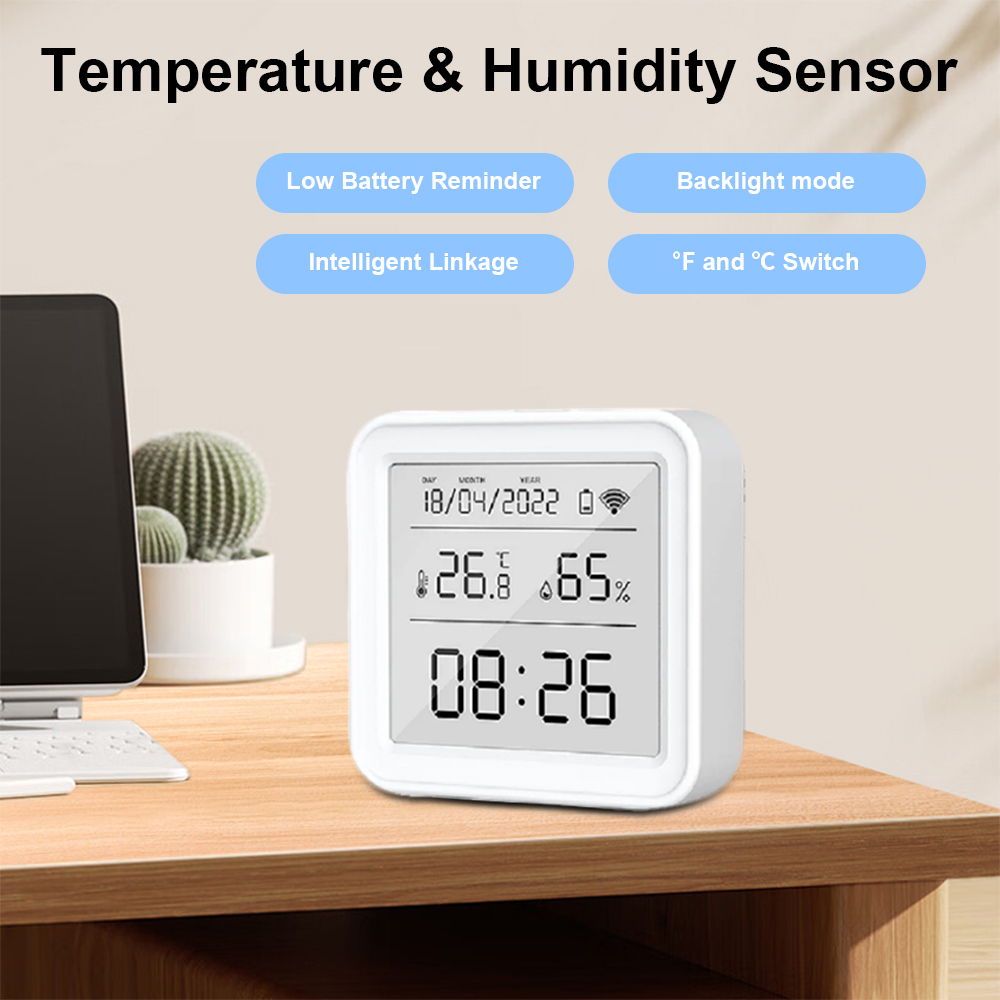
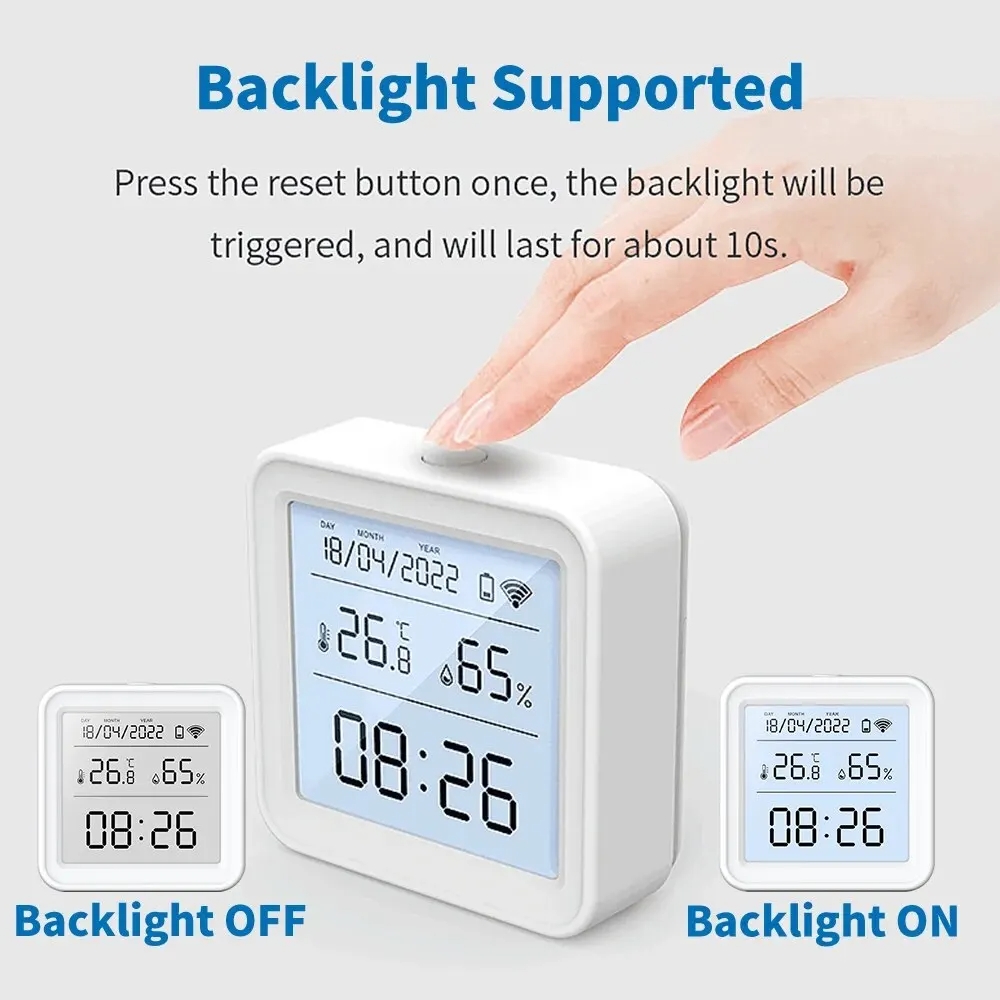
1. Backlight Display
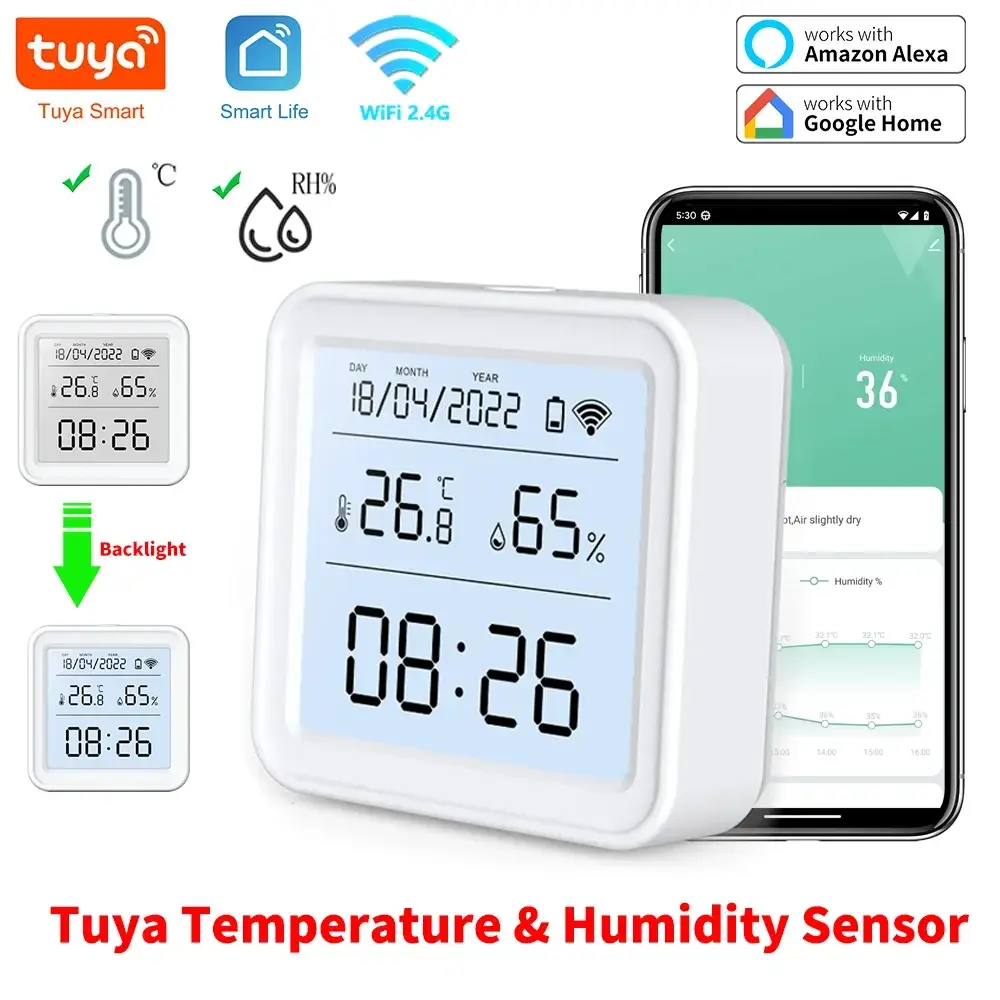
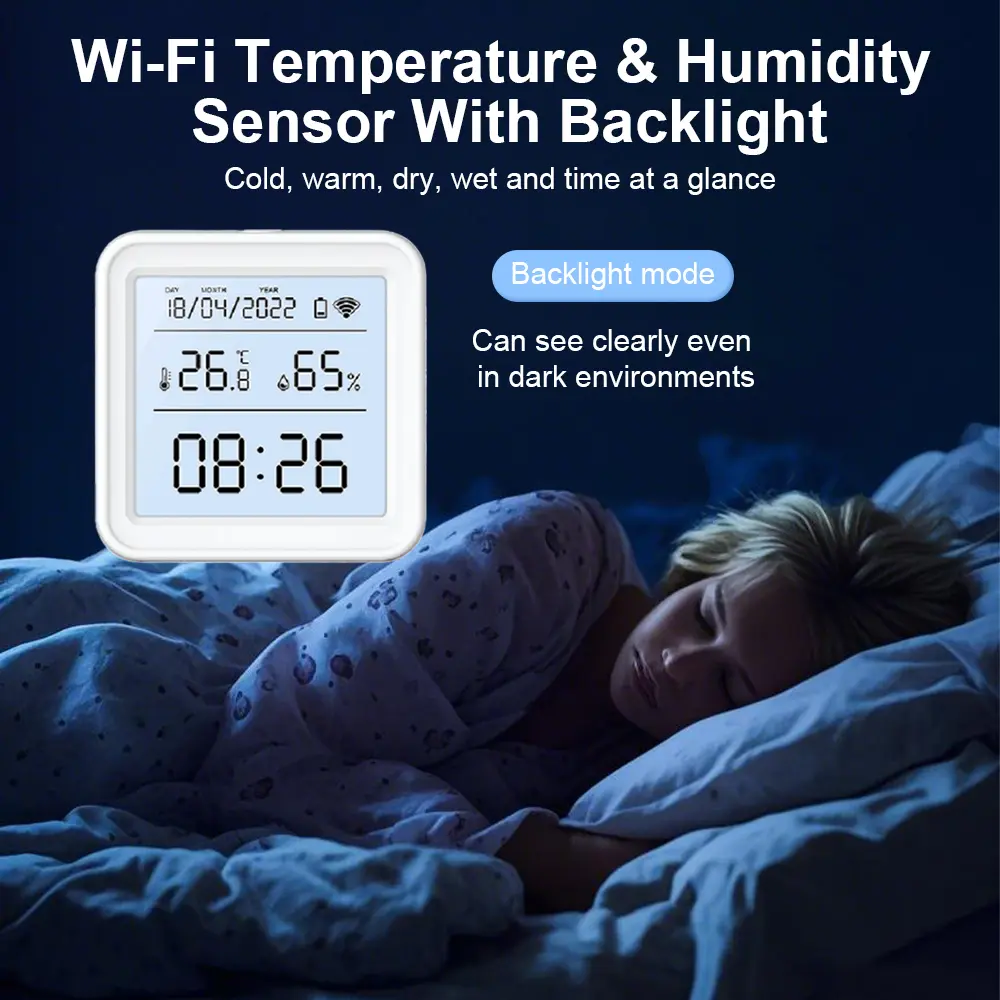
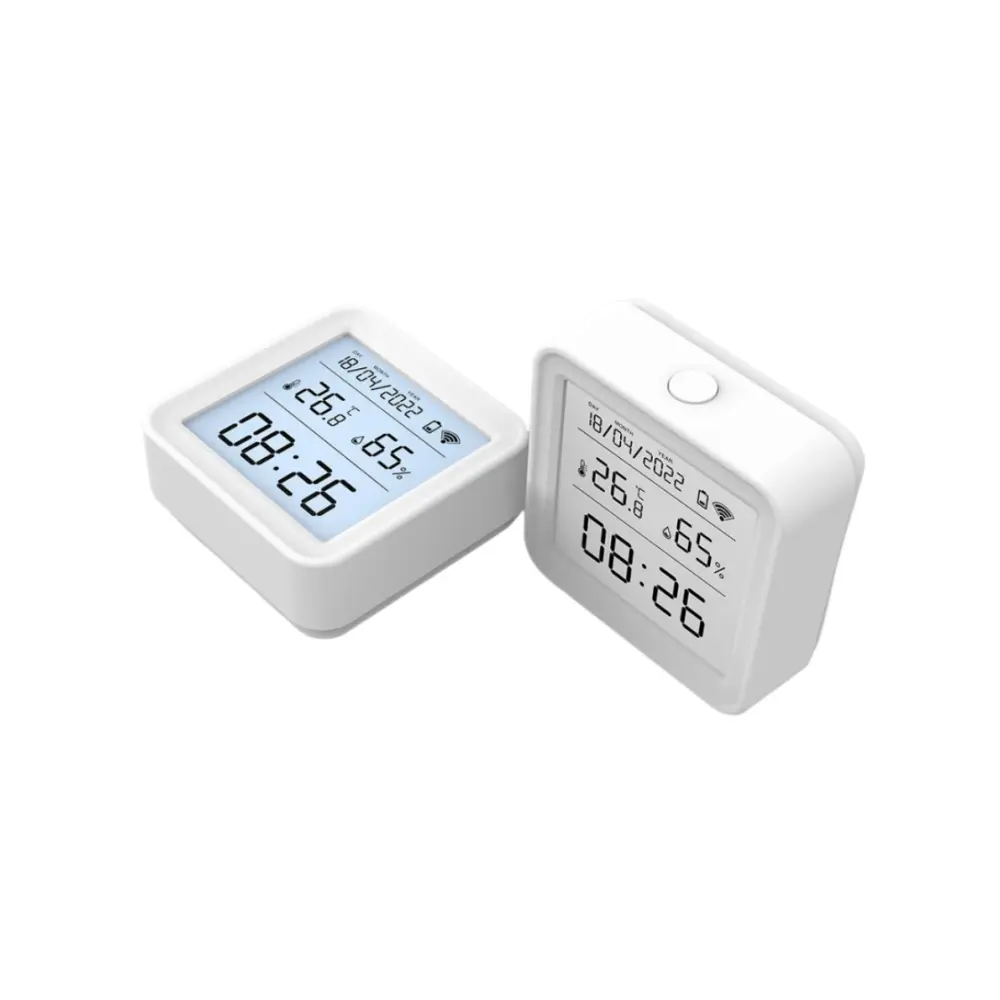
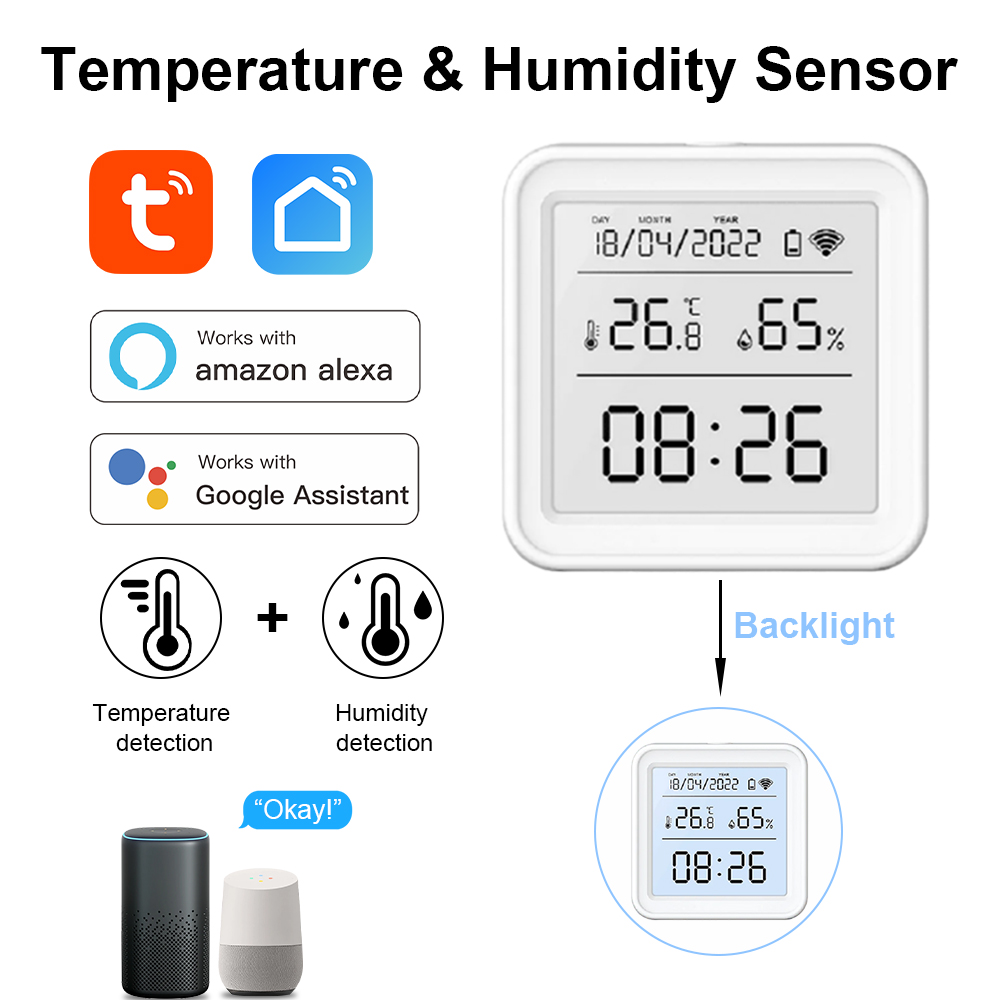
Press the reset button on top once; the backlight triggers and remains lit for approximately 10 seconds. This makes reading the screen convenient and crystal clear even in total darkness.
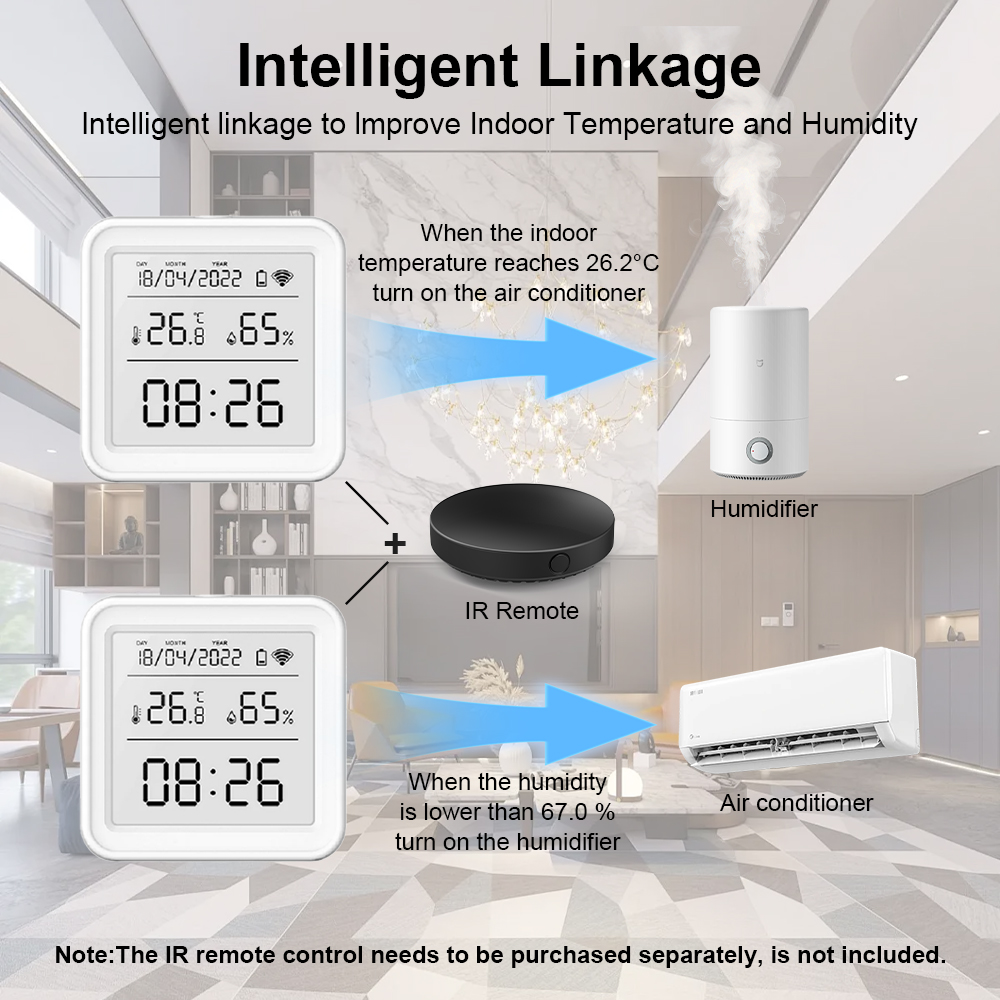
2. Smart Linkage
Preset execution scenarios and tasks directly in the "Scene" module. For instance, automatically switch on air conditioning when the room temperature rises above 30°C.
3. Temperature Unit Switch
Easily switch temperature units between Fahrenheit and Celsius inside device settings. Press the reset button once to immediately synchronize both the physical display and app interface.
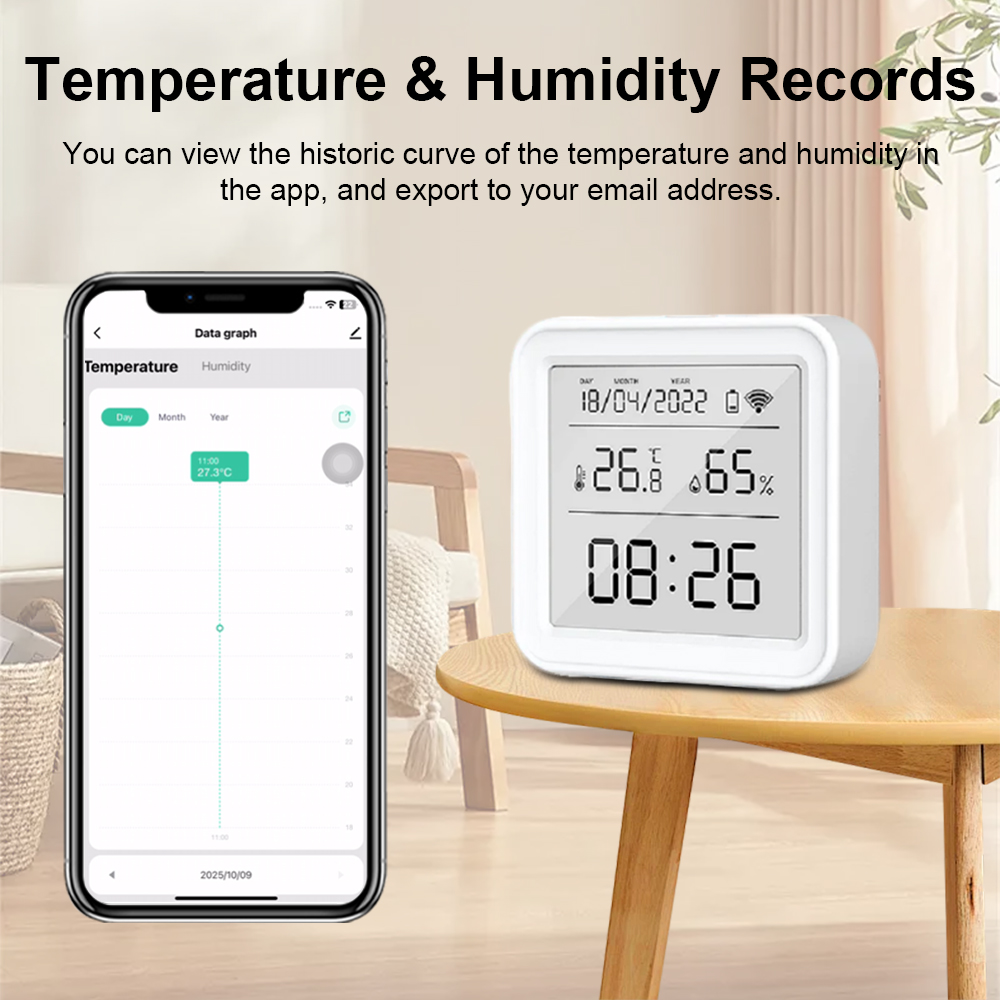
4. Temp & Humidity Records
Access comprehensive historical records stored up to 1 entire year. Data logs can be exported directly to your personal email address for analysis.
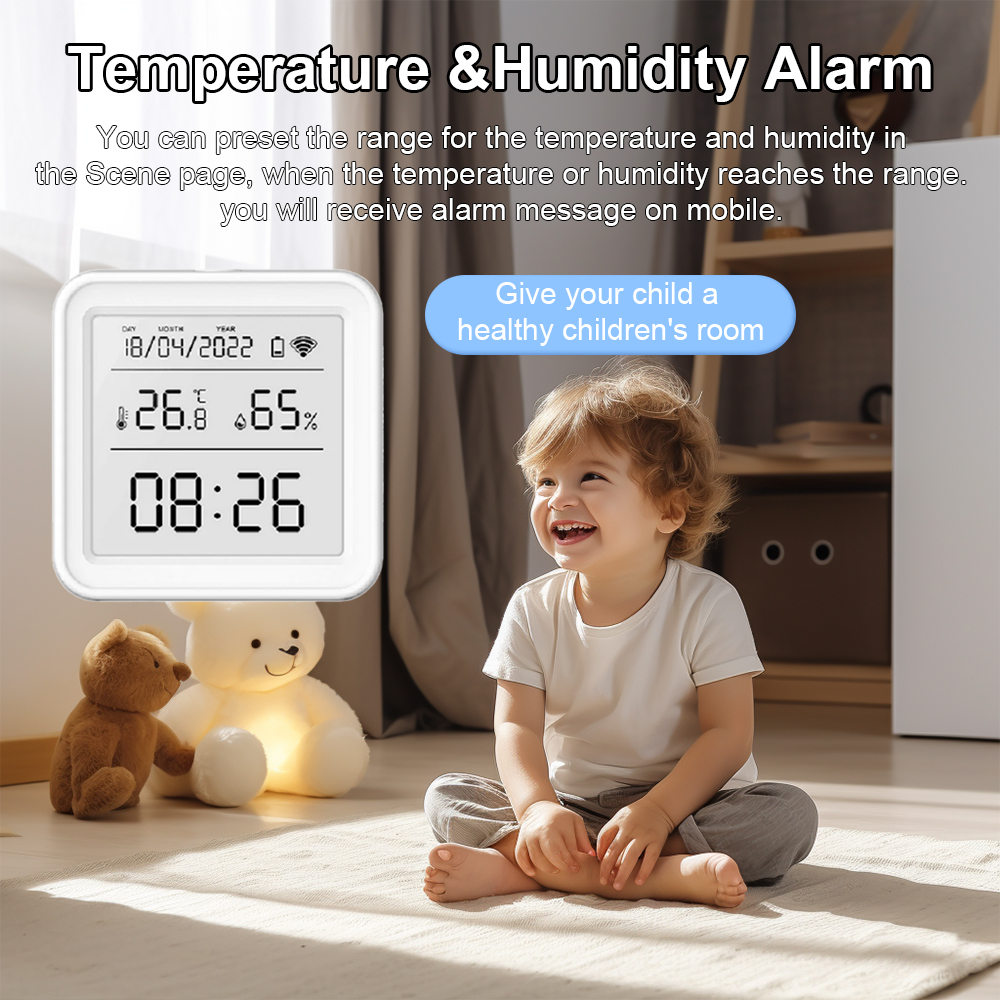
5. Temp & Humidity Alarm
Preset safe ranges for temperature and humidity inside your custom scene profile. Once values exceed threshold limits, instant push notifications are sent to your mobile device.
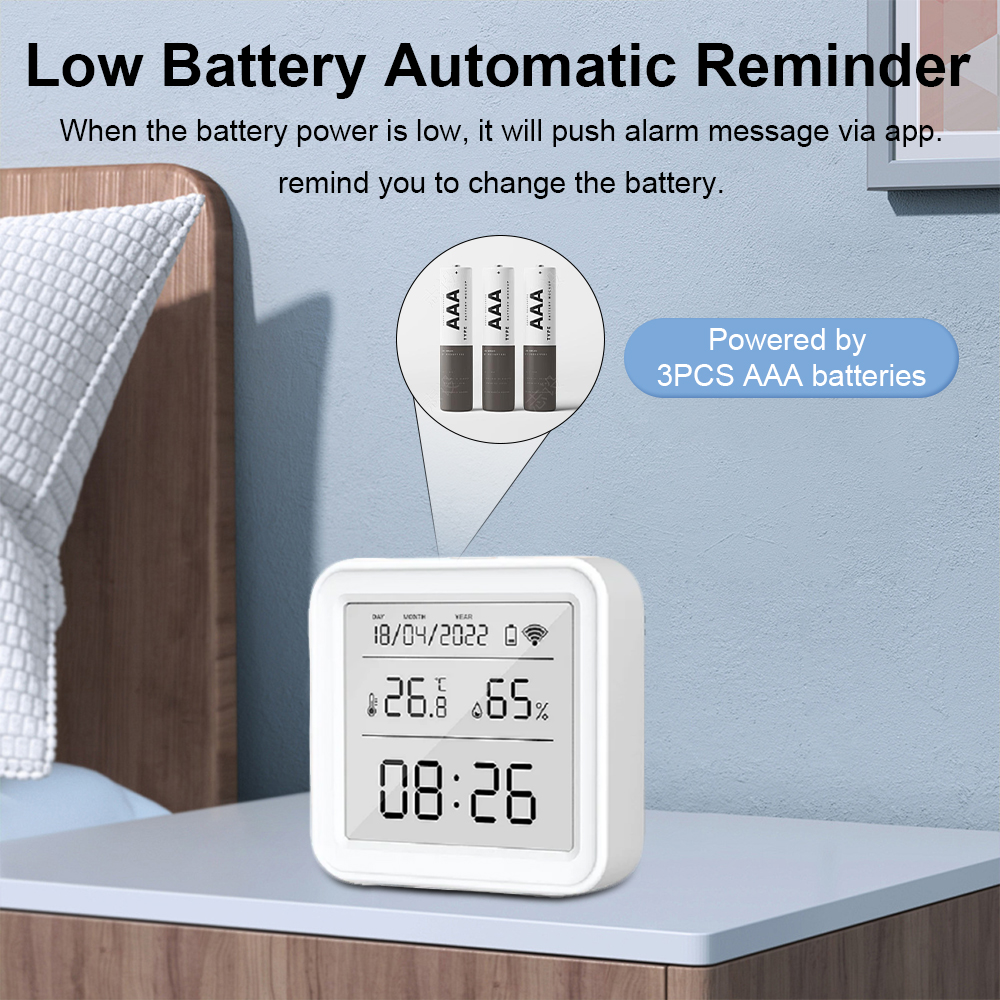
6. Low Battery Alarm
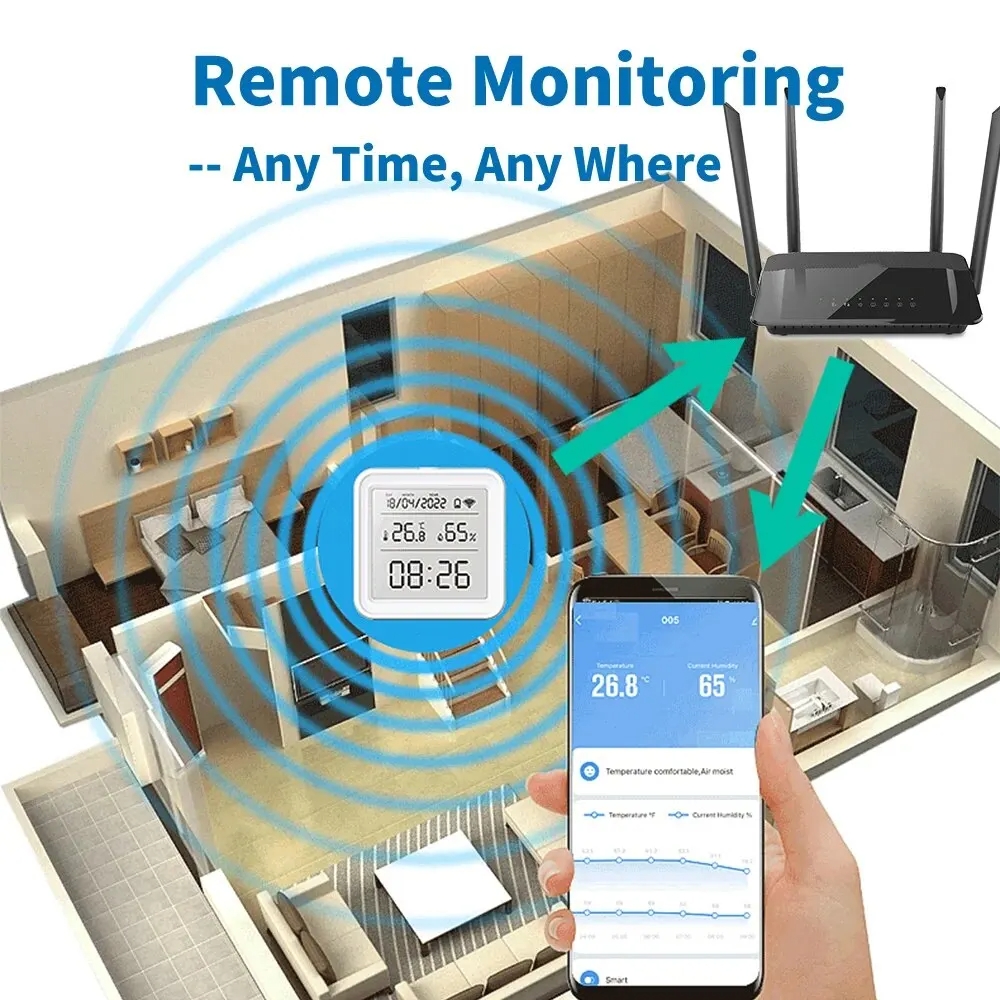
Never get caught off-guard with battery drain; the system monitors voltage levels and automatically pushes an alert notification via the companion app.
7. Third-party Voice Control
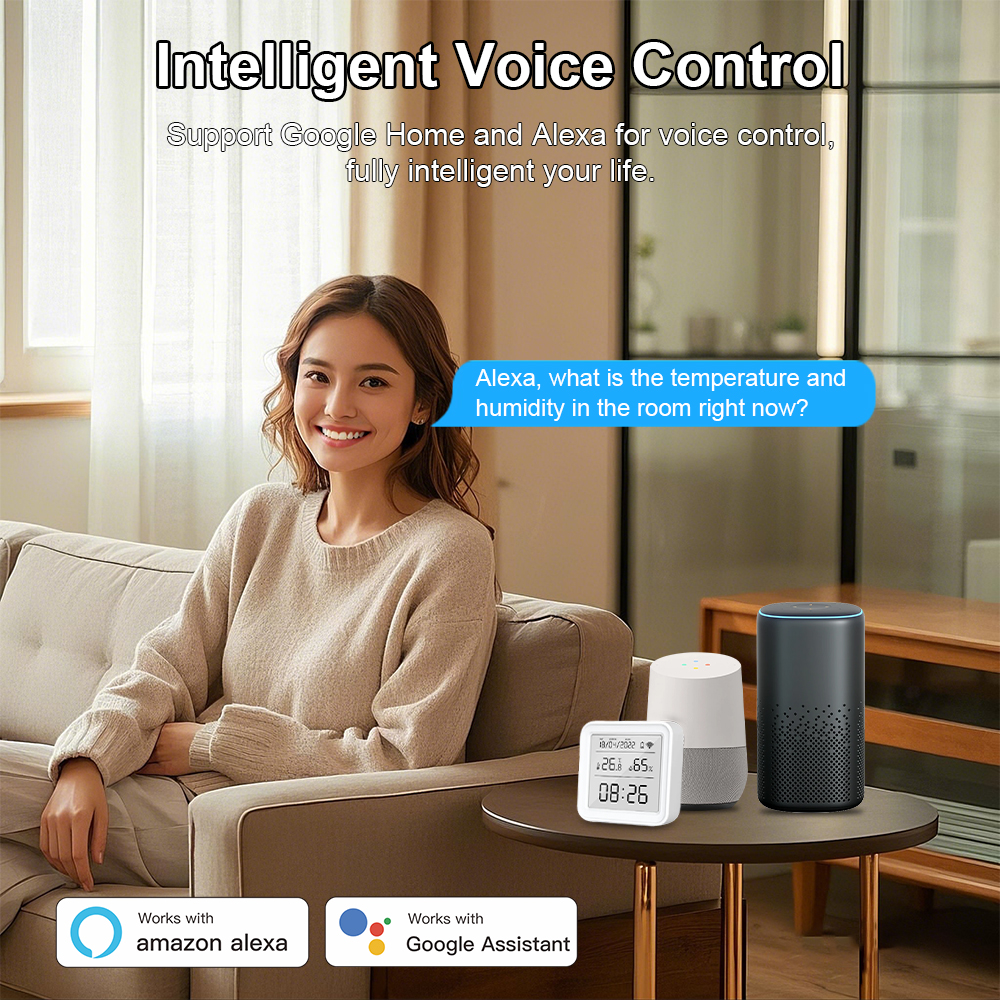
Integrates seamlessly with mainstream voice platforms. Effortlessly enquire about current ambient temperature and humidity through Amazon Alexa and Google Assistant.
8. Intelligent Humidity Control
Maintain continuous indoor comfort by automating humidifier devices to turn on or off dynamically when targeted humidity levels are reached.
About Automation Principles
The sensor operates on the foundational principle of Edge Triggered logic. An automation action is only triggered when environmental conditions actively cross the predefined setpoint.
Scenario 1: Turn ON Air Conditioner when temperature is > 25°C
- When ambient temperature climbs from below 25°C and crosses 25°C, the automation triggers and powers on the AC.
- If the temperature is already continuously above 25°C after saving the automation setting, the AC will not be automatically triggered.
- If the temperature drops below 25°C and then climbs back above 25°C, the automation reactivates.
Scenario 2: Turn ON Air Conditioner when temperature is < 20°C
- When ambient temperature decreases from above 20°C to below 20°C, the automation triggers the AC unit.
- If ambient temperature stays below 20°C consistently after configuration, the AC will not turn on automatically.
- When temperature warms above 20°C and subsequently plunges below 20°C, the rule will re-trigger.
Product Detail Gallery
Frequently Asked Questions (FAQ)
Q1
When do the temperature and humidity readings achieve maximum accuracy?
Readings stabilize approximately 30 minutes after network setup and initial installation. This duration allows the internal sensor components to adjust and closely reflect the true ambient environment.
Q2
Why does the display on the screen differ slightly from the mobile app?
To maximize battery efficiency, the device avoids constant uploading:
• Screen and App data are considered synchronized within minor thresholds: temperature deviation ≤ ±0.5°C, humidity deviation ≤ ±5%.
Q3
Under what conditions will the sensor upload data to the cloud in real-time?
Real-time updates are submitted under the following circumstances:
a) Immediately upon completing initial Wi-Fi pairing.
b) When device detects temperature shift ≥ 0.5°C or humidity shift ≥ 5% (with power active over 2 mins).
c) Automatically every 1 hour as an hourly heartbeat update if environmental fluctuations remain < 0.5°C or < 5%.
b) When device detects temperature shift ≥ 0.5°C or humidity shift ≥ 5% (with power active over 2 mins).
c) Automatically every 1 hour as an hourly heartbeat update if environmental fluctuations remain < 0.5°C or < 5%.
Q4
How long does the screen backlight remain lit when triggered?
Pressing the top reset button once triggers the display backlight for approximately 10 seconds, conserving battery power while offering fast night-time readouts.
Q5
Can I easily toggle between Fahrenheit (°F) and Celsius (°C)?
Yes. Switch the temperature unit via the device settings inside the companion app, then press the reset button once to immediately synchronize both the physical display and cloud records.
Q6
Does this smart sensor support third-party voice assistants and notifications?
Yes. It integrates seamlessly with Amazon Alexa and Google Assistant for real-time voice updates, and sends immediate push notifications via the app whenever the battery is low or customized threshold alarms are triggered.
Send Us A Message