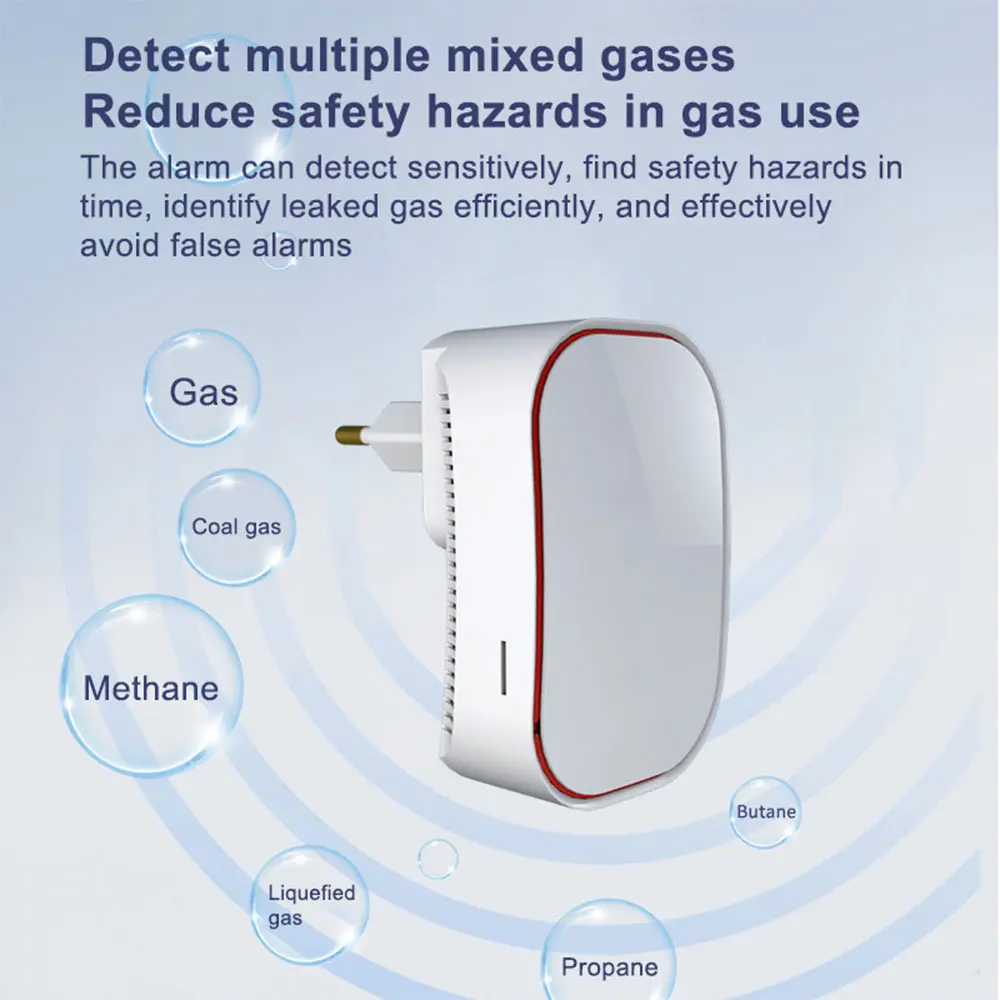
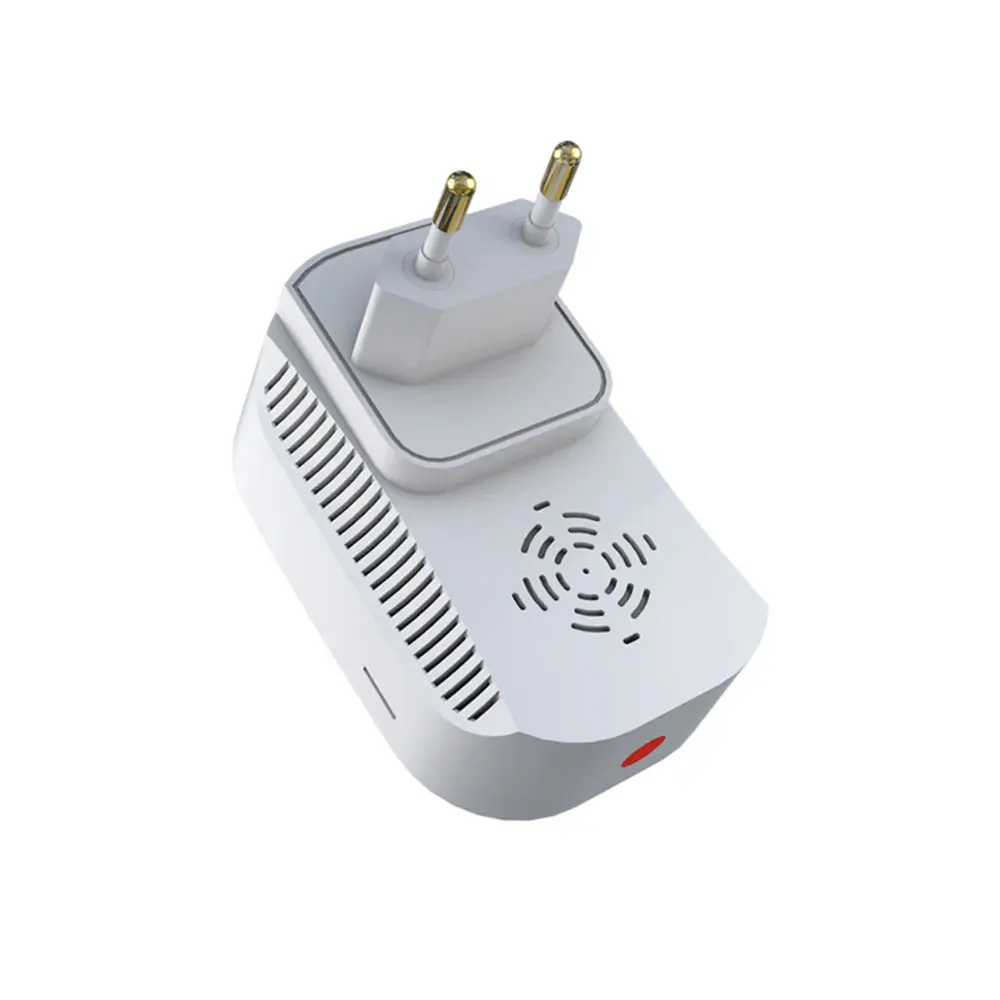
Custom WiFi Gas Carbon leakage Monoxide Alarm Suppliers, Factory
Product Description
Product Parameters
| Power supply | 110-240VAC |
| Power | <0.5w |
| Warm-up time | 180s after plug-in |
| Working temperature | -10°C-60°C |
| Working Humidity | 0%--90%RH |
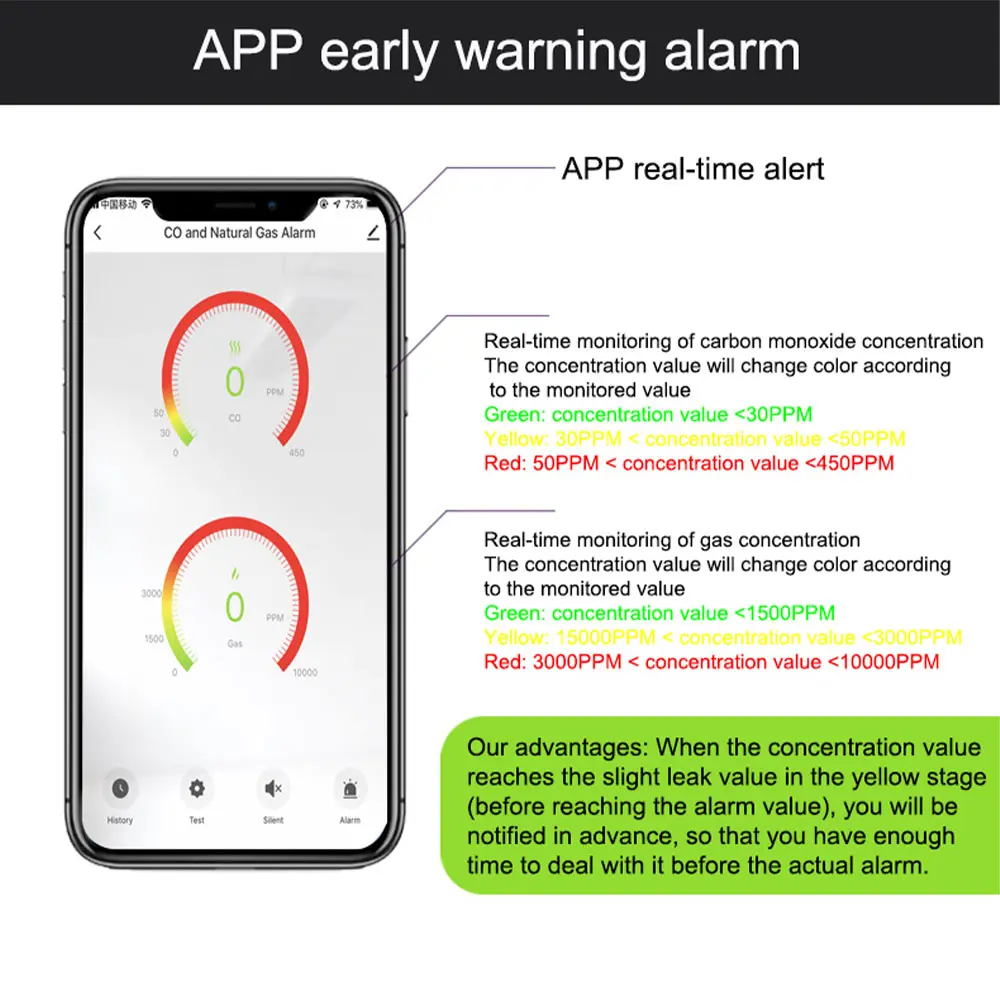
| Natural gas warning level | 1500PPM-3500PPM |
| Natural gas alarm level | 3500PPM-10000PPM |
| Co gas warning level | 30PPM-180PPM |
| Co gas alarm level | 180PPM-450PPM |
| Horn level | 90db |
Product function operation
Warm-up state
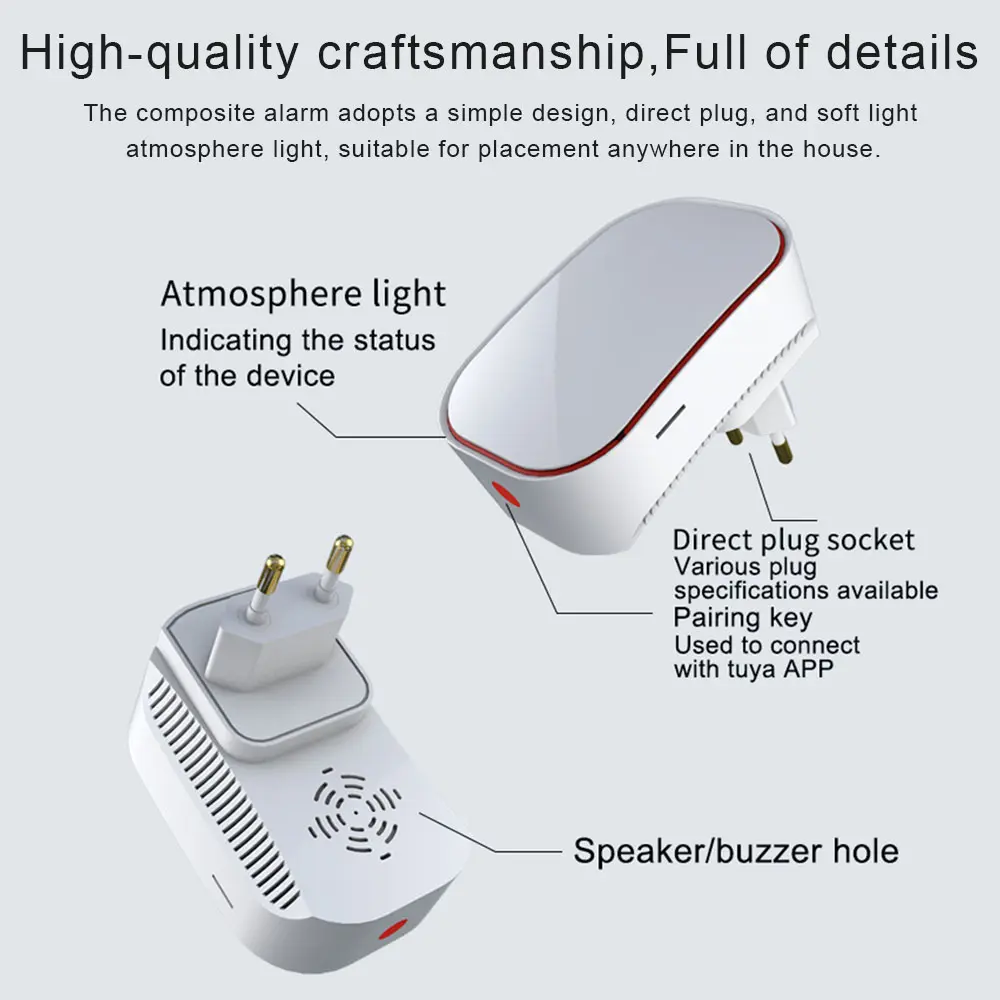
Before using the gas detector, it needs to heat its inside sensor to produce a chemical reaction to ensure its detecting stability and reliability. This state is called warm-up state. It goes into warm-up state for 3 minutes after being plugged into the power socket and the blue led blinks slowly during this period.
Early warning state
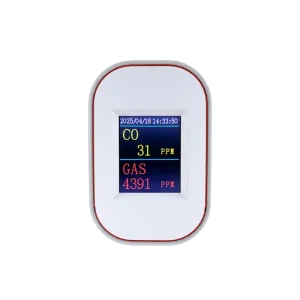
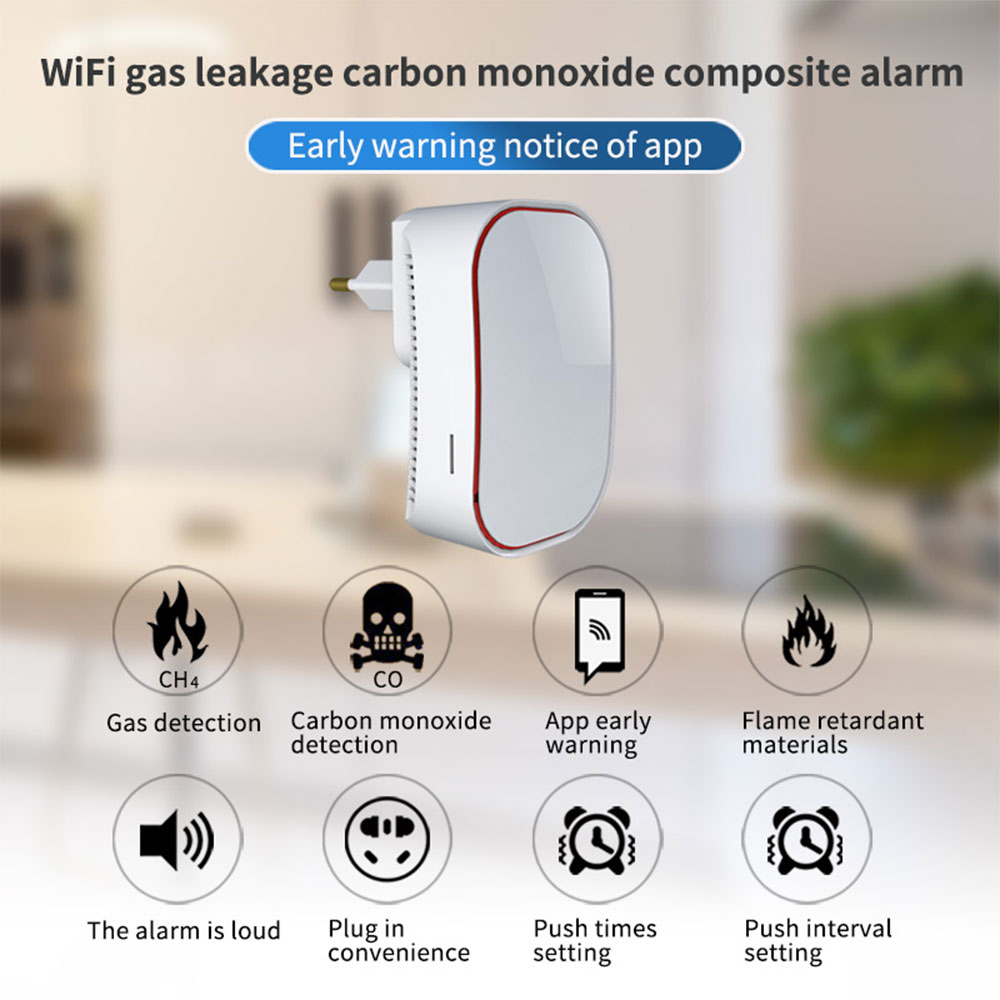
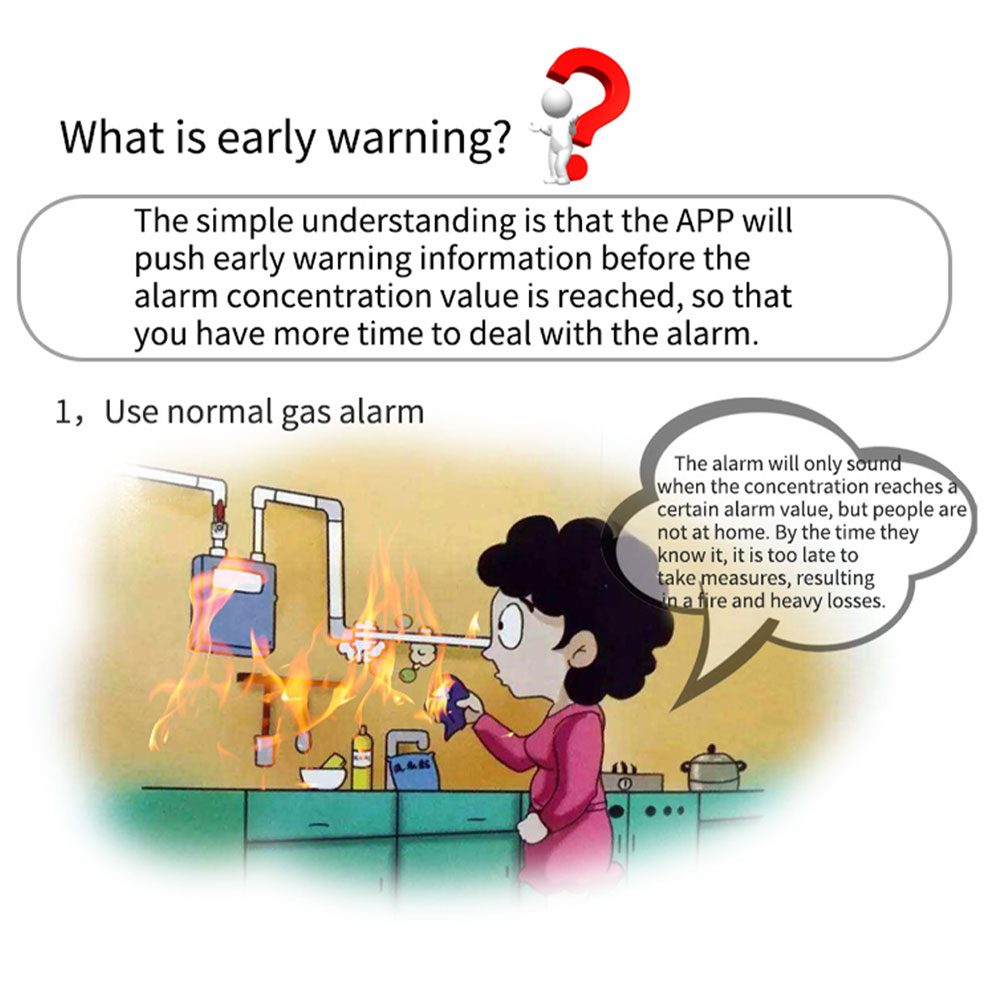
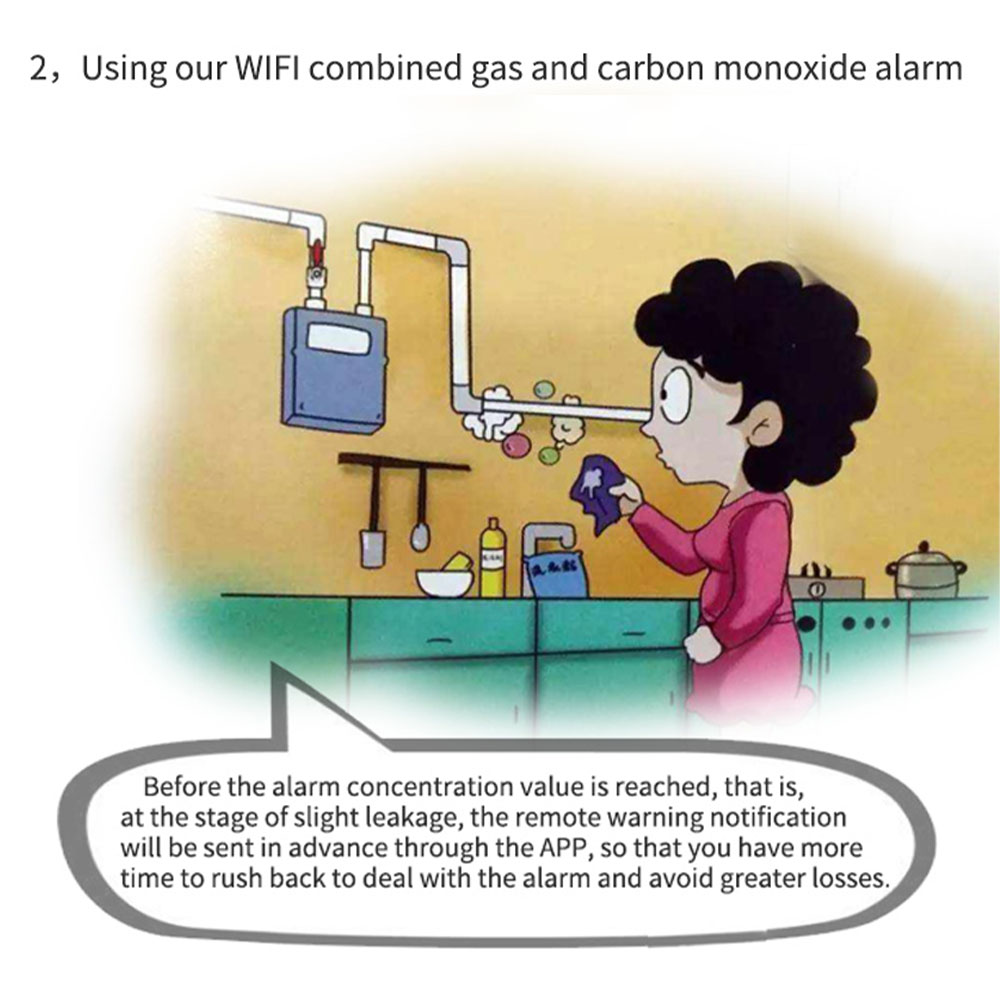
The detector goes into early warning state when it detects the carbon monoxide concentration is above 30PPM or the combustible gas concentration is above 1500PPM. At this time, the detector would flash and beep as well as push warning notification to user app according to your preset push intervals.
Alarm state (in danger)
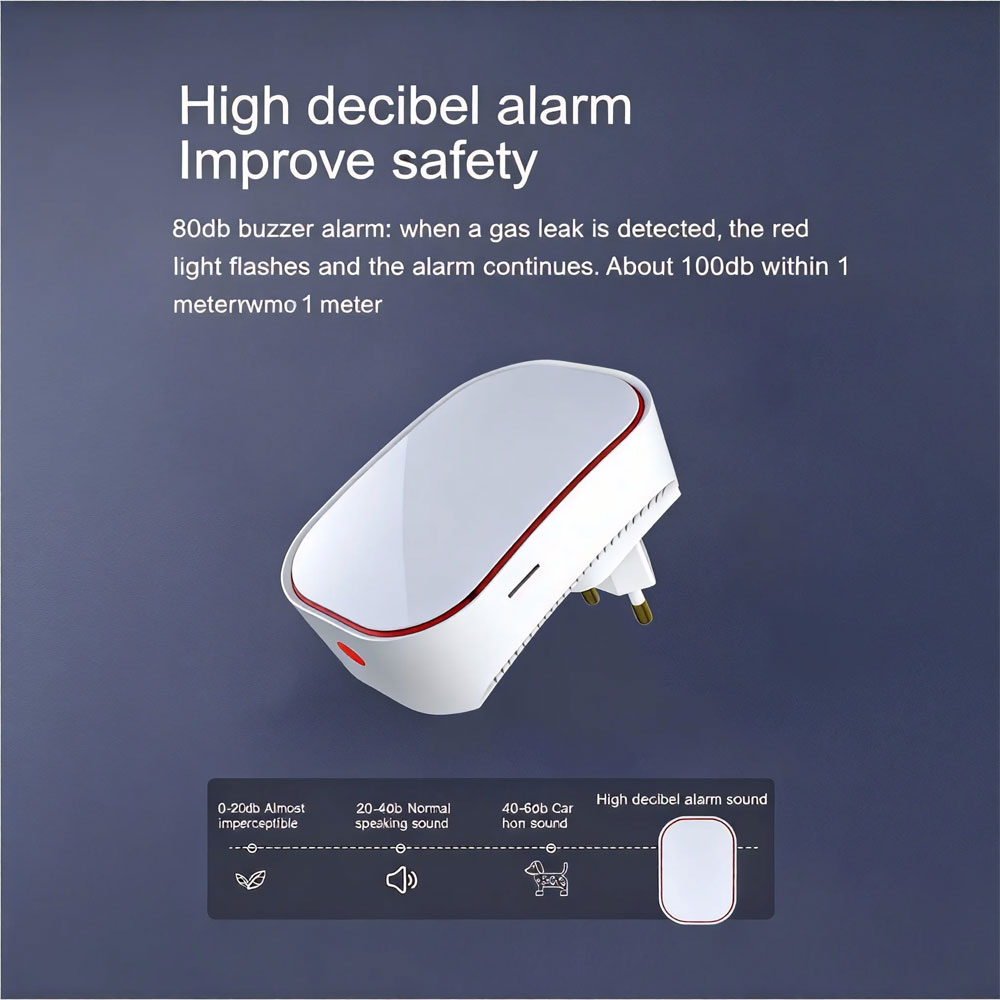
When the detector detects the carbon monoxide concentration is above 180PPM or the combustible gas concentration is above 3500PPM (7%LEL), it would alarm. It would make sound, red led flashes and push alarm message to user app according to the preset push intervals. If the gas concentration keeps this high it would keep sounding and flashing.
Alarm test button
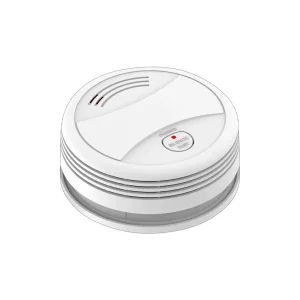
Press the test button in the normal state (not in the warm-up state) would simulate the alarming process (sound flash and push "test button alarm" notification) This process would stop after the buzzer sounds 5 times.
APP push times and intervals
Open APP -click device icon to enter its interface- click alarm setting in the lower right corner - set the alarm push times and intervals - so when the product alarms, it would push message to your app multiple times in case you miss it.
Device self-check
Open APP -click device icon to enter its interface- click self-check -it flashes and sounds (which means it is normal) after that, it would exit and goes back to normal state automatically.
Sharing & Group Control
When the device is alarming, open the app -click device icon to enter its interface ---click mute.
WIFI data upload
In standby state, the device would update its data to server once every 10 seconds; if there is gas leak, the app icon data would change every 3 seconds. When the detector detects the carbon monoxide concentration is above 180PPM or the combustible gas concentration is above 3500PPM (7%LEL), it would alarm. It would make sound, red led flashes and push alarm message to user app according to the preset push intervals. If the gas concentration keeps this high it would keep sounding and flashing.
Share the device by multiple people
Open tuya app -click device icon to enter its interface- click at upper right corner-choose share device-add other tuya account.
How to distinguish each device
Open app-click device icon to enter its interface --- click at upper right corner - change device name. Then when it alarms, it would push message by the changed device name.
Detail images
Send a message
Frequently Asked Questions
Why does the detector enter a warm-up state after being plugged in?
The sensor requires approximately 180 seconds to heat its internal elements. This chemical preheating process is essential to guarantee accurate gas reading, stability, and operational reliability.
What are the alert thresholds for natural gas and carbon monoxide?
Natural gas triggers an early warning between 1500PPM and 3500PPM, reaching full danger alarm from 3500PPM to 10000PPM. Carbon monoxide triggers an early warning between 30PPM and 180PPM, with a critical alarm activating from 180PPM to 450PPM.
How does the alarm notification system work via the mobile app?
When gas thresholds are surpassed, the unit activates an audible 90dB buzzer, flashes visual LEDs, and delivers immediate push alerts to the mobile app based on customized interval preferences.
How do I test if the detector is working properly?
Once warm-up is complete, press the test button directly on the hardware unit to trigger a diagnostic sound/flash routine (stopping automatically after 5 beeps), or execute a remote self-check via the Tuya application interface.
Can multiple family members or administrators control the same detector?
Yes, through the Tuya application, the device administrator can use the "Share Device" feature to add additional registered Tuya accounts for centralized control and simultaneous alarm alerts.
How often does the device upload status data over Wi-Fi?
Under standby status, data uploads occur every 10 seconds. In the event of a detected gas incident or leak, transmission accelerates to once every 3 seconds to deliver real-time data monitoring.