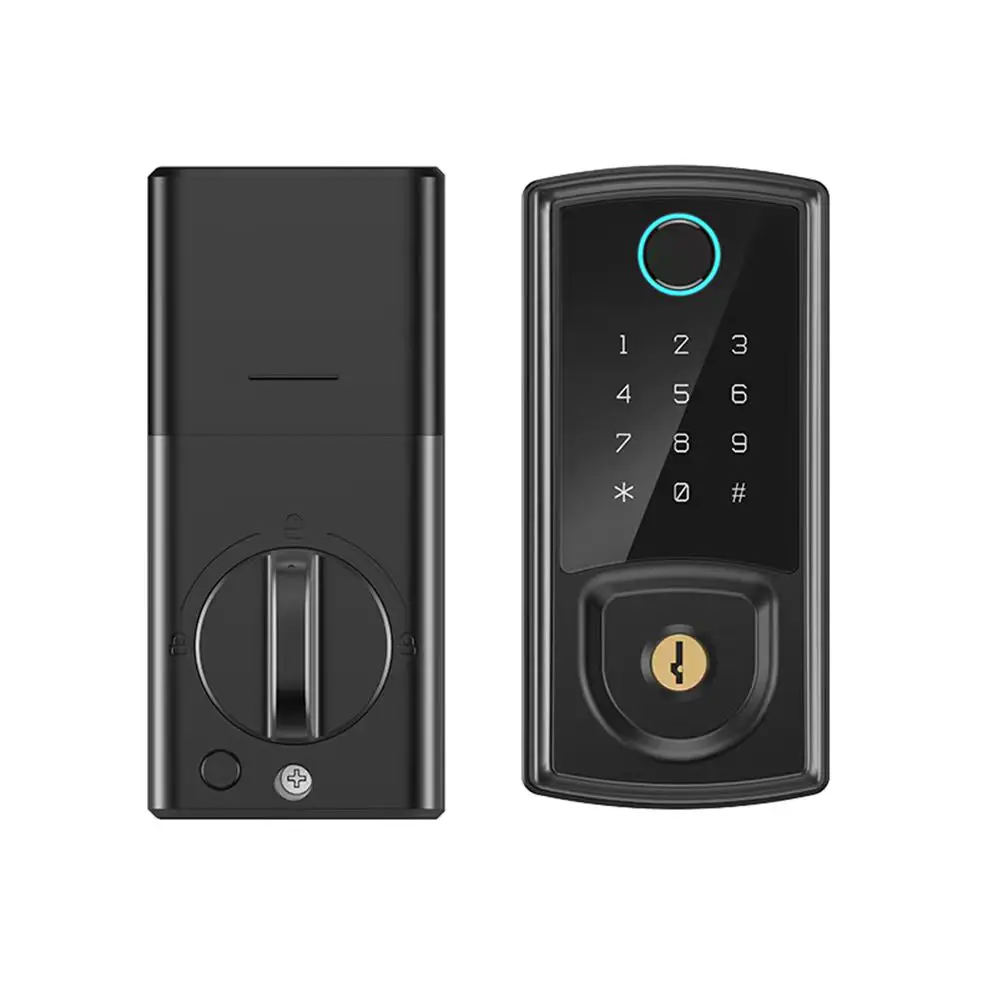
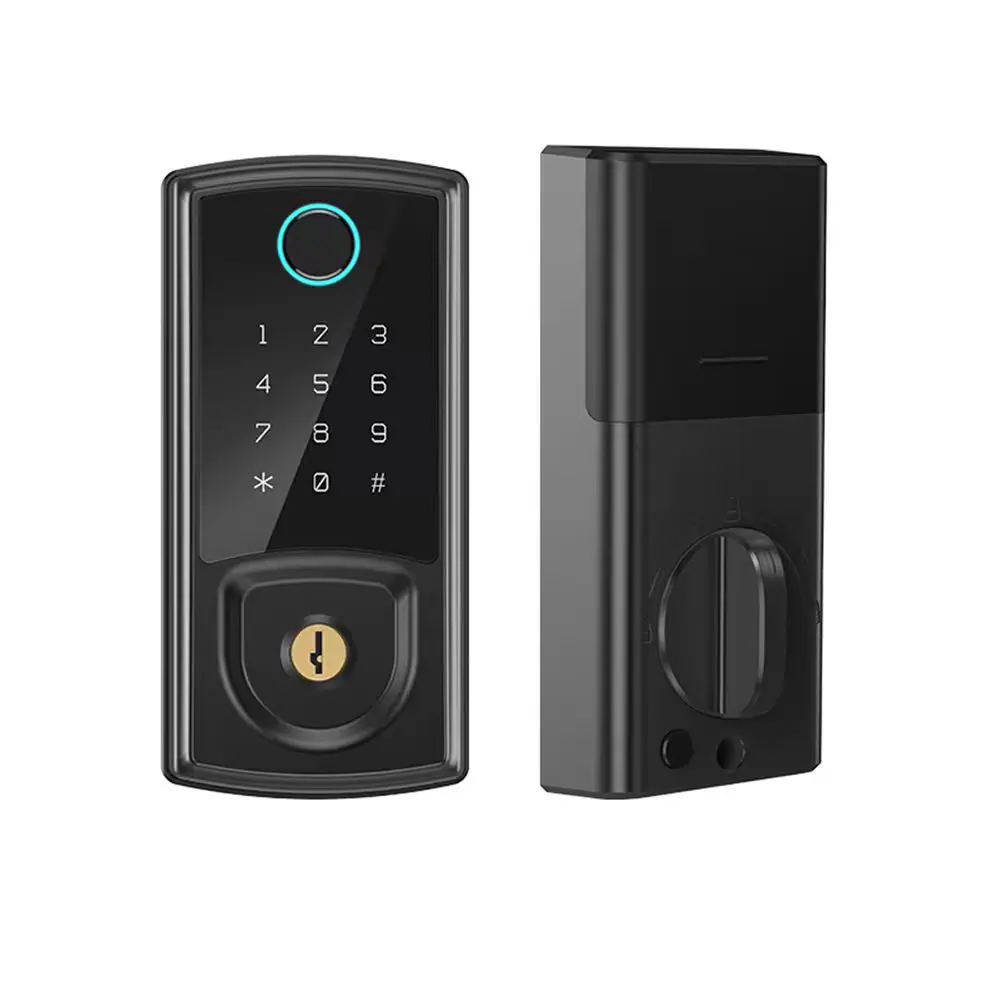
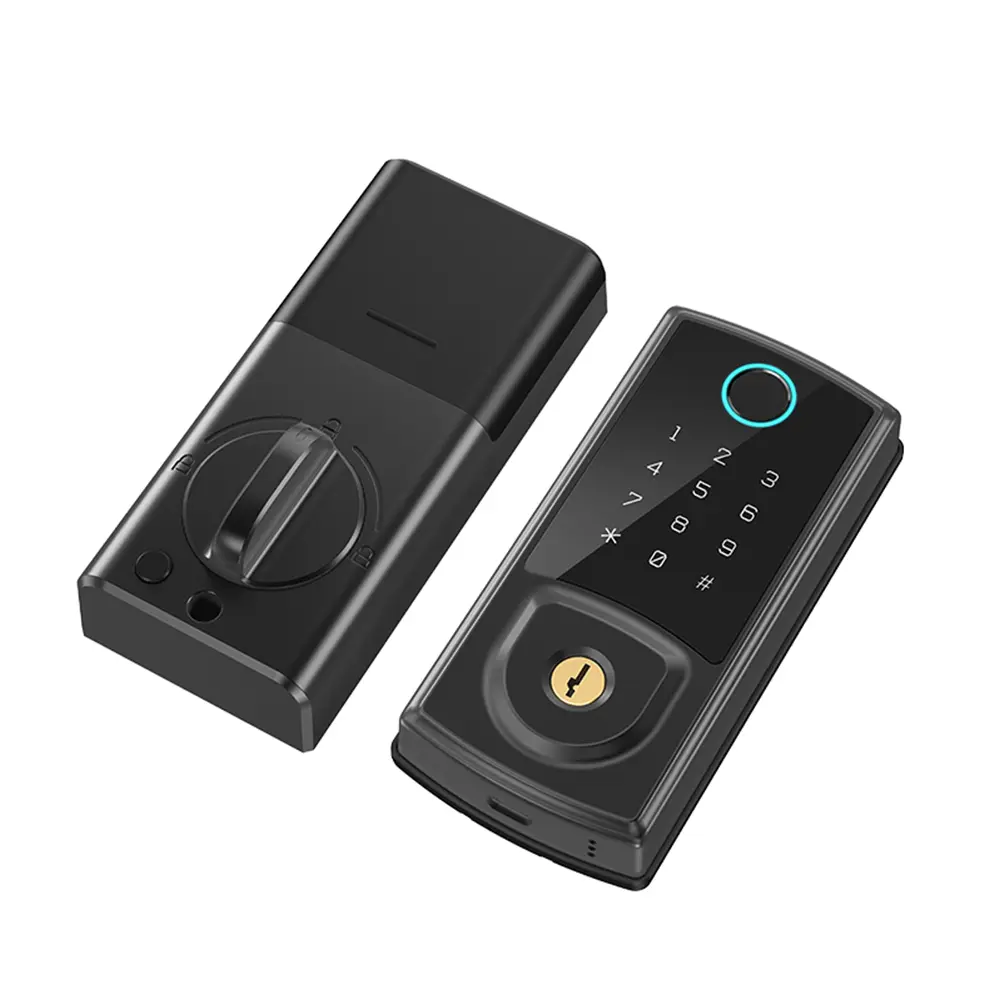
Custom Smart Fingerprint Door Lock with Handle Supplier, Factory
Product Description
Product Description & Technical Specifications
| Sensor: | Press capacitive fingerprint sensor |
| Resolution: | 508 DPI (Dots Per Inch) |
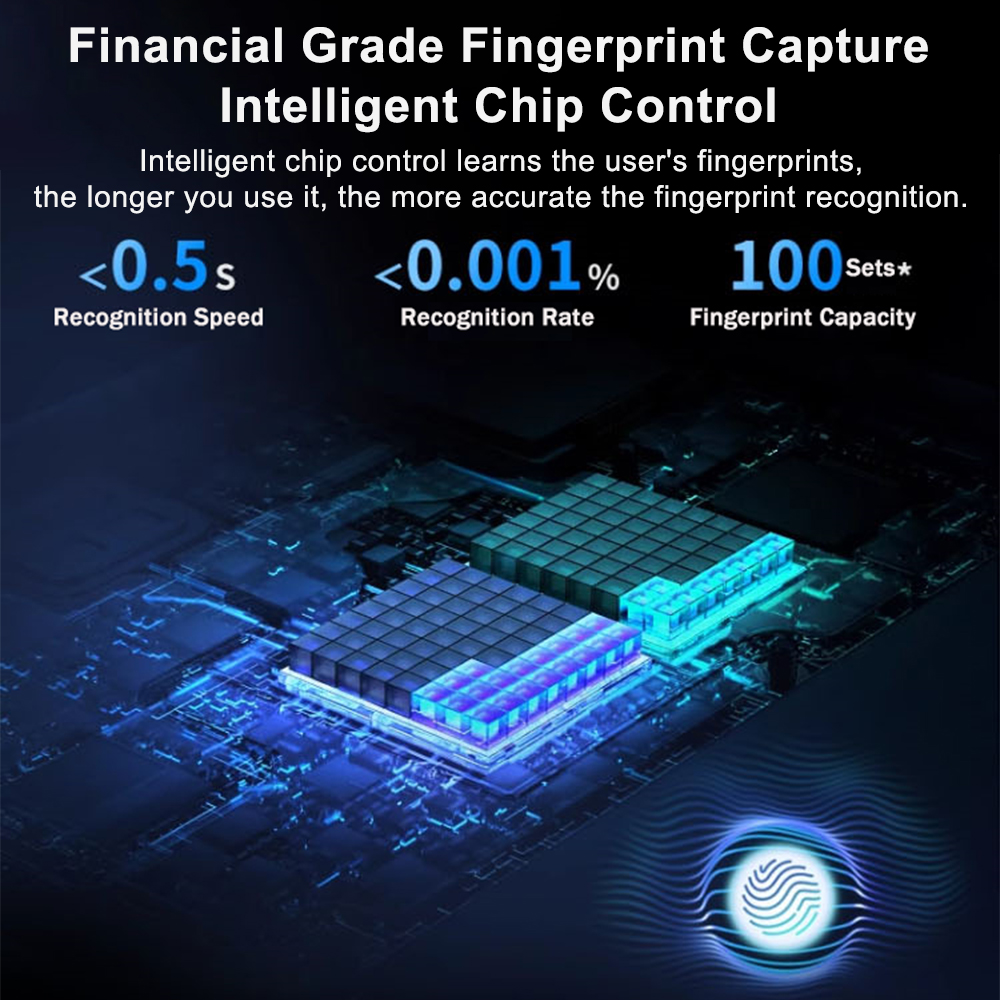
| False Acceptance Rate (FAR): | Less than or equal to 0.0001% |
| False Rejection Rate (FRR): | Less than 0.01% |
| Anti-lockout Feature: | Electronic Anti-Lock |
| Emergency Mechanical Lock: | Supported |
| Mechanical Key Security Level: | Grade C |
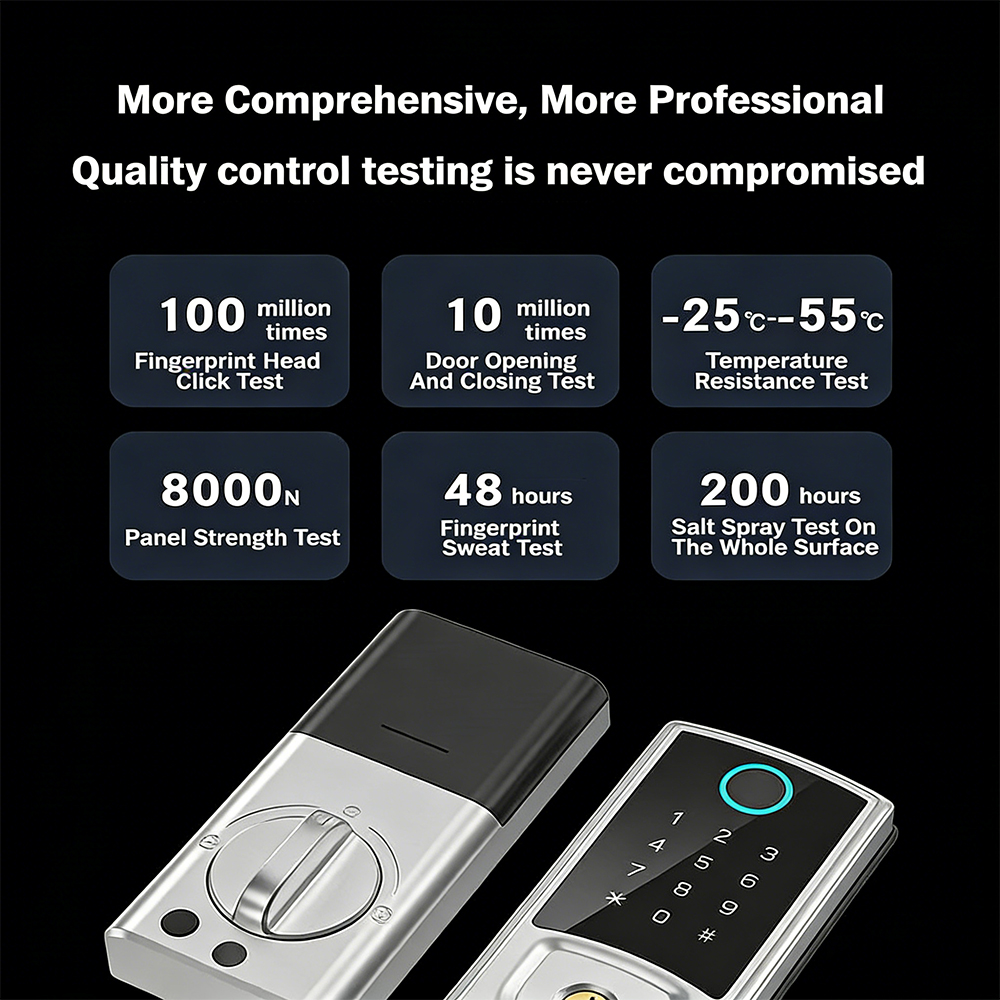
| Corrosion Resistance: | Level 4 |
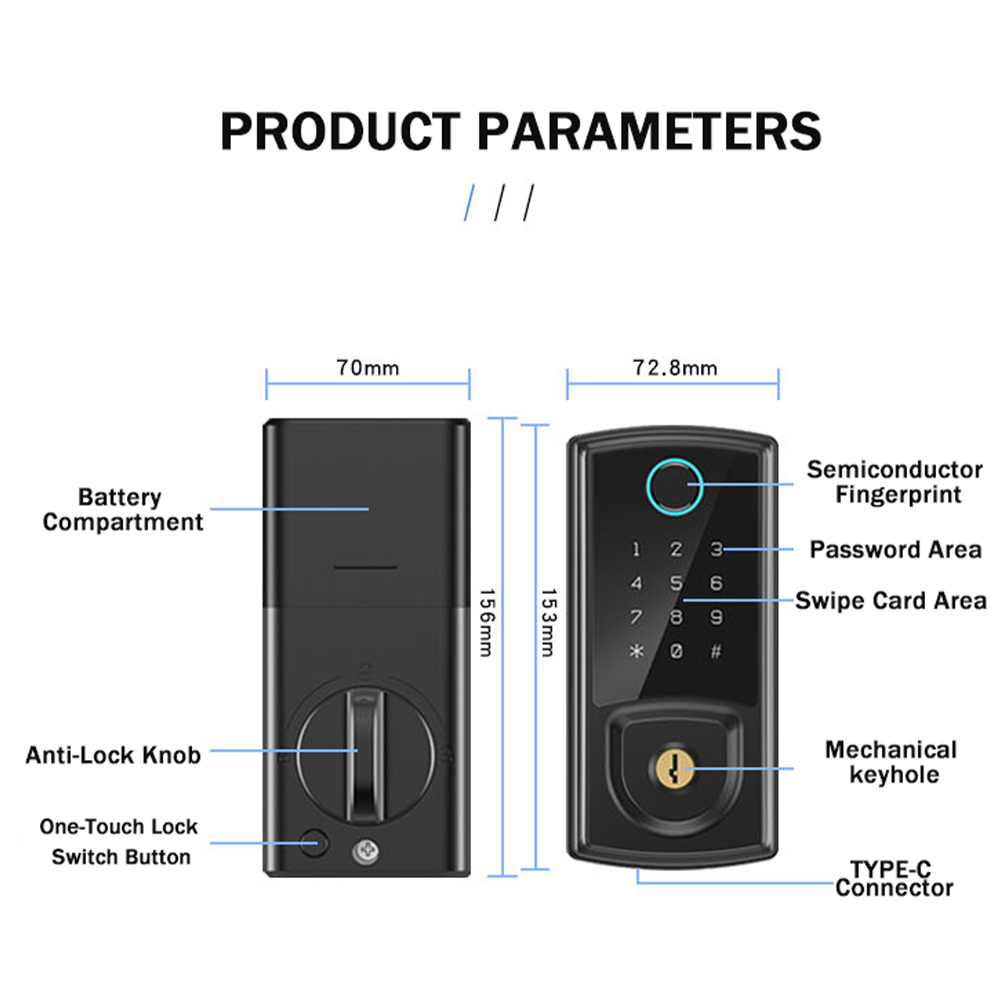
| Door Thickness: | 35-50 mm |
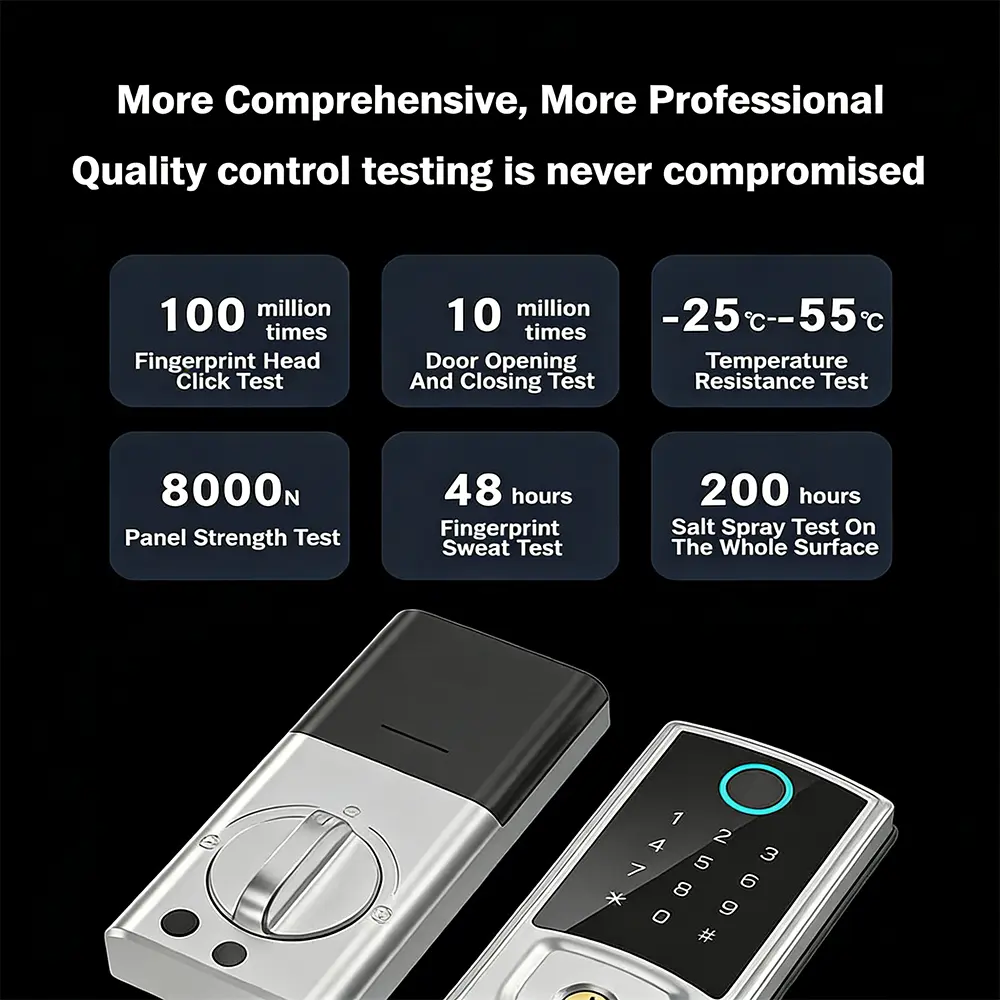
| Operating Temperature Range: | -20°C to 55°C |
| Working Humidity: | ≤90% |
| Static Power Consumption: | Less than 85 microamperes (μA) |
| Dynamic Power Consumption: | Less than 300 milliamperes (mA) |
| Language Menu Management: | Supported |
| Administrator Authentication Method: | Fingerprint / Password |
| Fingerprint Management: | Add and Delete Supported |
| Number of Fingerprint Users: | 100 users |
| Total Number of Password Users: | 100 sets |
| Total Number of Card Users: | 100 sets |
| Door Opening Record Inquiry: | Supported |
| Information Storage Time: | 10 years |
| Power Supply Method: | Four AA (No. 5) batteries |
| Battery Life: | 8-10 months |
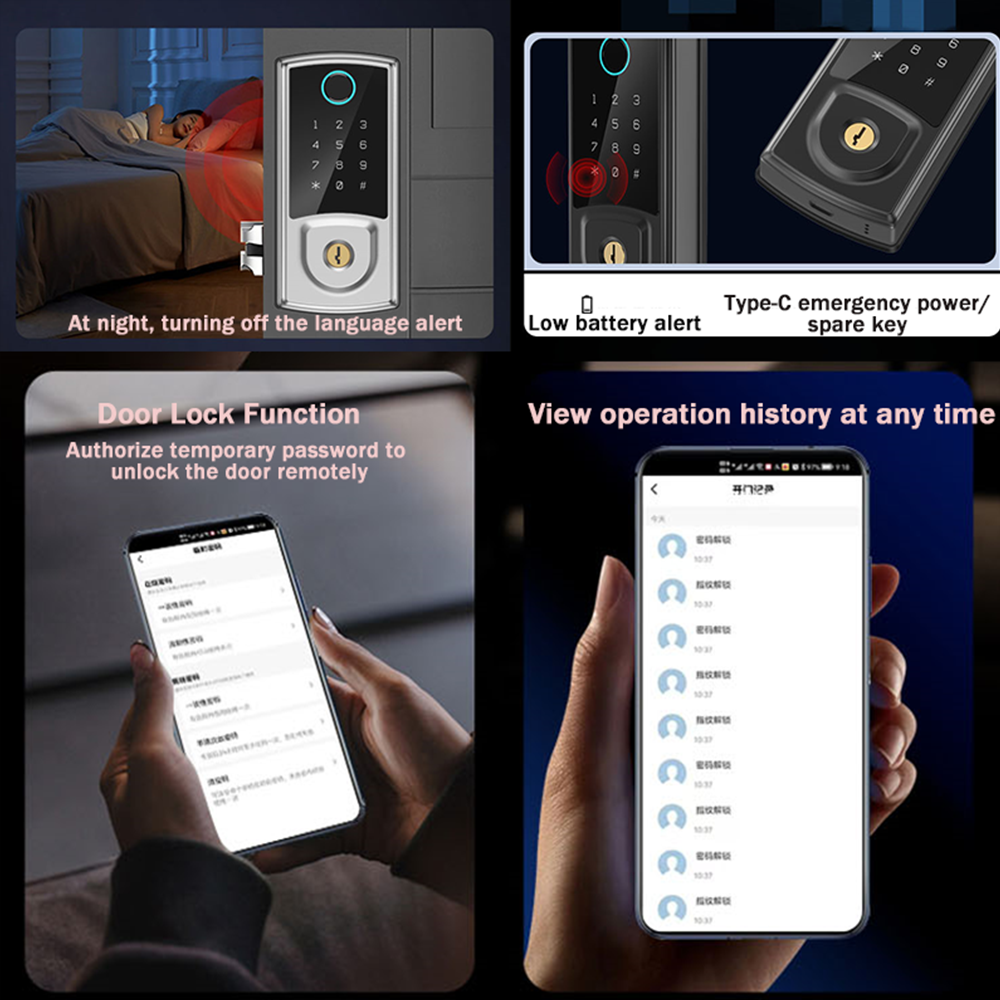
| Low Voltage Alarm: | ≤4.8V |
| External Emergency Power Supply: | Type-C |
| Networking Capability: | Optional (Tuya WiFi IoT Platform) |
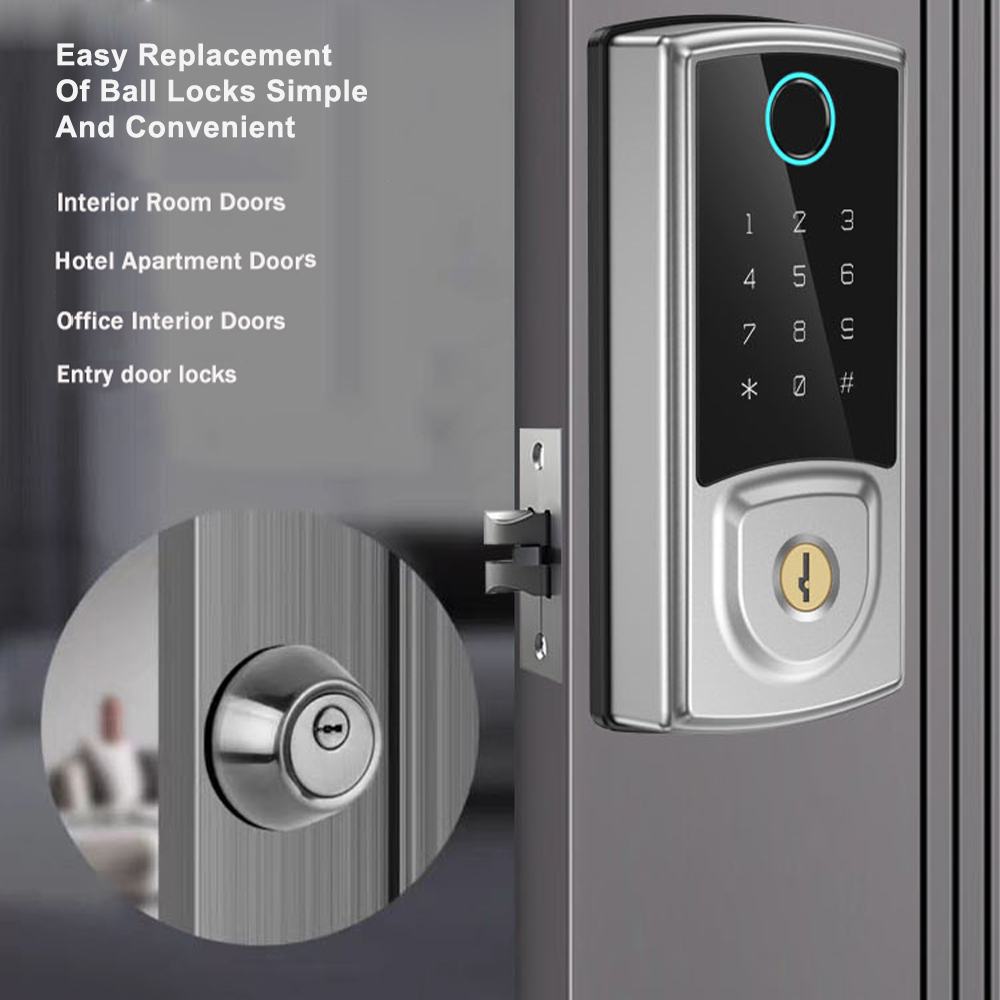
| Compatible Lock Body Types: | Deadbolt lock body |
| Lock Body Material: | 304 Stainless Steel |
| Mechanical Strength Standard: | GA374 |
Key Features
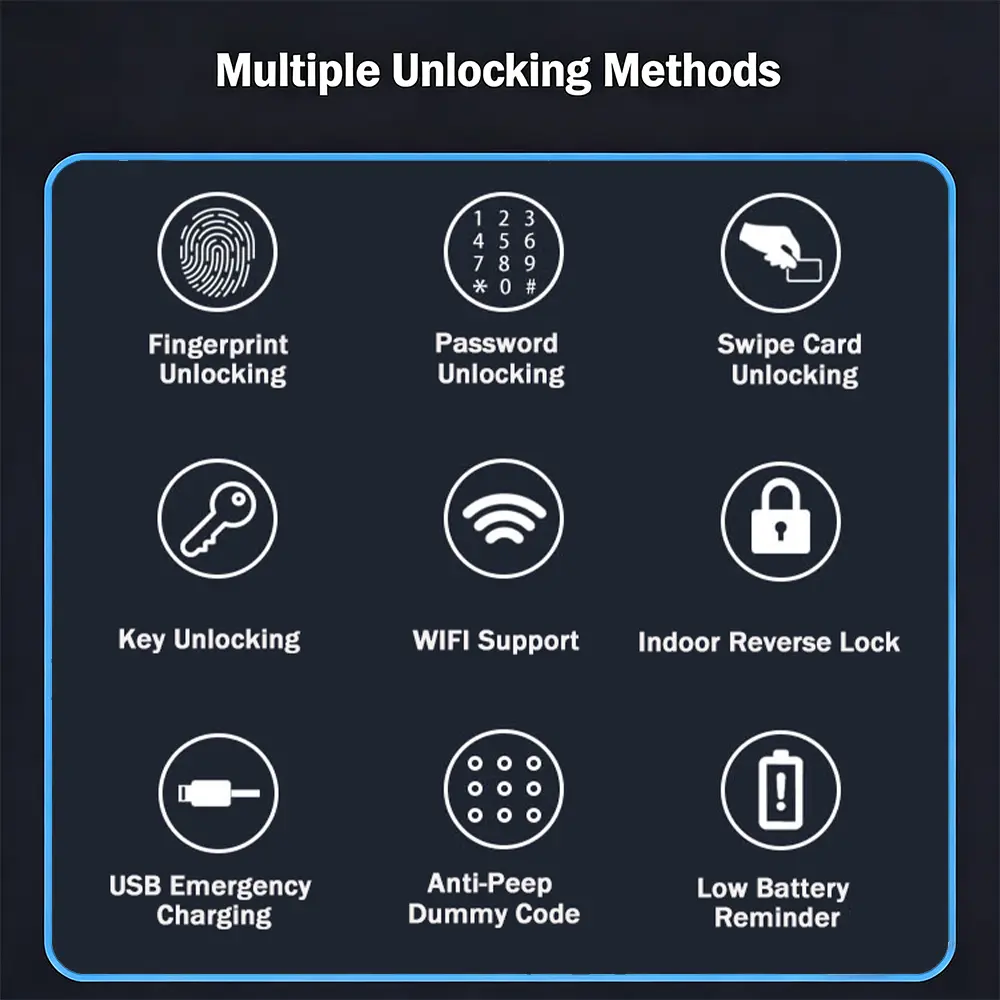
Multiple Methods of Unlocking
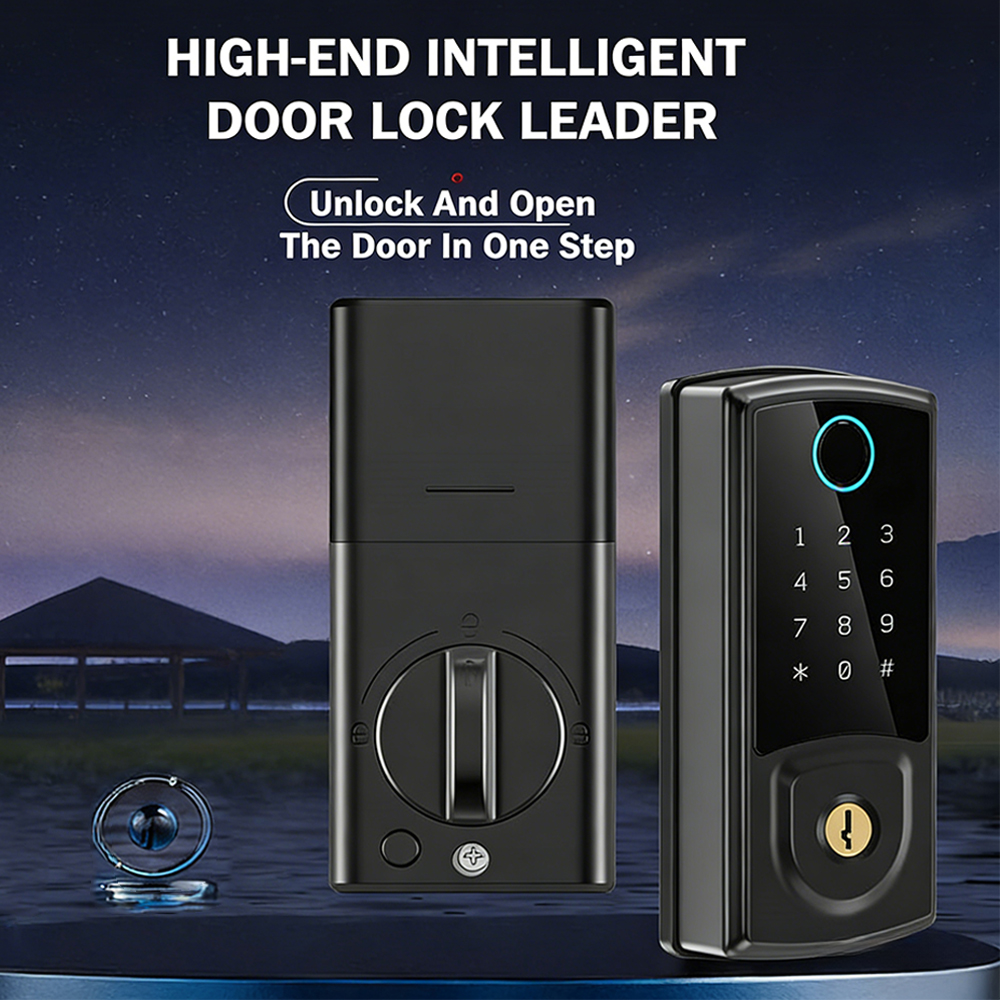
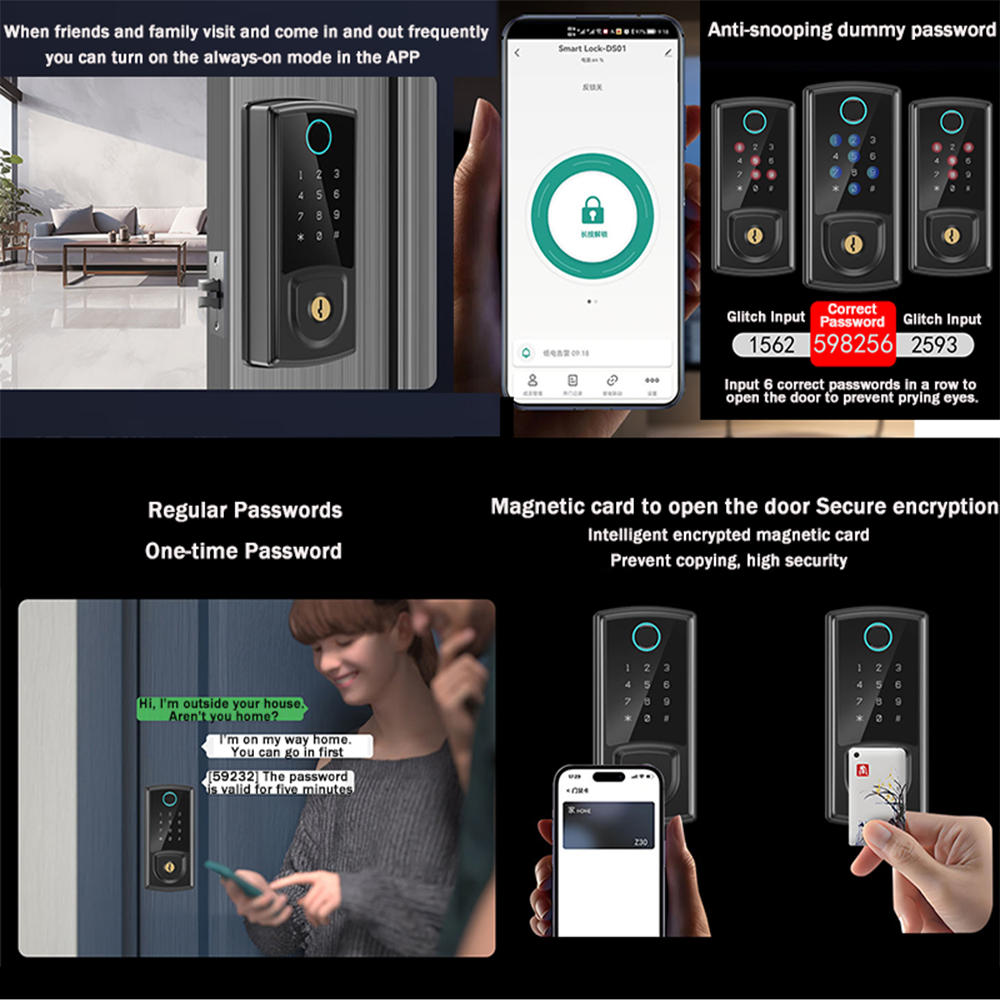
Tuya App, fingerprint, card, and mechanical key unlock. Easy to use for both children and elderly family members. Never worry about forgetting to bring your physical key again.
APP Remote Control
This keyless entry door lock allows you to check visitor records on the Tuya App, showing which visitor unlocked the door and at what time, enhancing home security. When paired with a gateway, the app enables remote unlocking control.
Mechanical Key Unlocking
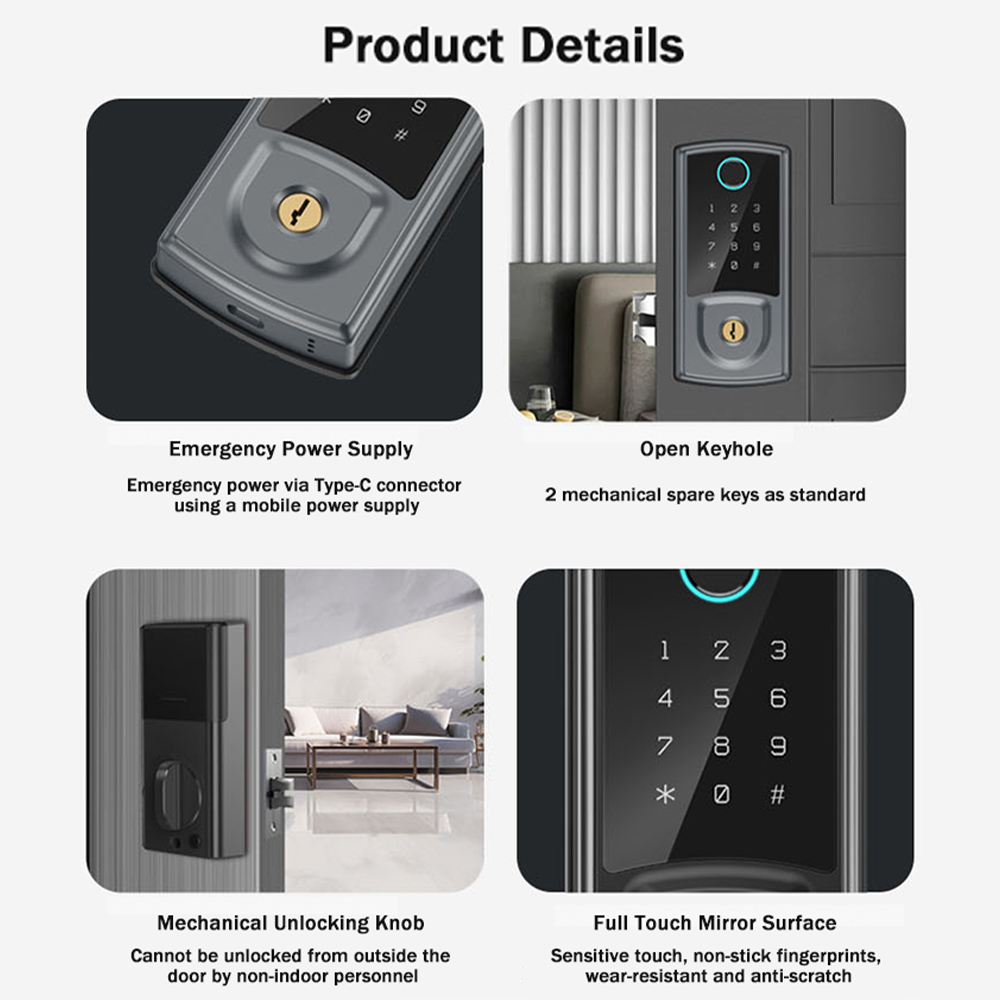
Backup mechanical keys and an external emergency power supply interface (Type-C) can be utilized whenever the lock battery is completely out of power.
Long Battery Life
4 AA batteries (not included) provide up to 5,000 openings (approx. 6 months). Features an upgraded anti-peep sequential code feature that safely unlocks as long as your entry contains the correct continuous sequence.
Main Function Modules
1. App Registration and Login
If you do not have an account, register or log in via SMS verification code. Click "create a new account" to complete registration.
Existing accounts support login via password, verification code, or linked social accounts.
2. Create Homes
Set up your home configuration following registration. Accounts can manage multiple homes and group devices by individual rooms.
Location-based features (e.g., weather) recommend setting geographic information in advance.
3. Add WiFi Lock
On the "My Home" tab, tap the "+" icon, select the WiFi door lock under security sensors, and follow the on-screen connection wizard.
4. Home Page Dashboard
Access remote unlock requests, view alarm messages, manage members, check history logs, and issue temporary passwords.
Remote unlocking allows administrators to directly approve or decline incoming access requests.
5. Dynamic Password
Instantly generate time-sensitive dynamic passwords and easily copy the code directly to your clipboard for sharing.
6. Message Center
Consolidates security alarm notifications, doorbell ring alerts, and anti-hijacking emergency alarms for full audit inquiries.
7. User Management
Add, edit, or remove authorized users. Management privileges are restricted strictly to designated App Administrator accounts.
8. 24/7 Record Log
Comprehensive event log arranged in reverse chronological order. Logs identify registered user names or specific unique unlock IDs.
Troubleshooting Guide
- Reset the smart lock.
- Unlock the door directly using the emergency mechanical key.
- Connect an external 5V power source via the Type-C USB port to power on the lock.
- Unlock the door using the physical backup mechanical key.
- Access the system menu bar to adjust system settings and alert volume as needed.
- Ensure standard high-quality alkaline batteries are installed.
- Check that the lock is aligned and installed properly. Verify if the bolt moves smoothly via the manual toggle switch; if friction exists, disassemble and reinstall the lock.
- Inspect internal components for any moisture or water ingress, as liquid exposure accelerates power drainage.
Detail Images
Send a Message
Frequently Asked Questions (FAQ)
Q1 How can I unlock the door if the batteries completely run out?
In case of power failure, you can plug a standard 5V power bank into the external Type-C emergency port to power the lock instantly, or unlock the door directly using the physical backup Grade C mechanical key.
Q2 How many users and credentials can this smart lock store?
The lock supports up to 100 fingerprint users, 100 numeric passcode sets, and 100 IC card sets, making it suitable for both private residences and rental properties.
Q3 What door thickness is supported for installation?
This smart door lock is compatible with doors with a thickness between 35mm and 50mm, fitting standard deadbolt configurations.
Q4 Can I monitor access records and control the lock remotely?
Yes, via the Tuya App integration. You can review 24/7 unlock history, receive instant security notifications, issue temporary access codes, and perform remote unlocking when paired with an IoT gateway.
Q5 How long does the battery last, and is there an alert before it dies?
With 4 standard AA batteries, the lock provides approximately 8 to 10 months of standard operation (around 5,000 door openings). A low-voltage warning alarm will trigger whenever the battery power drops to ≤4.8V.
Q6 How does the anti-peep sequential code feature work?
The anti-peep feature allows users to enter random numbers before and after their actual passcode. As long as the real password sequence is entered continuously without interruption, the lock will open, preventing bystanders from guessing your code.