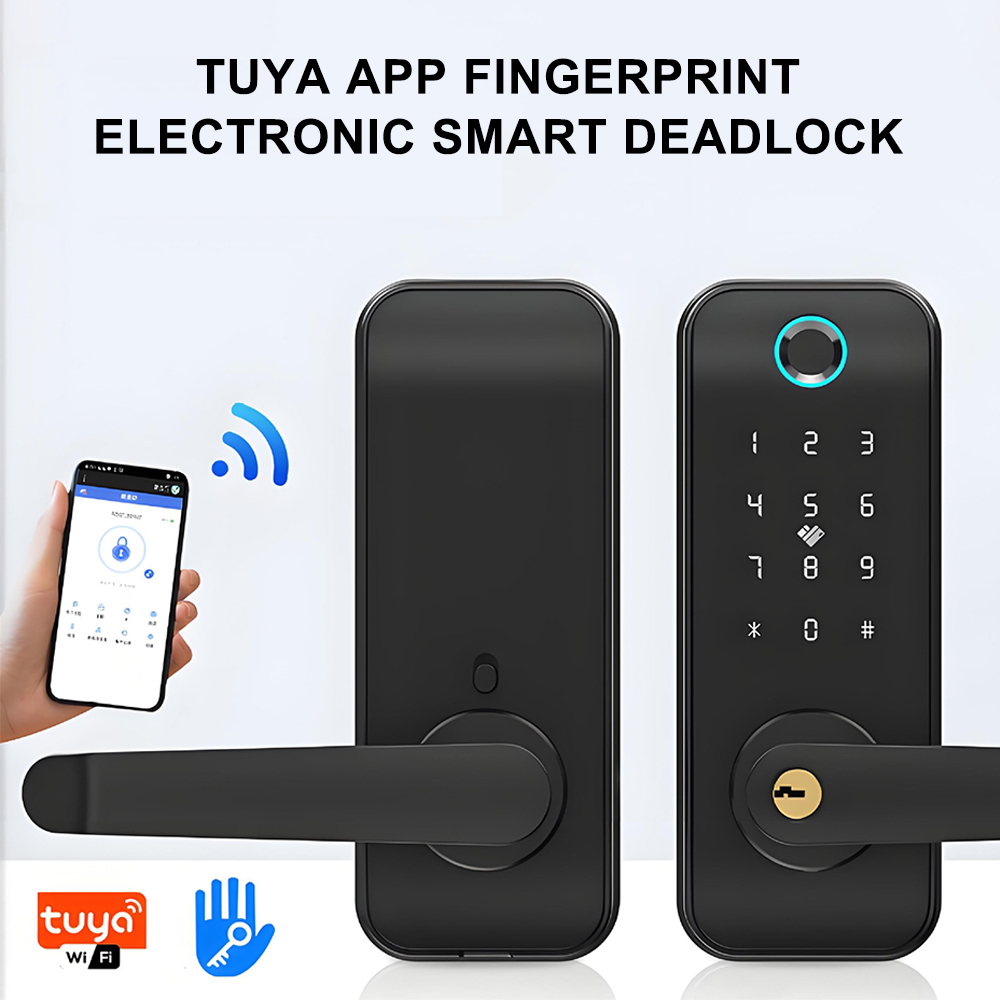
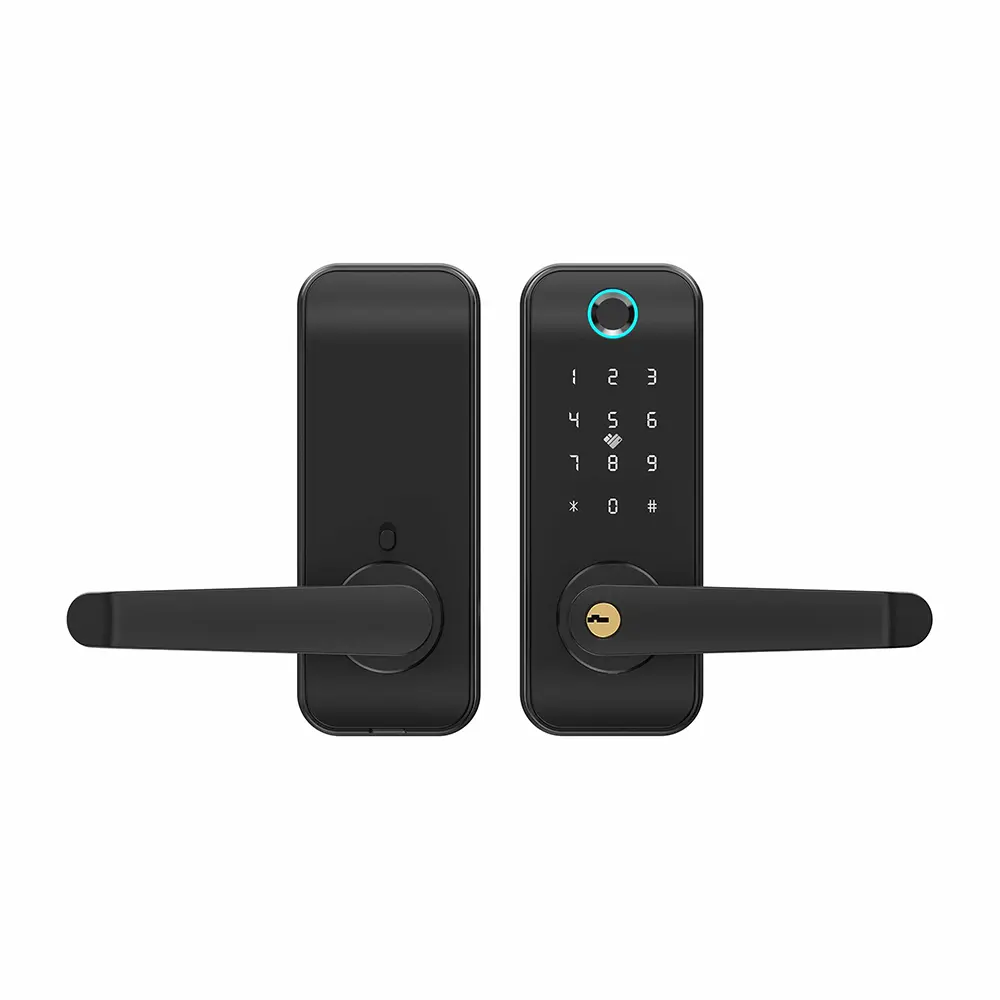
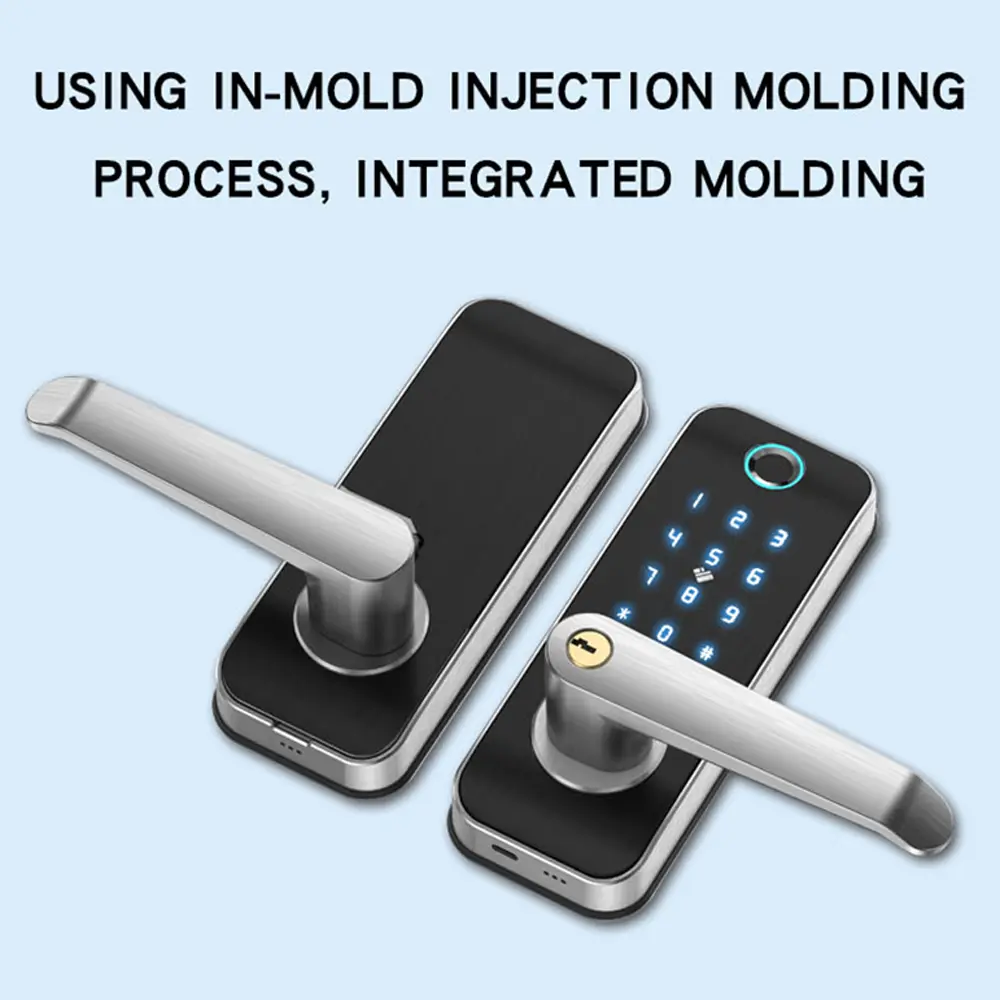
Custom Fingerprint Smart Door Lock Manufacturer, Supplier
Product Description
⚙ Technical Specifications
| Sensor: | Press capacitive fingerprint sensor |
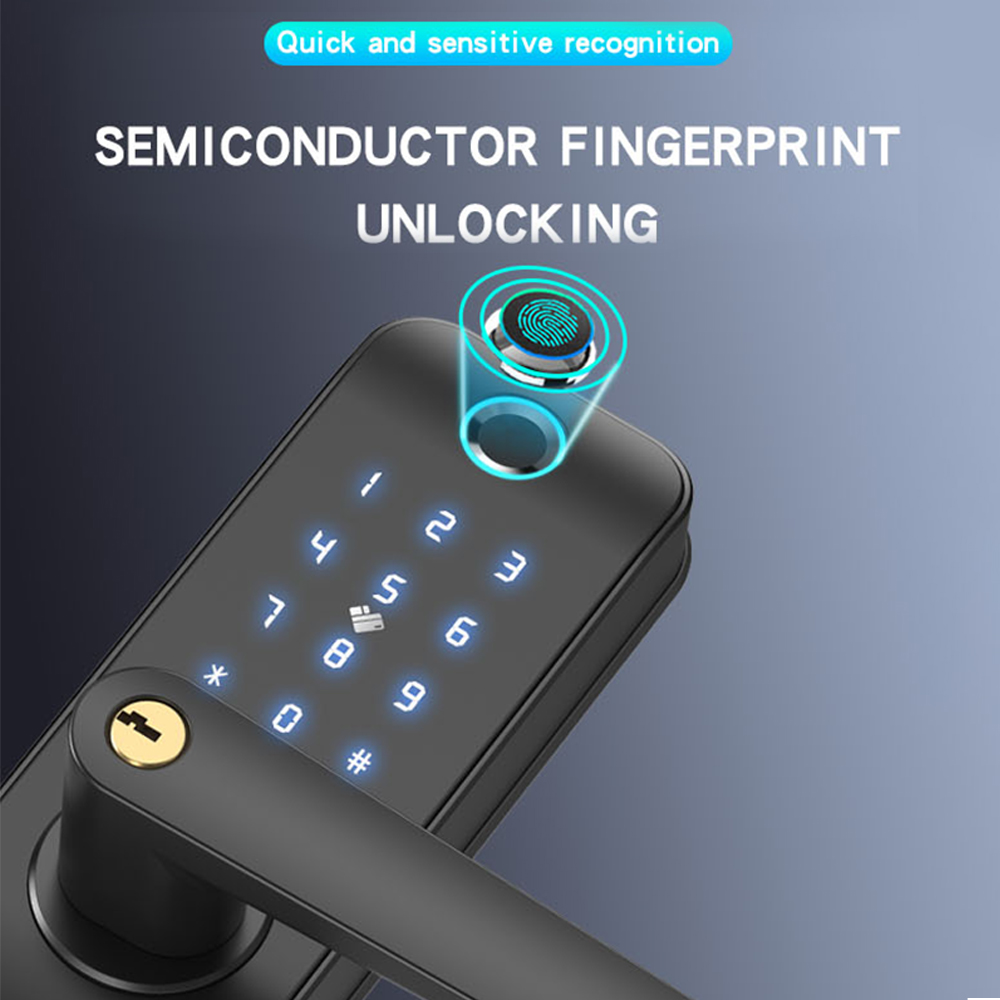
| Resolution: | 508 DPI (Dots Per Inch) |
| False Acceptance Rate (FAR): | ≤ 0.0001% |
| False Rejection Rate (FRR): | < 0.01% |
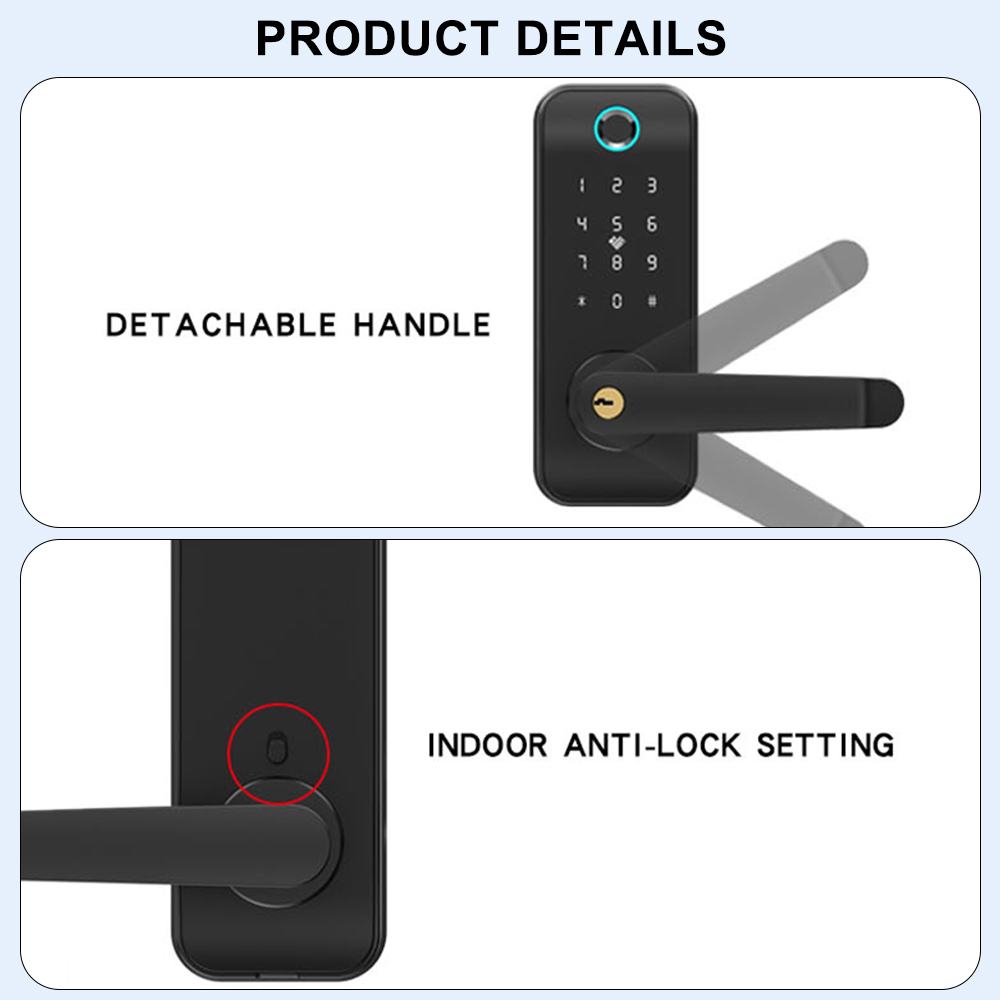
| Anti-lockout Feature: | Electronic Anti-Lock |
| Emergency Mechanical Lock: | Supported |
| Mechanical Key Security Level: | Grade C |
| Door Thickness Compatibility: | 35-60mm |
| Corrosion Resistance: | Level 4 |
| Operating Temperature Range: | -20°C to 55°C |
| Working Humidity: | ≤ 90% RH |
| Static Power Consumption: | < 85 μA |
| Dynamic Power Consumption: | < 300 mA |
| Language Menu Management: | Supported |
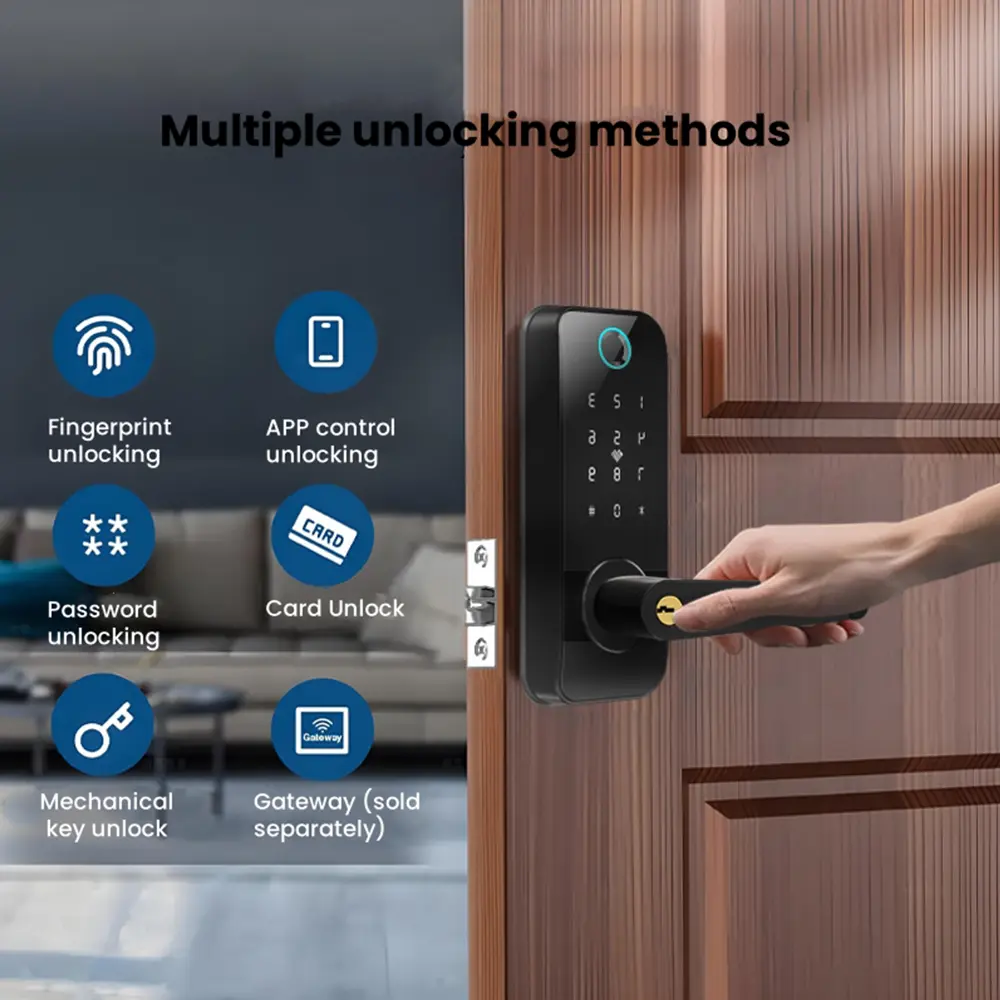
| Administrator Authentication: | Fingerprint / Password |
| Add / Delete Fingerprint: | Supported |
| Fingerprint Capacity: | 100 Users |
| Password Capacity: | 100 Sets |
| Card Capacity: | 100 Sets |
| Door Opening Record Inquiry: | Supported |
| Information Storage Time: | 10 years |
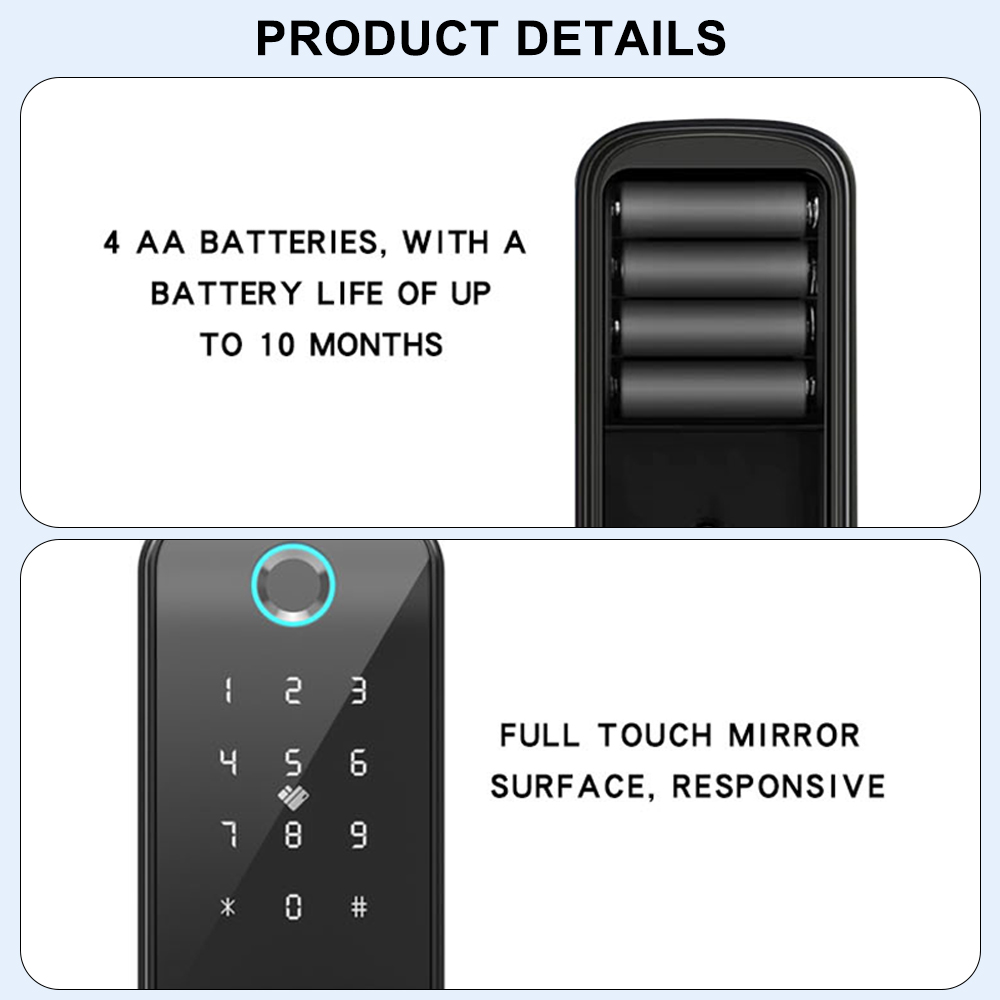
| Power Supply Method: | Four AA (No. 5) batteries |
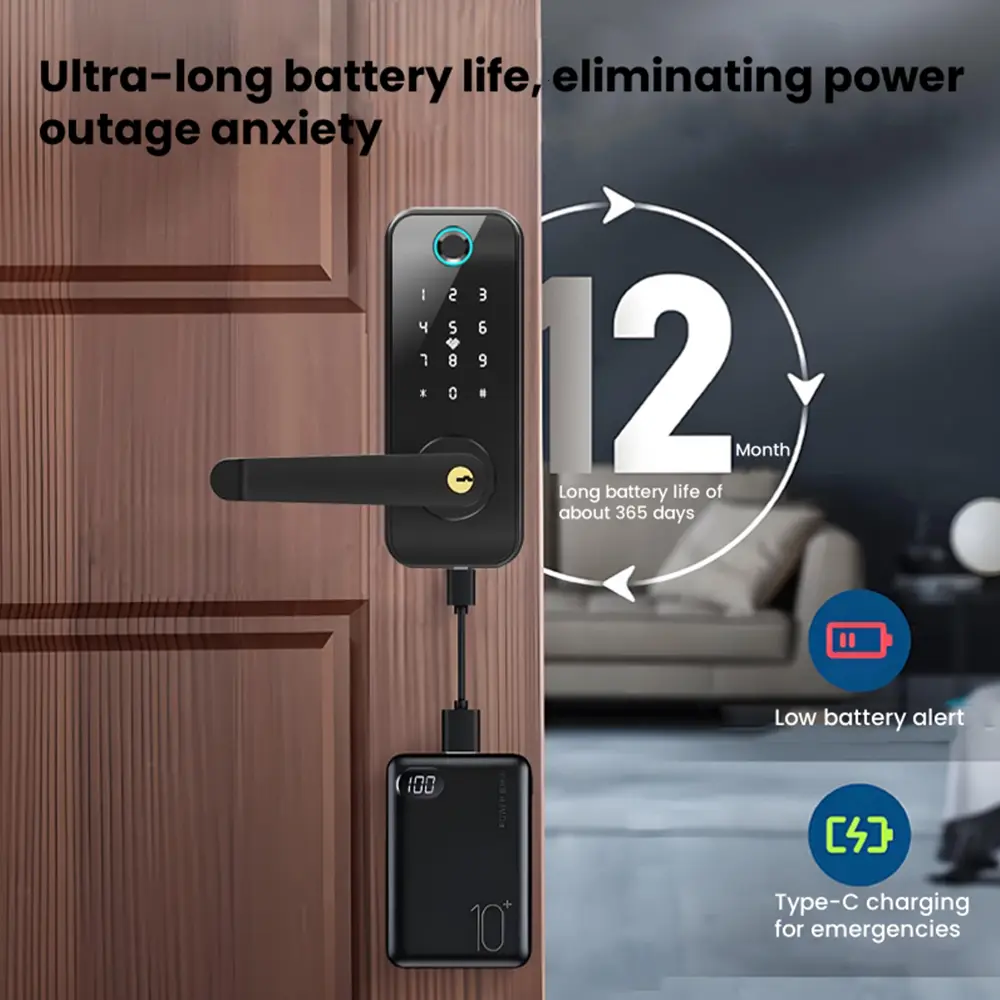
| Battery Life: | 8-10 months |
| Low Voltage Alarm: | ≤ 4.8V |
| External Emergency Power: | Type-C / USB |
| Networking Capability: | Optional (Tuya WiFi Smart IoT Platform) |
| Compatible Lock Body: | Single Tongue lock body |
| Lock Body Material: | 304 Stainless Steel Grade |
| Mechanical Strength: | GA374 Standard |
★ Key Product Features
Doorbell Function
Touch the doorbell button on the panel with your finger, and the integrated smart lock will ring the doorbell immediately.
Factory Reset
Press and hold the SET button on the back panel. The voice prompt confirms resetting: press # to confirm or * to cancel. In the factory state, any fingerprint, password, or card can unlock.
Low Battery Alert
When the system battery level drops below 25%, a voice alert prompts replacement. The device allows roughly 50 more unlocks, providing ample time to replace batteries.
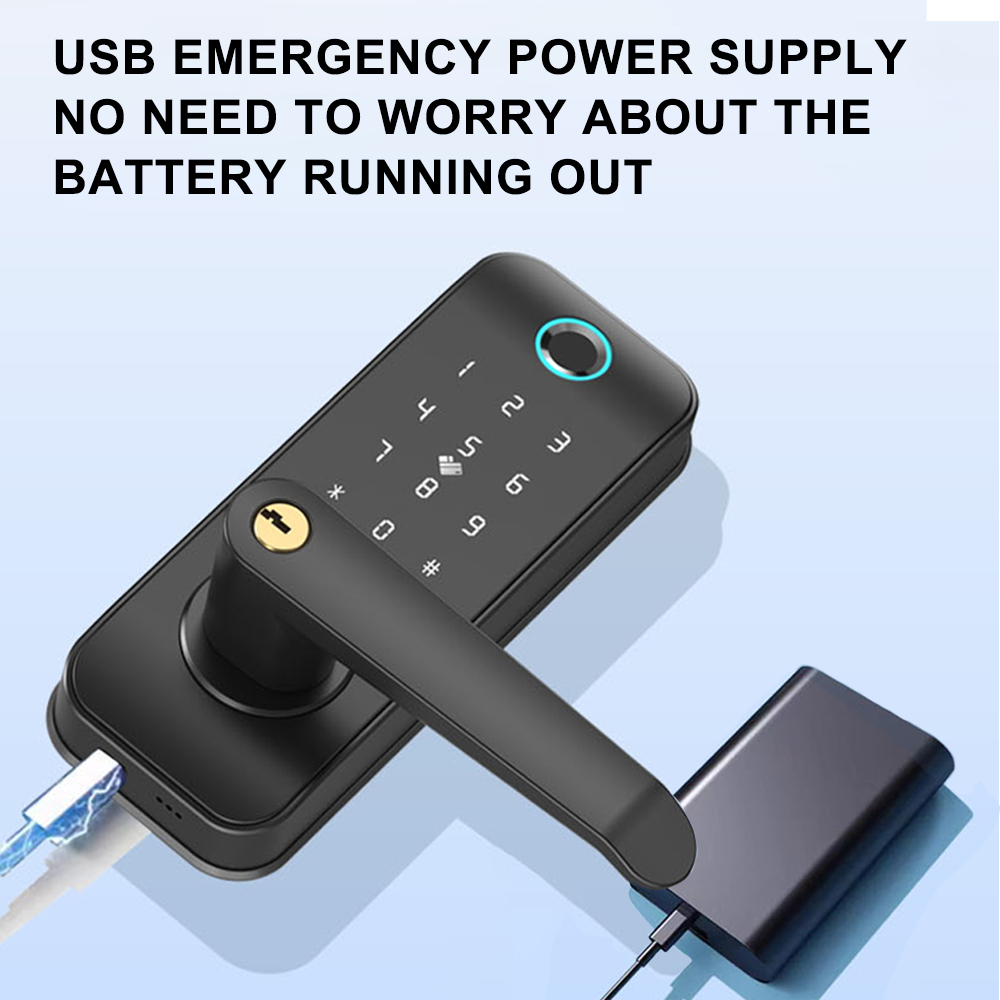
External USB Emergency Power
If power is exhausted, connect a power bank to the emergency USB/Type-C port on the front lock body. Power is supplied within 30 seconds for quick access.
Illegal User Alarm
Entering an incorrect fingerprint, code, or card 5 times triggers an alarm and locks out that specific method for 5 minutes. Alternative verified methods remain available.
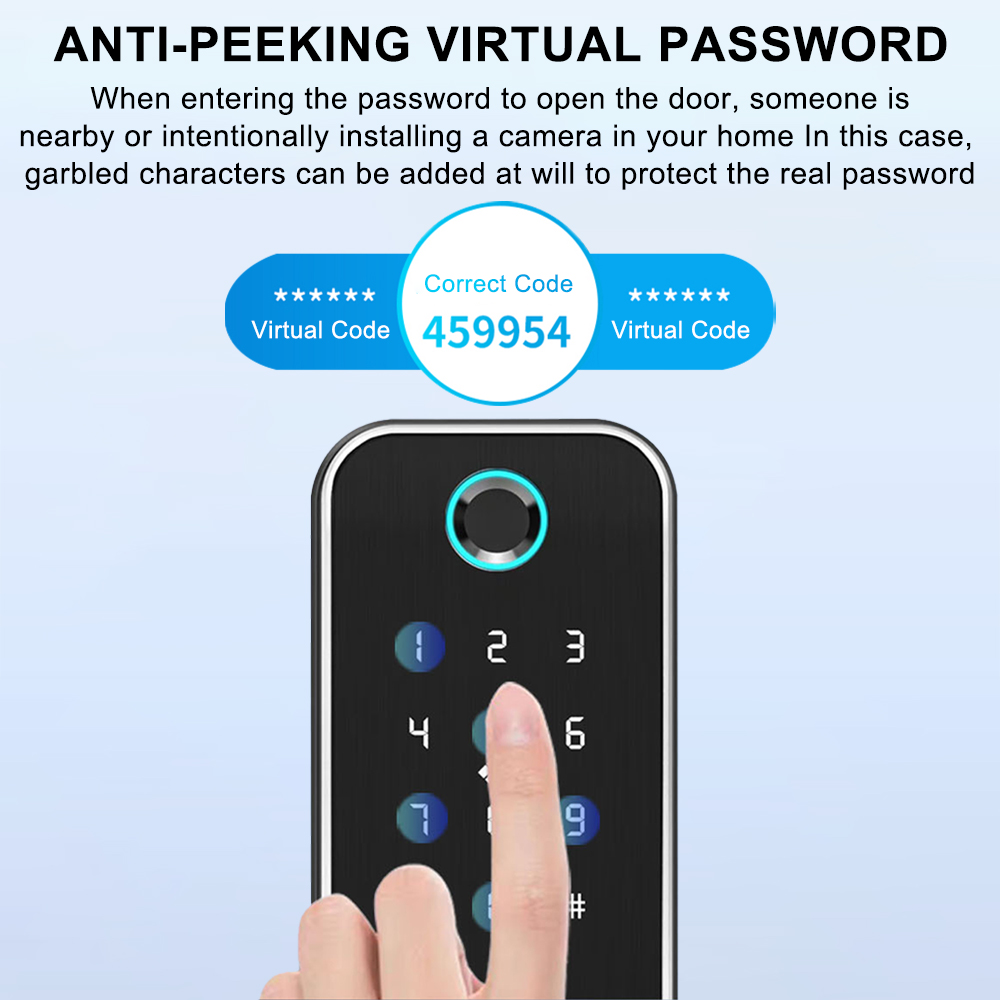
Virtual Anti-Peeping Password
Prevent password leakage by entering random digits before and after the actual passcode (up to 32 digits total), followed by # to confirm authentication.
📝 User Setting & Recording Instructions
Preliminary Work & First Use
Initial Setup: Insert fully charged batteries into the compartment, close the cover, and allow the system to enter standby mode.
First Use: Press the * key, then the # key. Follow the voice prompt to enter administrator details (Initial default passcode: 123456) and press # to confirm.
Adding Users
Add Administrator: Follow voice prompt "1 Add user", then select "1 Add administrator". The first registered user must be an administrator (Fingerprint or Password only; cards are not supported for admin roles).
Add Ordinary User: Voice prompt "1 Add user", then press "2 Add ordinary user". Follow voice instructions to enroll fingerprints, passwords, or cards.
Enrollment Steps
1. Add Fingerprint: Place finger on sensor when prompted. Repeat 6 times continuously until the voice confirms successful registration with an assigned number.
2. Add Password: Enter a 6-digit password and press #. Re-enter the same passcode and press # to confirm.
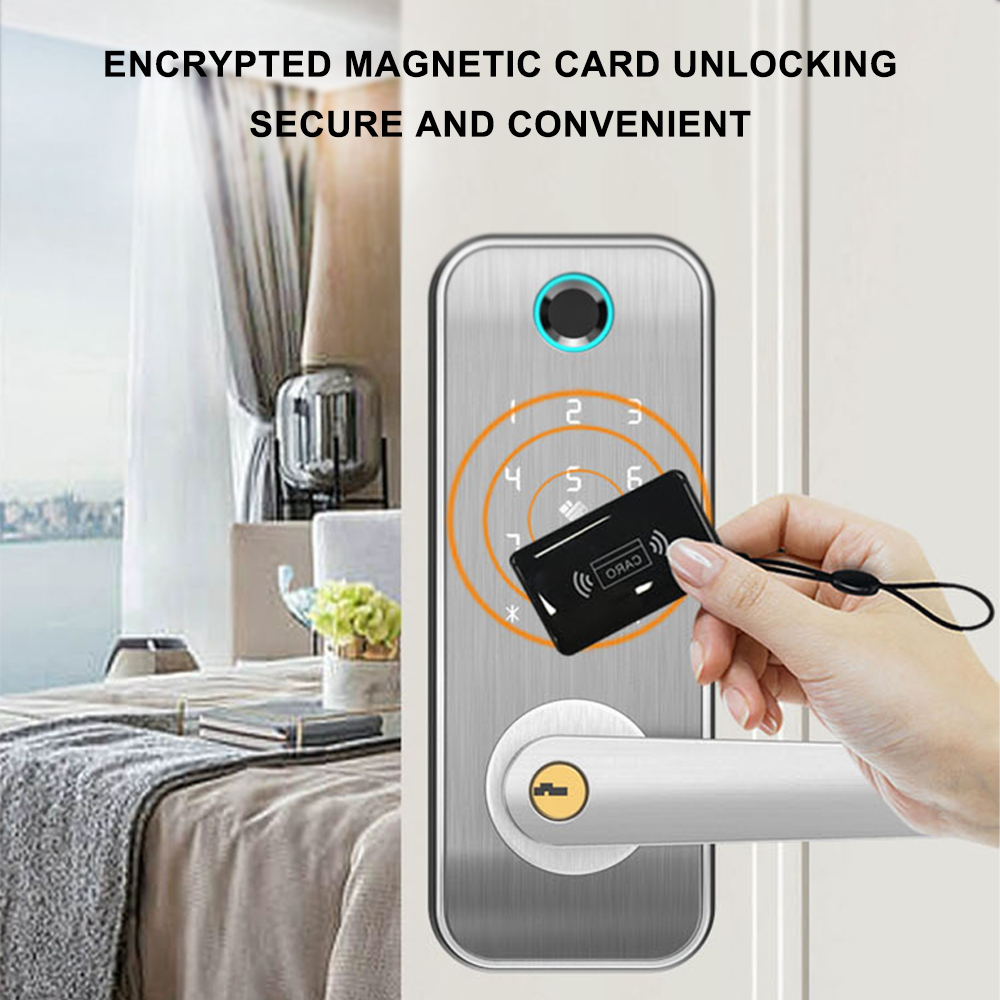
3. Add Card: Hold the IC card close to the sensor area; the system automatically registers the credentials.
Deleting Users
Number Deletion: Unlock using the credential to query, press "5" to hear the assigned user number, and proceed with removal.
All Deletion: Use voice navigation to delete all registered users (admin and ordinary users). Use with caution.
Deleting Administrator: Reset administrator credentials back to 123456. Set a new administrator promptly before standard users can be managed.
⚒ System Settings
Voice Mode / Silent Mode
Voice Mode enables audio cues during daily usage. Silent Mode mutes operational audio, while retaining voice navigation when accessing the setup menu.
Time Setting
Access the time menu via voice guide and input year-month-day-hour-minute in sequence (Format: YY-MM-DD-HH-MM, e.g., 20-06-25-14-32).
Unlock Modes
Normal Open Mode: Free handle passage without authentication; entering valid credentials cancels this mode.
Single Open Mode: Requires any single verified credential to unlock.
Double Open Mode: High-security dual verification requiring two different sets of credentials for entry.
📷 Product Gallery