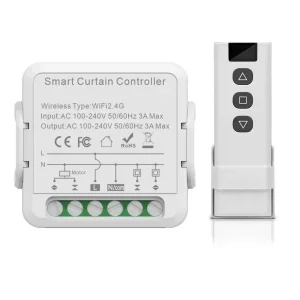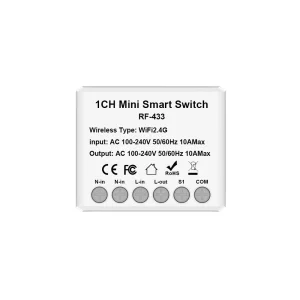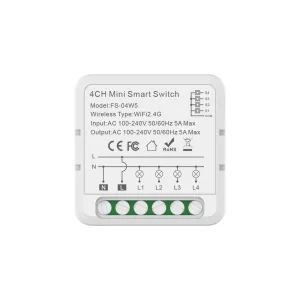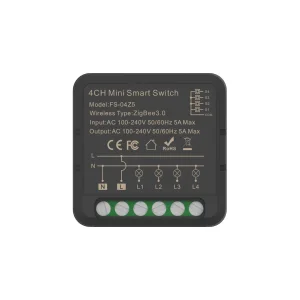
ODM Wifi Smart Wall Switch Manufacturer, Factory
Product Description
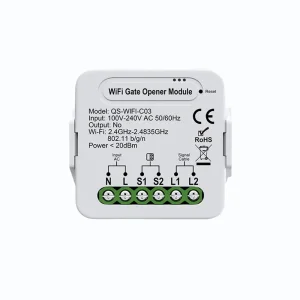
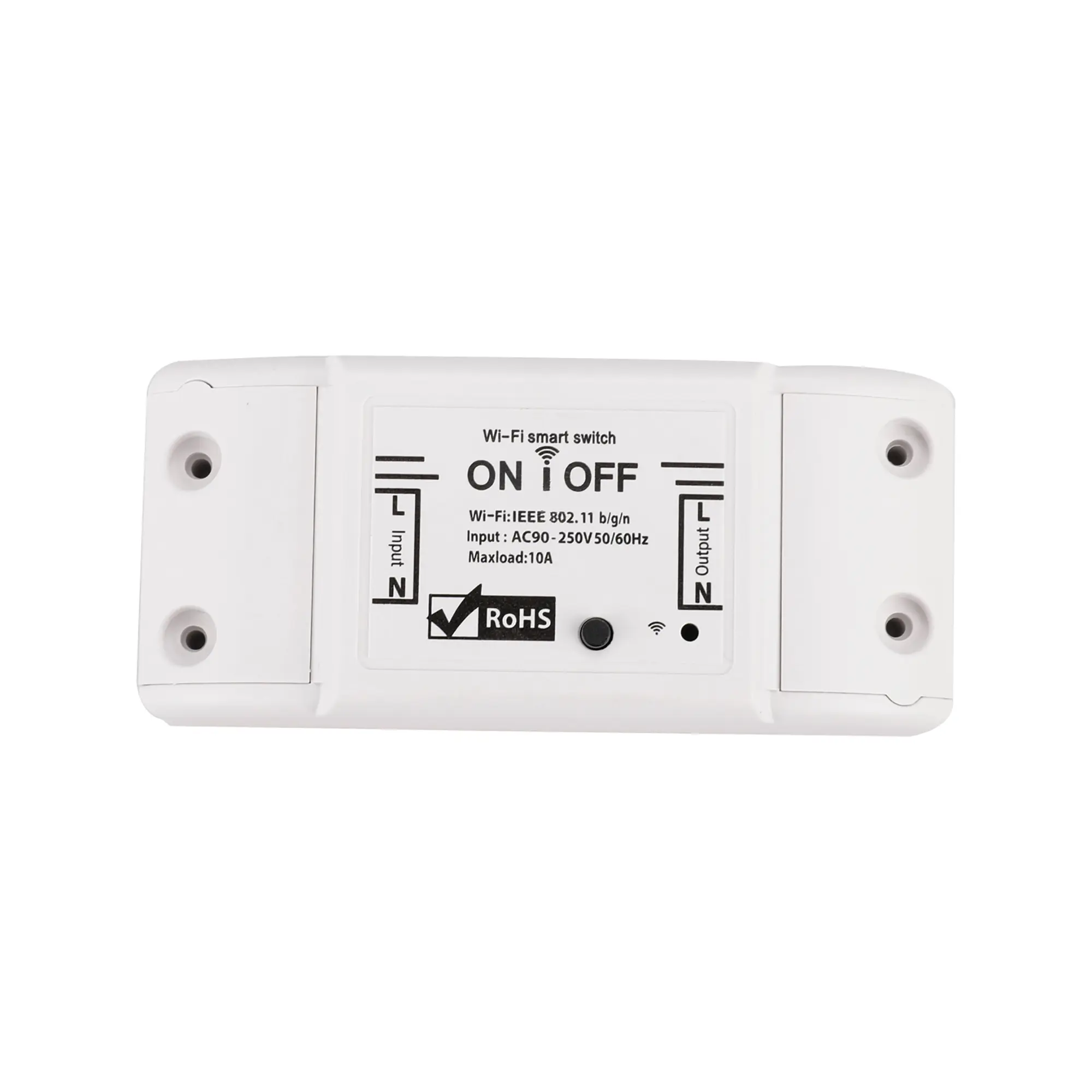
Basic Information
| Voltage | 100-240VAC 50/60Hz |
| Max. Current | 10A / 16A |
| Standby Power | <0.5W |
| Wireless Standard | WIFI 2.4GHz IEEE 802.11 b/g/n or ZIGBEE |
| App Support | Tuya Smart / Smart Life |
| Dimension | 88*39*23mm |
| Casing Material | PC V0 (Flame Retardant) |
| Operating Systems | Android & iOS |
| Applicable Place | Indoor |
| Working Temperature | -20 ~ 50 °C |
| Lifetime | 100,000 times |
| Energy Monitor Function | Optional |
Key Selling Points & Features
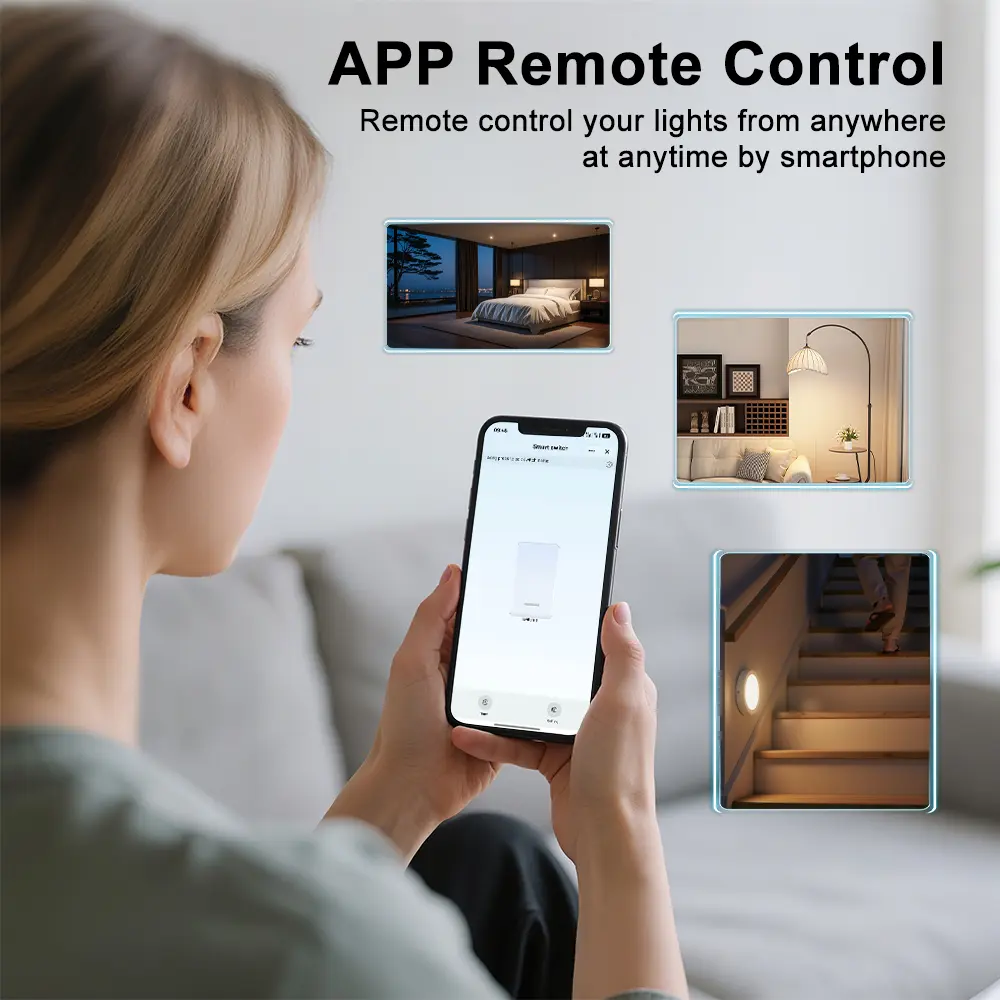
App Remote Control
The smart WiFi switch helps you check the status of your home appliances via the Smart Life app anytime & anywhere. With a simple tap on your smartphone or tablet, control connected devices on/off directly from your office, coffee shop, or restaurant when away from home.
Share Control of Devices
Easily share control of your household appliances with family members through the Smart Life app, allowing them to turn devices on or off remotely. Its intuitive control interface makes smart living accessible and enjoyable for both children and the elderly.
Away Mode & Random Timing
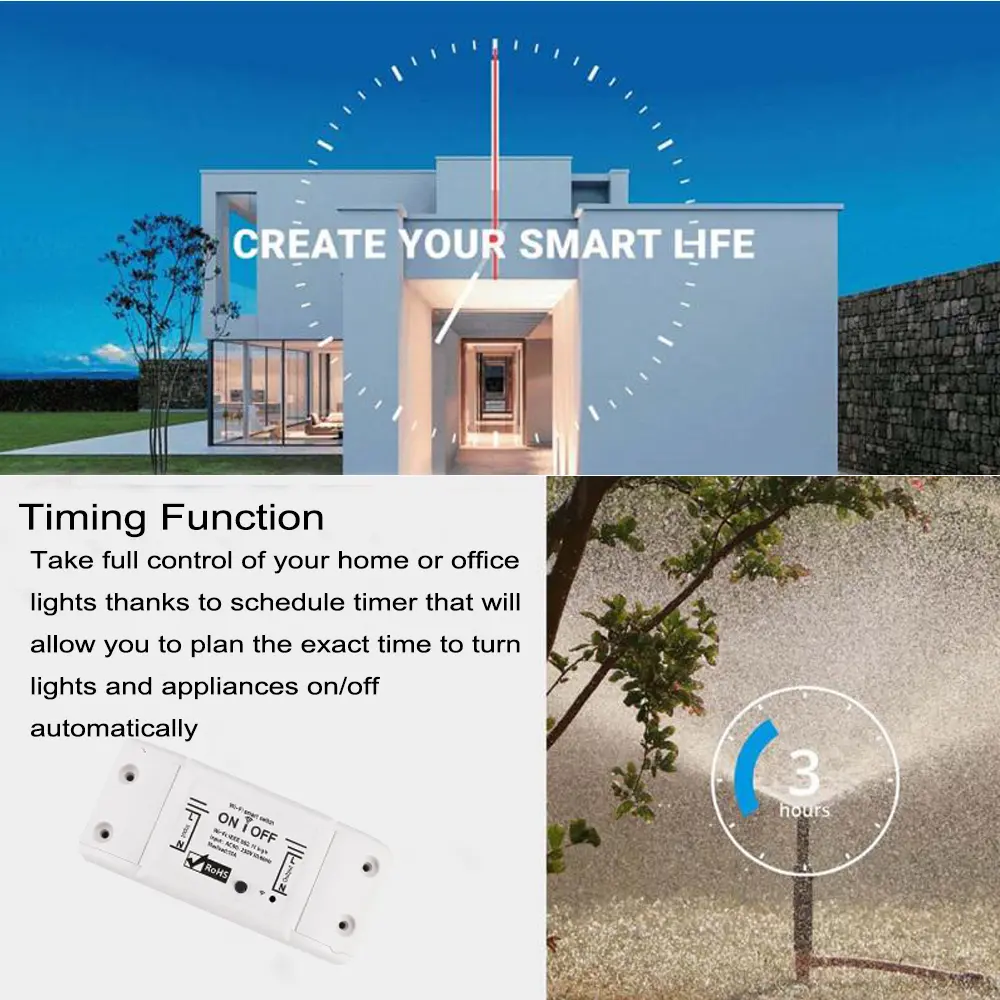
Keep your home secure during vacations or business trips. Connect lights to the smart switch to randomly turn illumination on and off, simulating occupancy to deter intruders. It can also manage routine tasks like cycling aquarium lights or scheduled plant care, ensuring everything remains normal when you return.
One APP for All
All Tuya Smart compatible devices integrate seamlessly with the Smart Life App. Centralize and control your entire ecosystem effortlessly from a single application on Android and iOS mobile platforms.
Energy and Cost Saving
Supports granular electricity consumption statistics. Review historical daily and monthly energy usage via the dashboard to optimize operation schedules. The smart breaker actively shuts off the load power supply upon detecting abnormal current or voltage to maintain electrical safety.
No Hub Required
The module connects directly to your standard 2.4GHz Wi-Fi router without requiring any external bridge or expensive proprietary hub (Note: 5.0 GHz Wi-Fi is not supported).
Troubleshooting Guide
- Power on the device, turn it off after 10 seconds, and then power it on again.
- Press and hold the reset button for 5 seconds.
- Confirm that the indicator light is now rapidly flashing.
- Power on the device, turn it off after 10 seconds, and then power it on again.
- Press and hold the reset button for 5 seconds.
- Confirm that the indicator light is rapidly flashing.
- Hold the reset button again for 5 seconds until the indicator light transitions to a slow flash.
Detail Images


Send a Message
Frequently Asked Questions
No, the switch functions directly with standard 2.4GHz Wi-Fi routers without the need for an extra dedicated hub or gateway (5.0 GHz Wi-Fi is not supported).
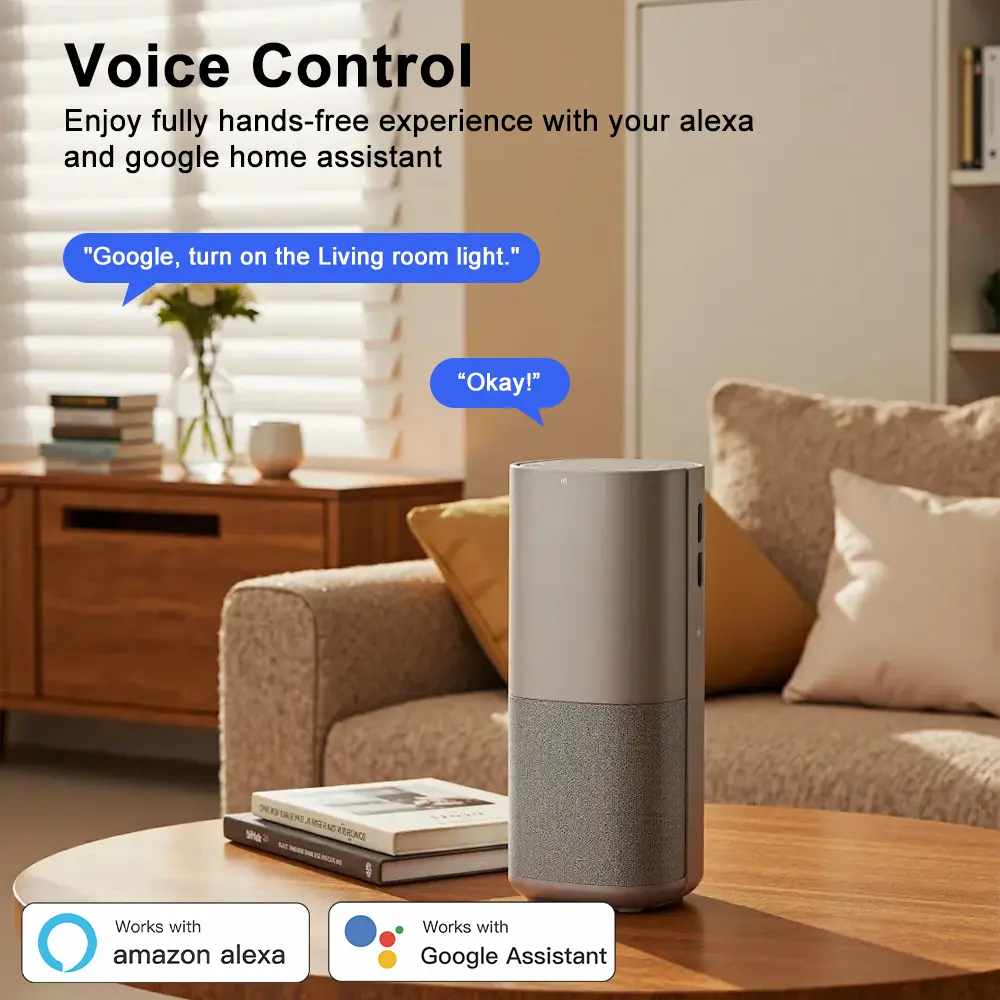
The switch is fully compatible with Tuya Smart and Smart Life apps, available across both Android and iOS devices.
Yes, device access can be shared with multiple family members via the Smart Life App, enabling remote control capabilities for all authorized users.
Away Mode allows the smart switch to turn connected lights on and off at randomized intervals while you are away, simulating an occupied home to deter potential intruders.
The energy monitor function is optional. When equipped, it tracks daily and monthly power statistics and can automatically cut off the load power supply upon detecting abnormal voltage or current.
Newly configured devices typically require about 1 minute to establish connection with your Wi-Fi router and cloud servers. LED flash patterns can be referenced to verify proper network sync.