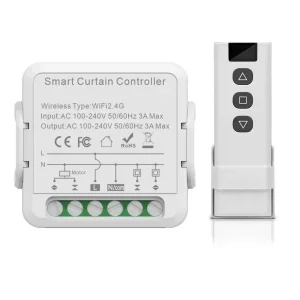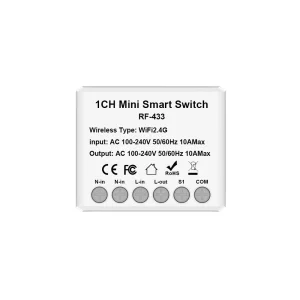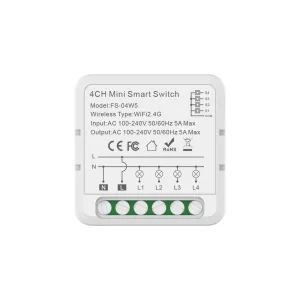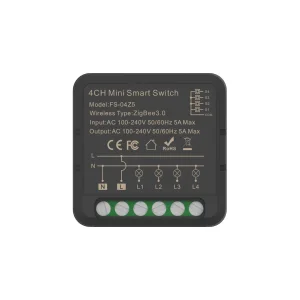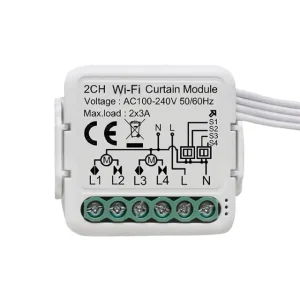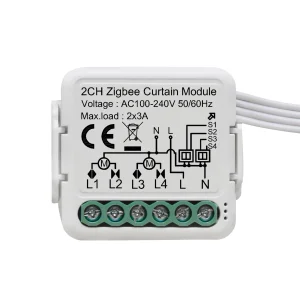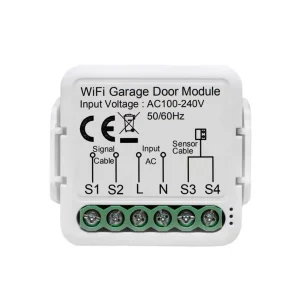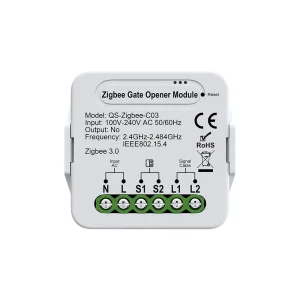
Custom WIFI Garage Door Switch Factories, Factory
Product Description
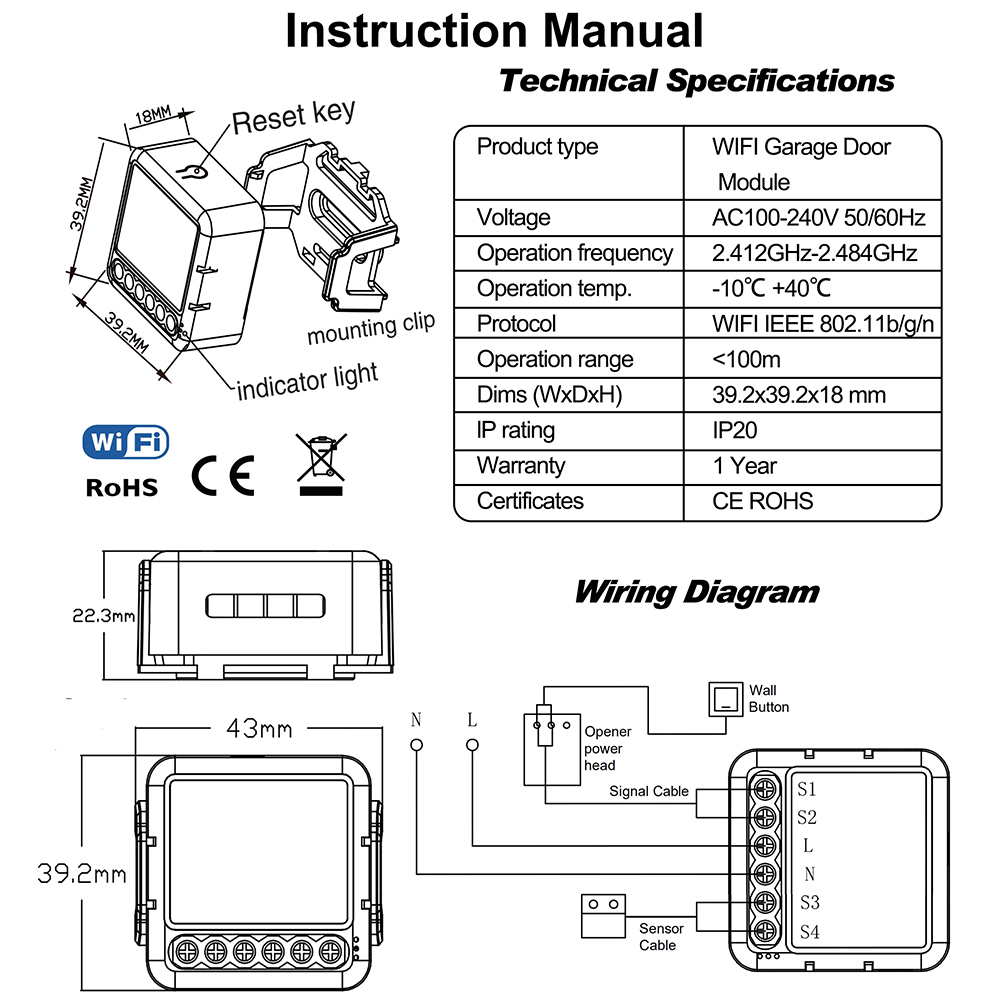
Basic Information
| Voltage | AC100-240V 50/60MHz |
| Operation Frequency | 2.4G |
| Operation Temp | -10℃ ~ +40℃ |
| Operation Range | <100m |
| Dimensions (W×D×H) | 39.2 x 39.2 x 18 mm |
| App | Smart Life, TuyaSmart |
Key Selling Points & Features
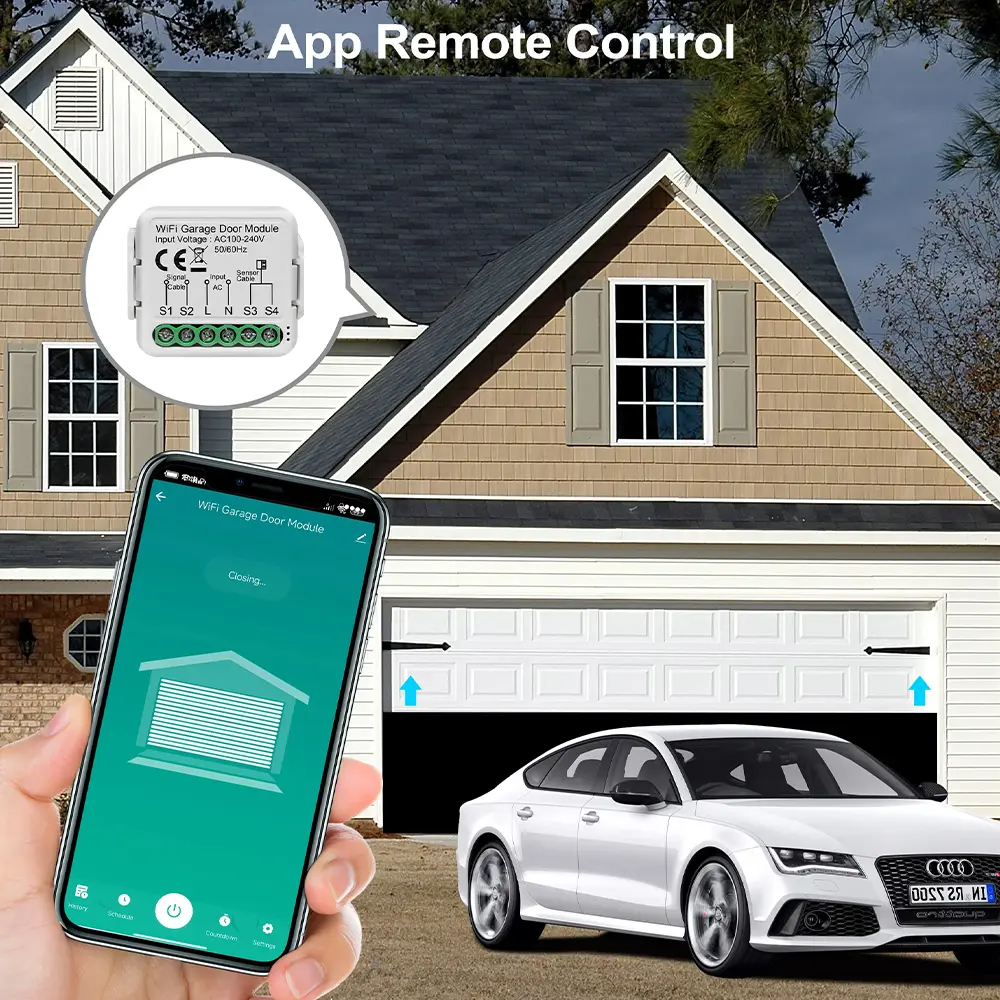
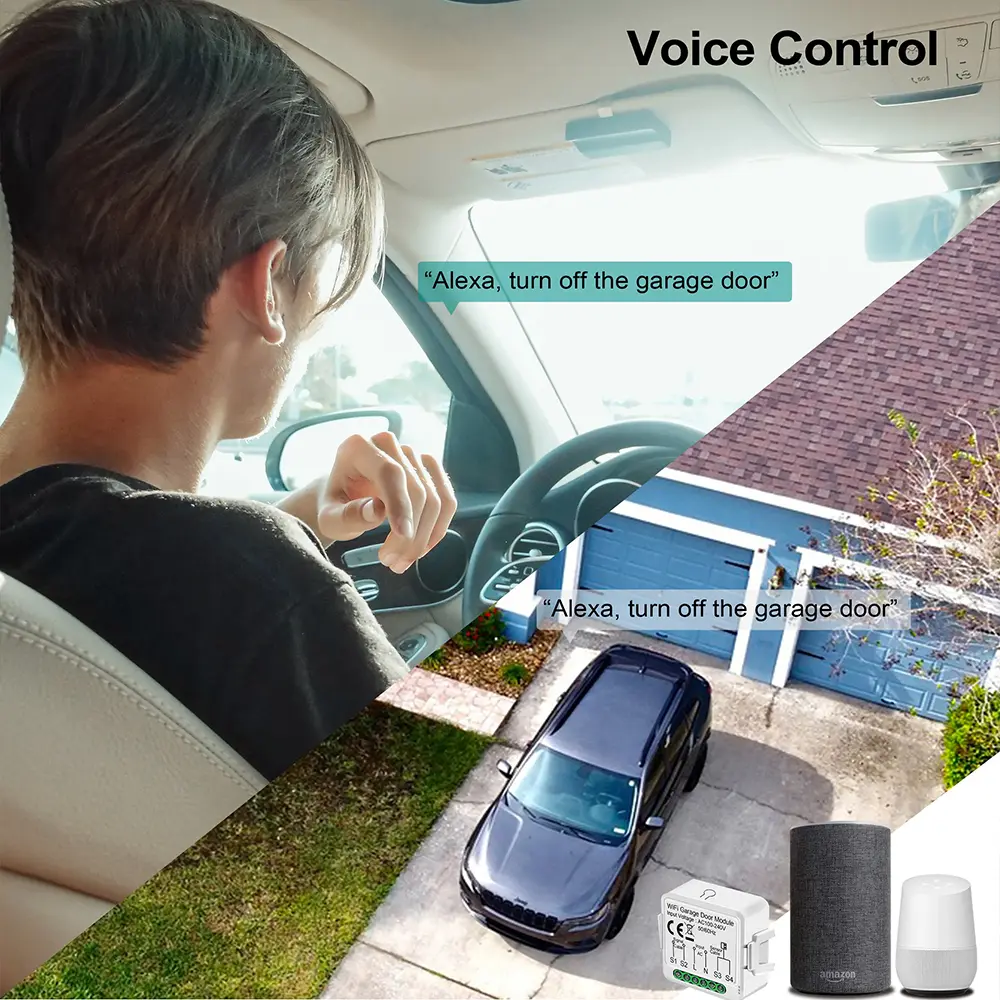
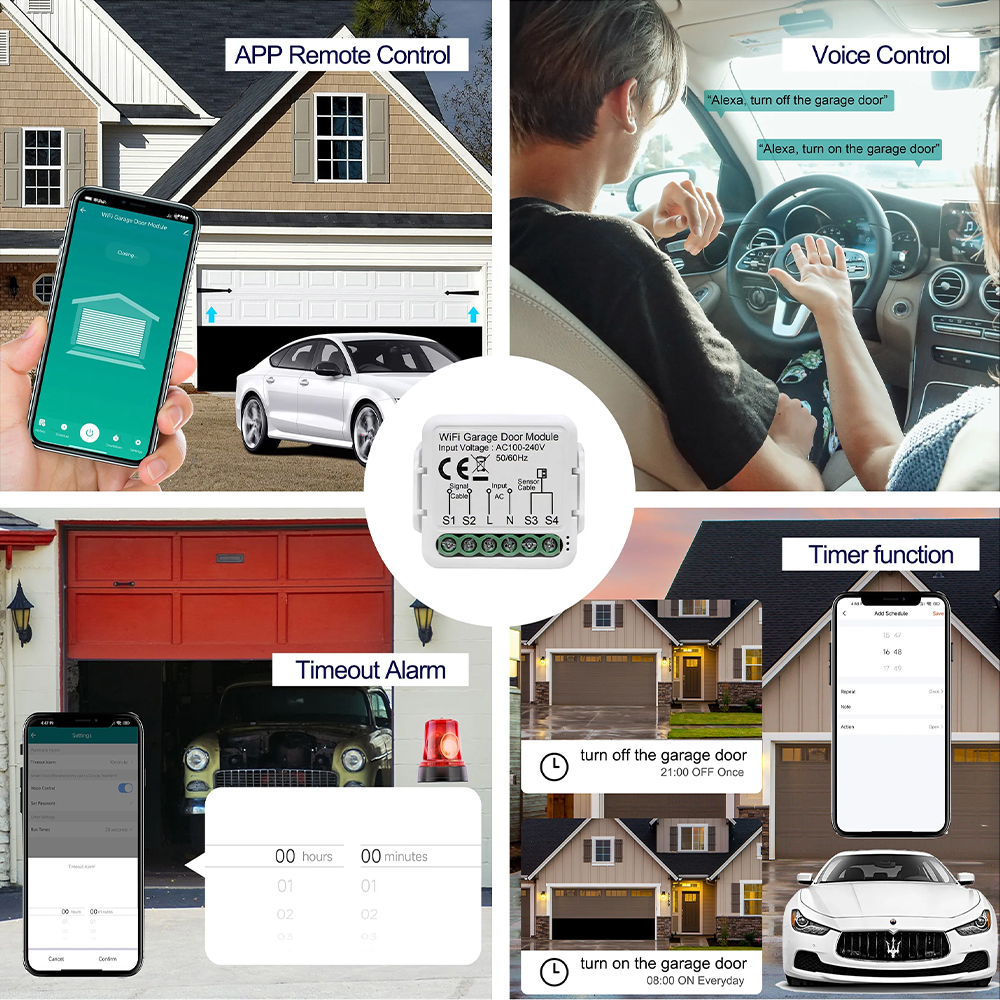
Use the Tuya / Smart Life app or voice commands (Alexa, Google Assistant) to open/close your garage door from anywhere.
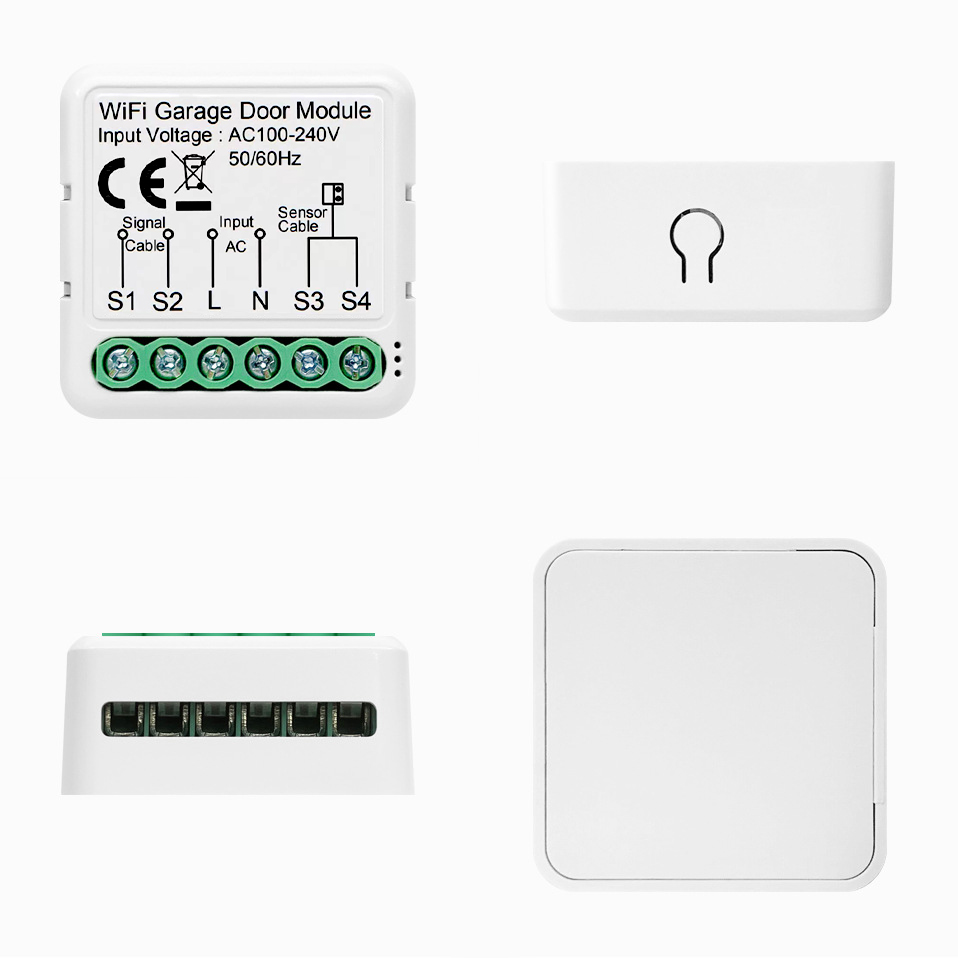
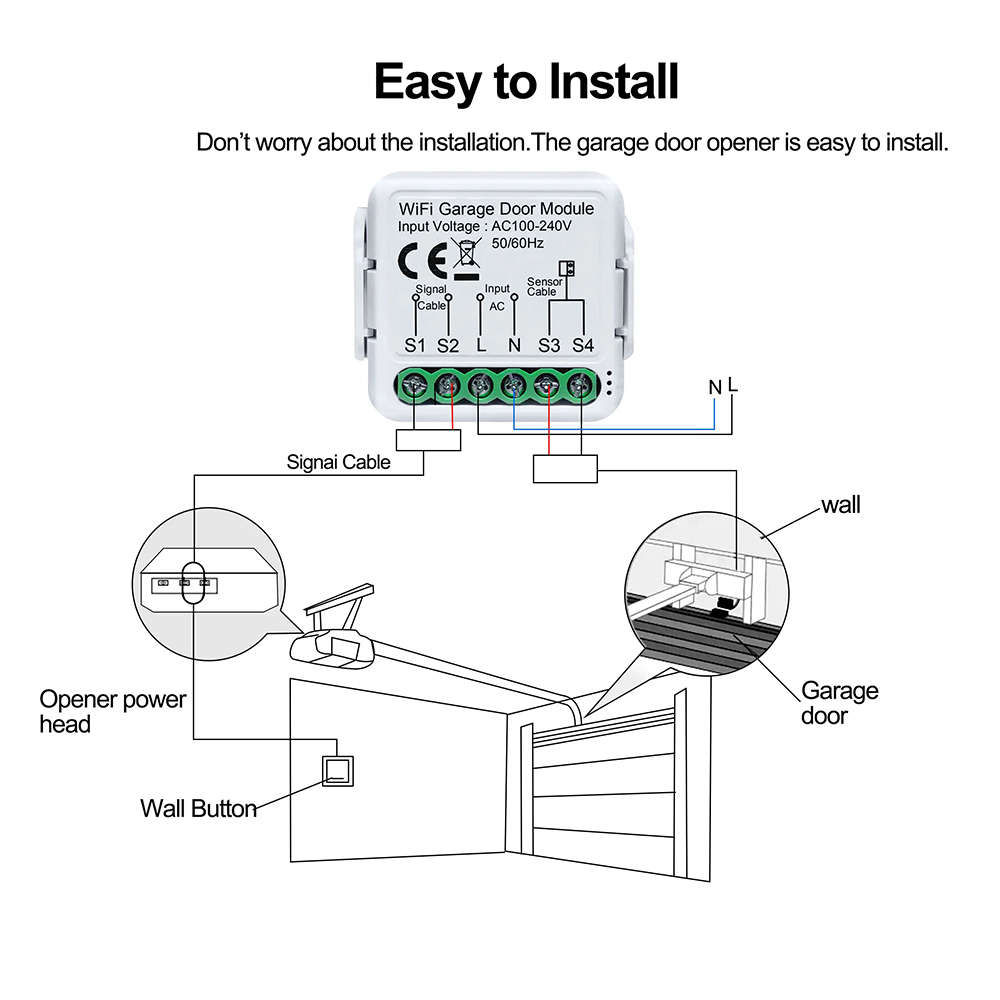
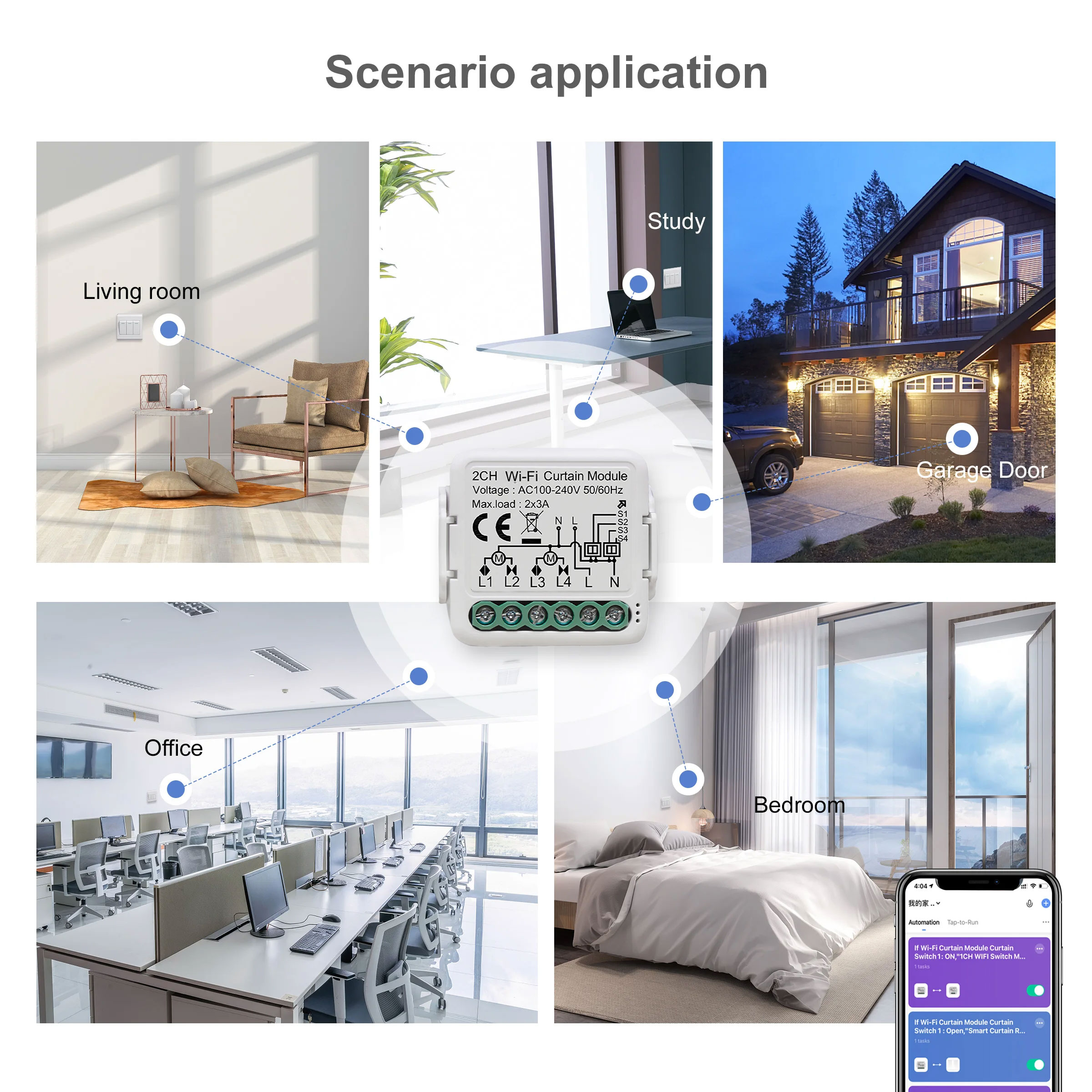
Works with most existing garage door openers via dry contact / parallel wiring — no need to replace your existing system.
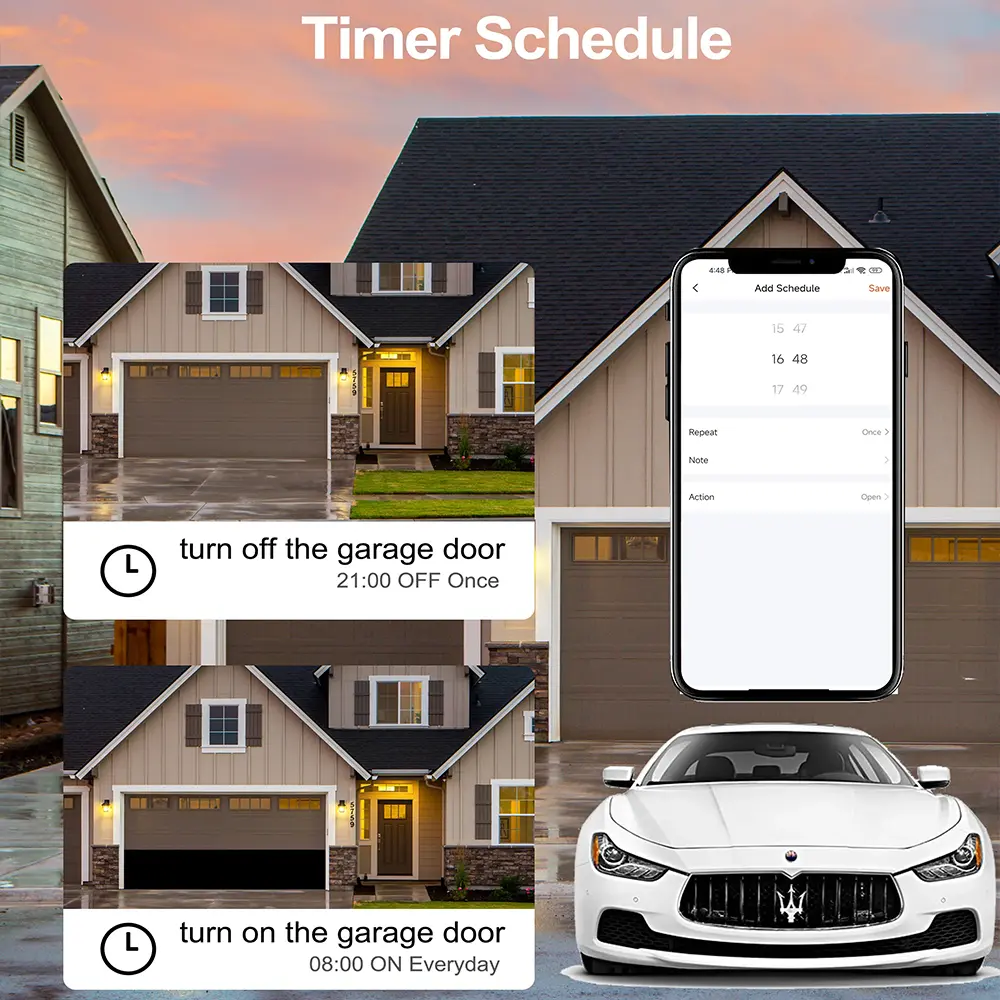
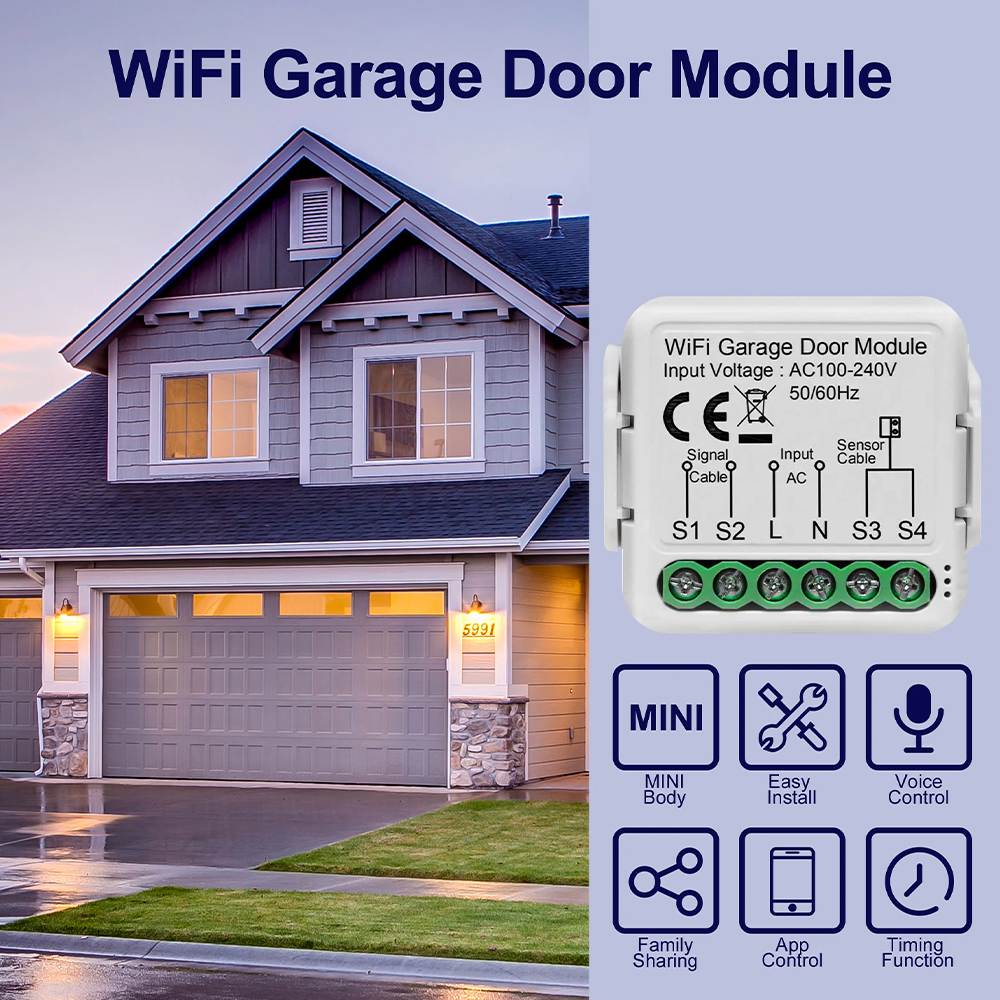
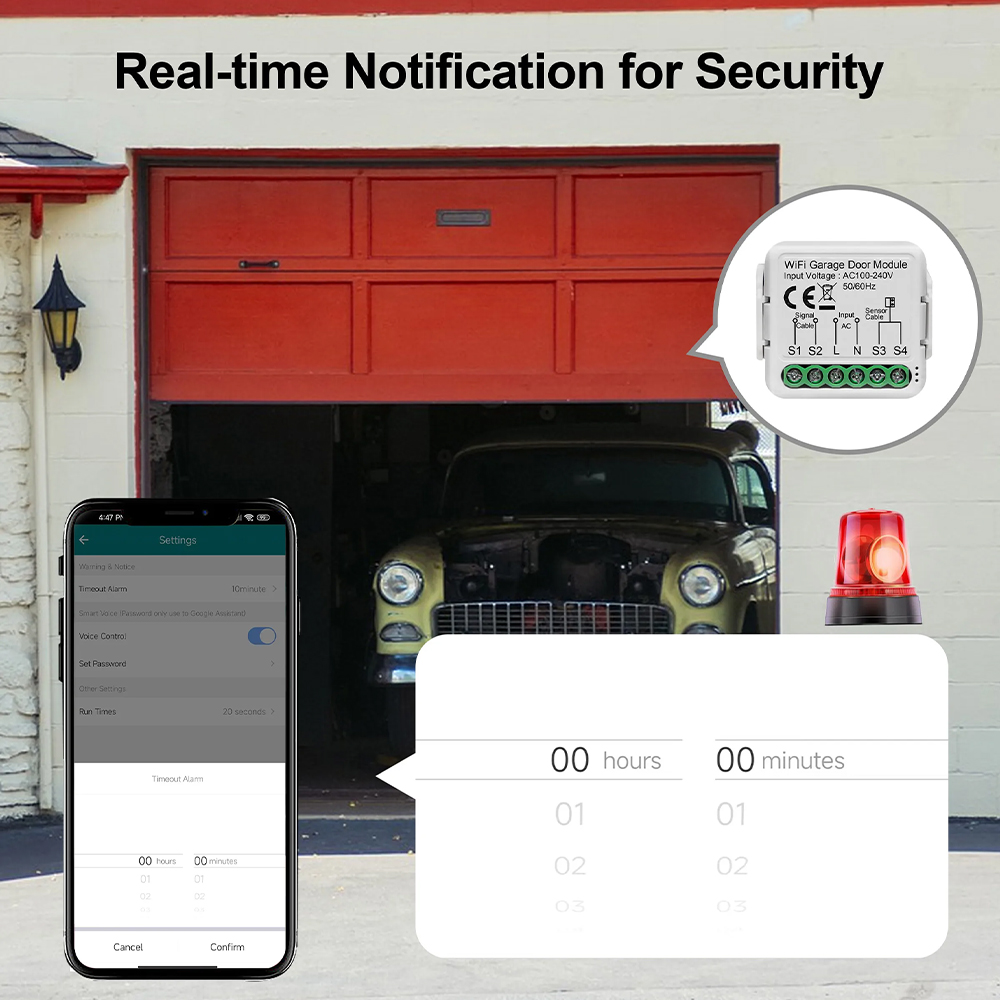
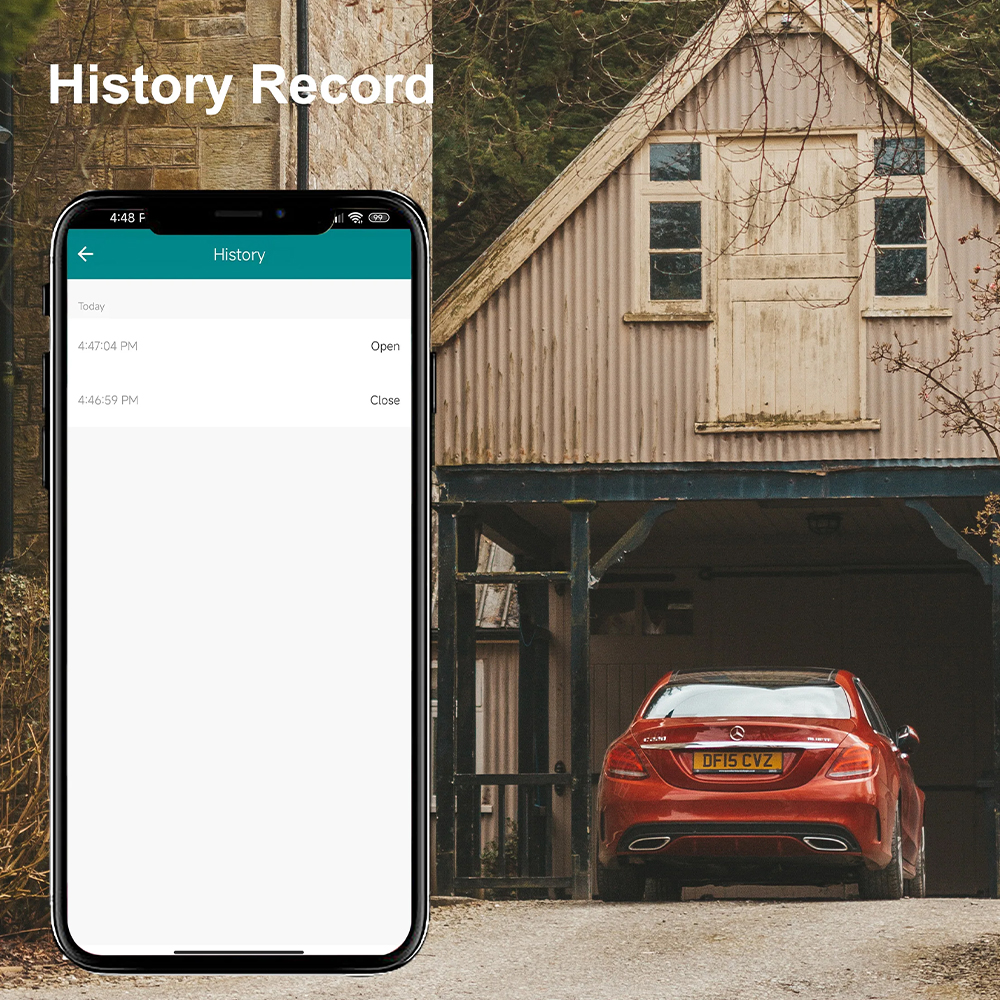
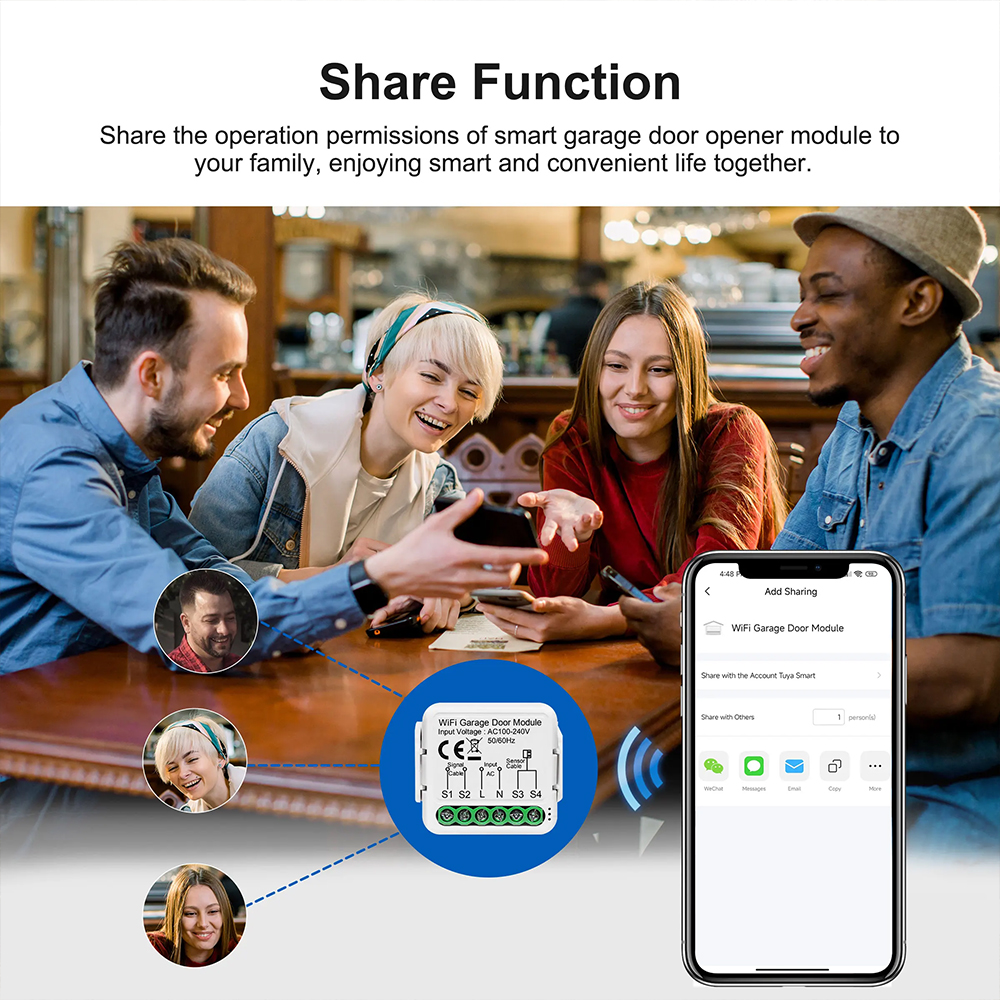
Add voice pin protection, share access with family, log history, set schedules, countdown timers, and alerts.
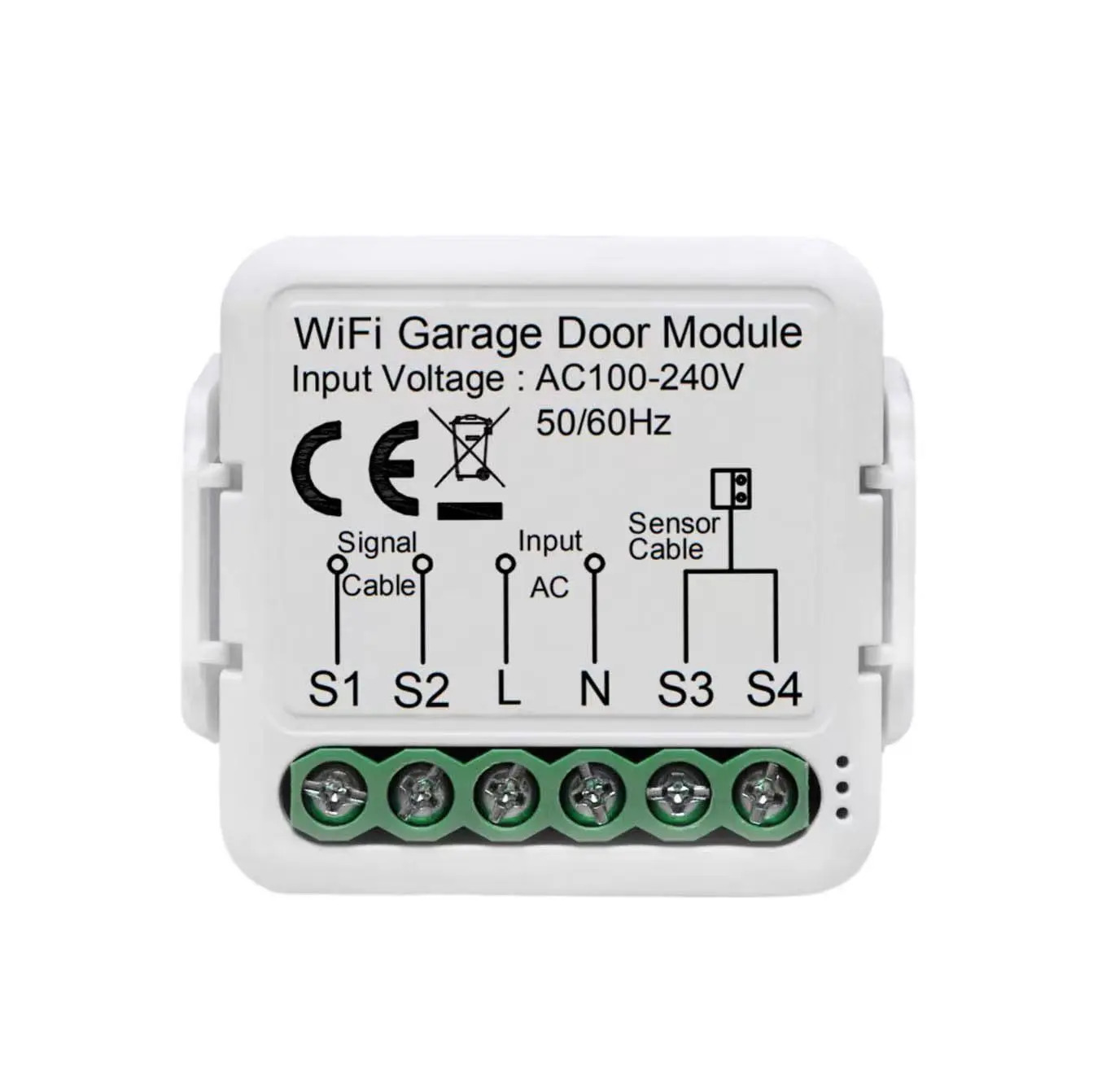
Includes sensor to detect door open/closed status reliably (range ~15 m) — no extra wiring in many cases.
Easy setup via your home’s WiFi (2.4 GHz), no additional hub required.
Minimal power consumption, ABS flame-retardant casing, designed for long-term use in garage environments.
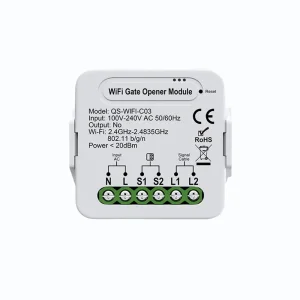
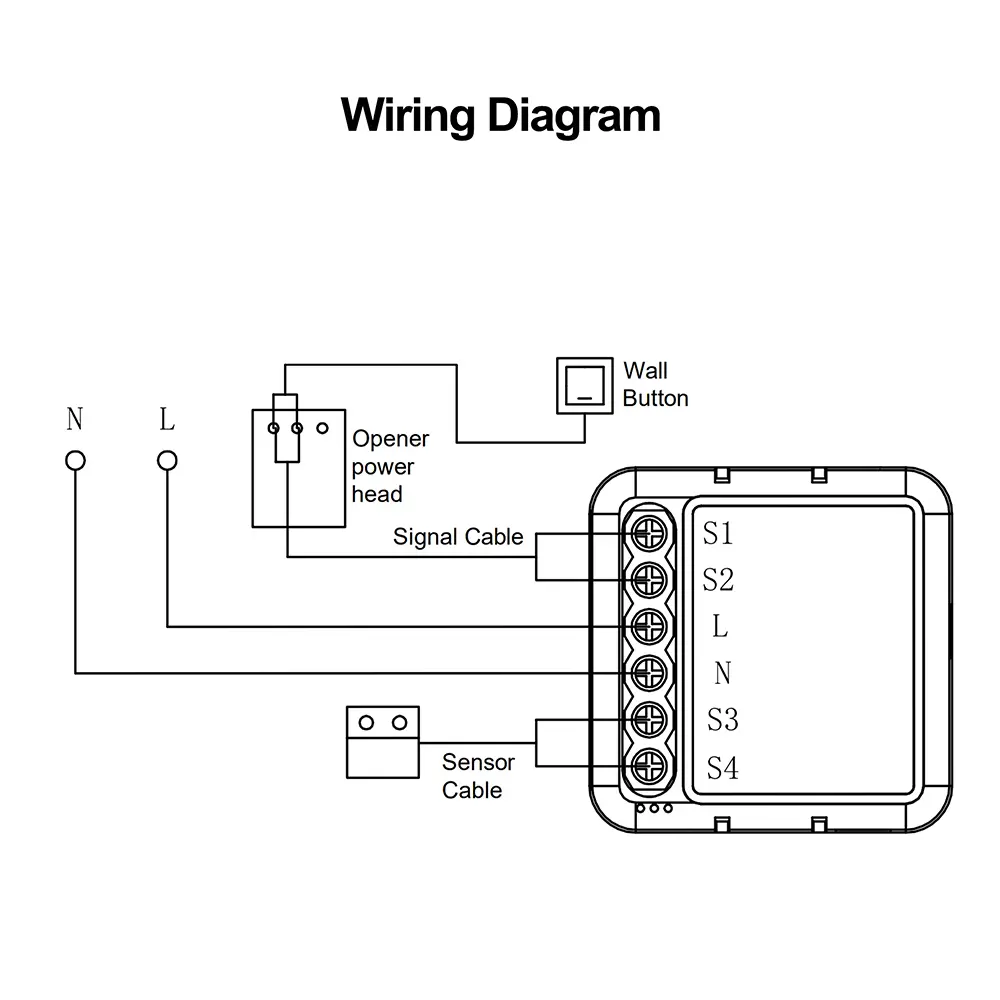
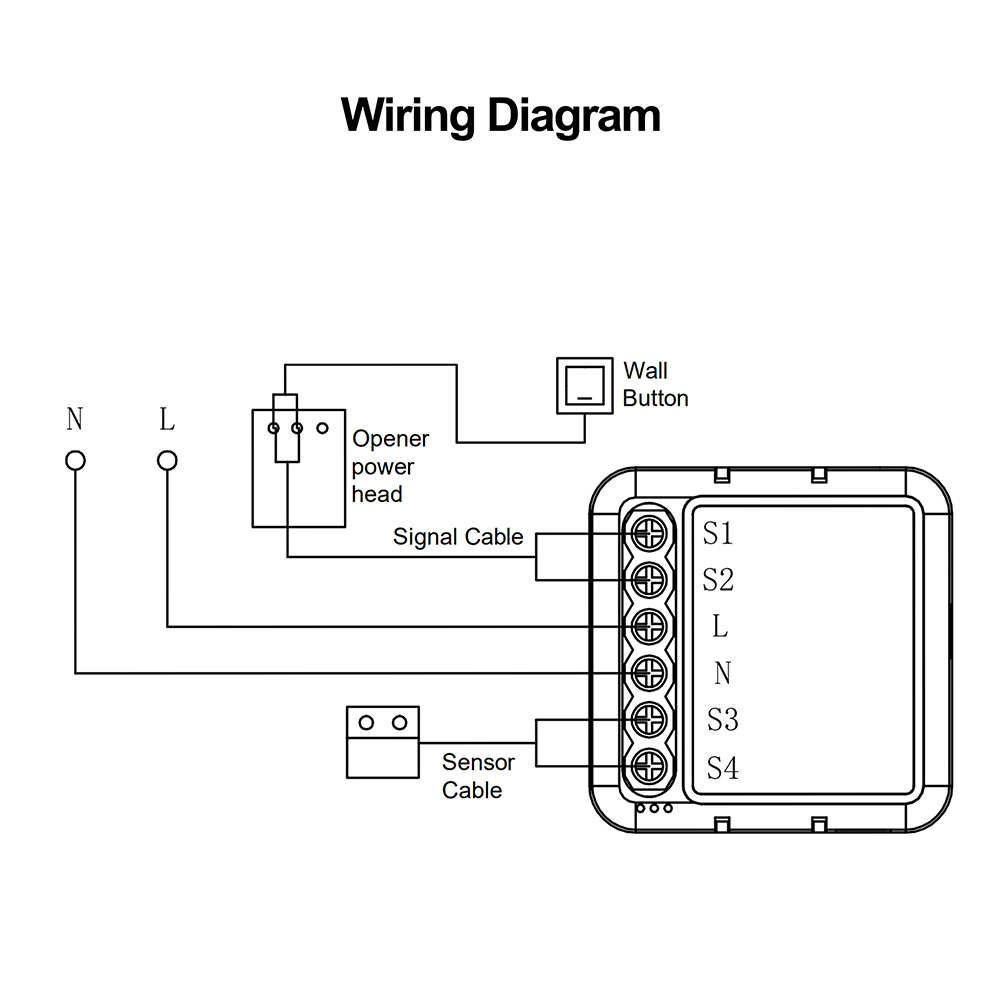
Connects in parallel to your wall push button; the relay is isolated. Mount sensor on door. Simple wiring diagram included.
Installation
- Installation must be carried out by a qualified electrician in accordance with local regulations.
- Keep the device out of reach of children.
- Keep the device away from water, damp or hot environment.
- Install the device away from strong signal sources such as microwave oven that may cause signal interruption resulted to abnormal operation of the device.
- Obstruction by concrete wall or metallic materials may reduce the effective operation range of the device and should be avoided.
- Do NOT attempt to disassemble, repair or modify the device.
User Manual
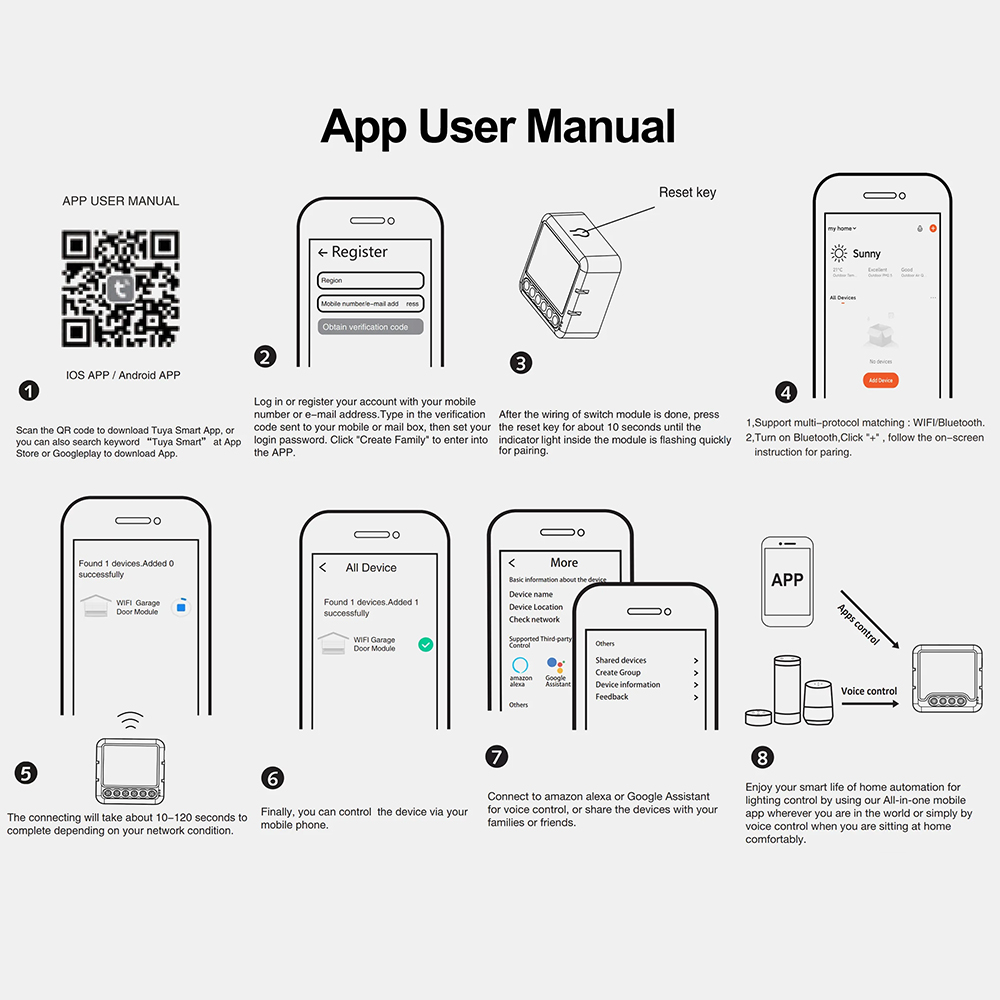
Scan the QR code to download Tuya Smart App, or search keyword "Tuya Smart" at App Store or Google Play to download App.
Log in or register your account with your mobile number or e-mail address. Type in the verification code sent to your mobile or mailbox, then set your login password. Click "Create Family" to enter into the APP.
After the wiring of switch module is done, press the reset key for about 10 seconds until the indicator light inside the module is flashing quickly for pairing.
Support multi-protocol matching: WIFI/Bluetooth. Turn on Bluetooth, click "+", and follow the on-screen instructions for pairing.
The connecting will take about 10-120 seconds to complete depending on your network condition.
Finally, you can control the device via your mobile phone.
Connect to Amazon Alexa or Google Assistant for voice control, or share the devices with your families or friends.
Enjoy your smart life of home automation for lighting control by using our All-in-one mobile app wherever you are in the world or simply by voice control when you are sitting at home comfortably.
Detail Images
Frequently Asked Questions
- a. Please check whether device is powered on.
- b. Make sure your mobile and switch module are under the same 2.4 GHz WiFi network.
- c. Check whether it's in good internet conditions.
- d. Make sure the password entered in App is correct.
- e. Make sure the wiring is correct.