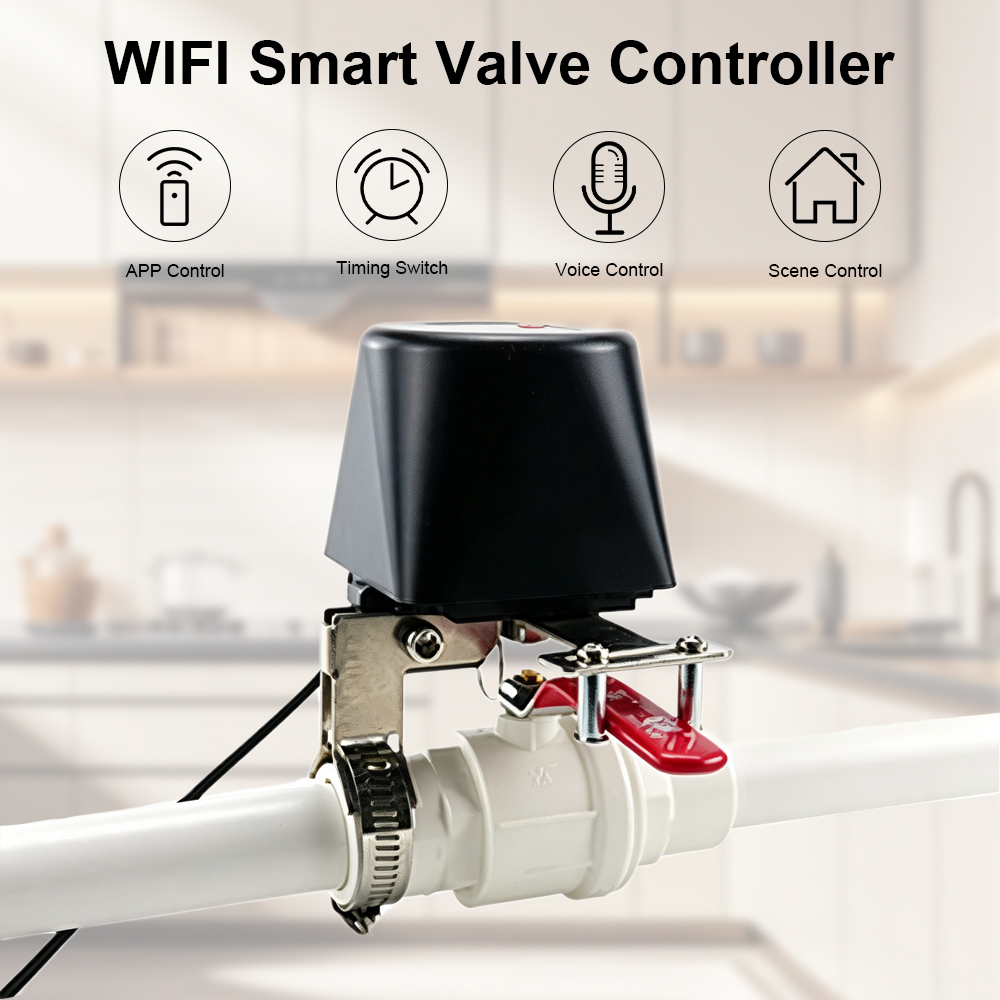
Custom Wifi Smart Gas Water Valve Controller Manufacturer, Supplier
Product Description
Specifications
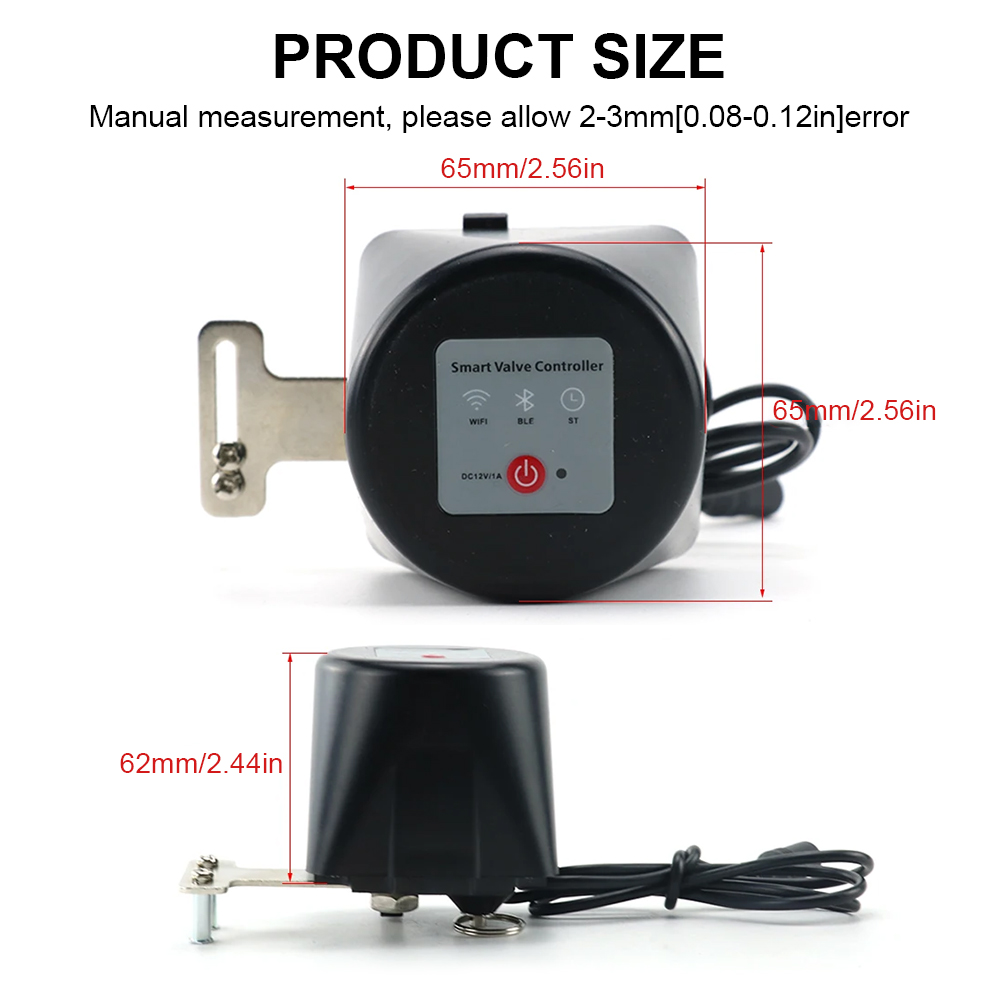
| Communication Method | Wi-Fi |
| Material | ABS + Metal |
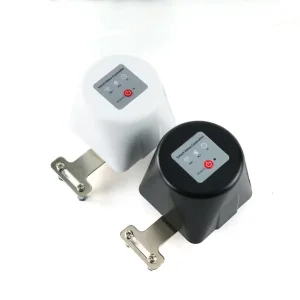
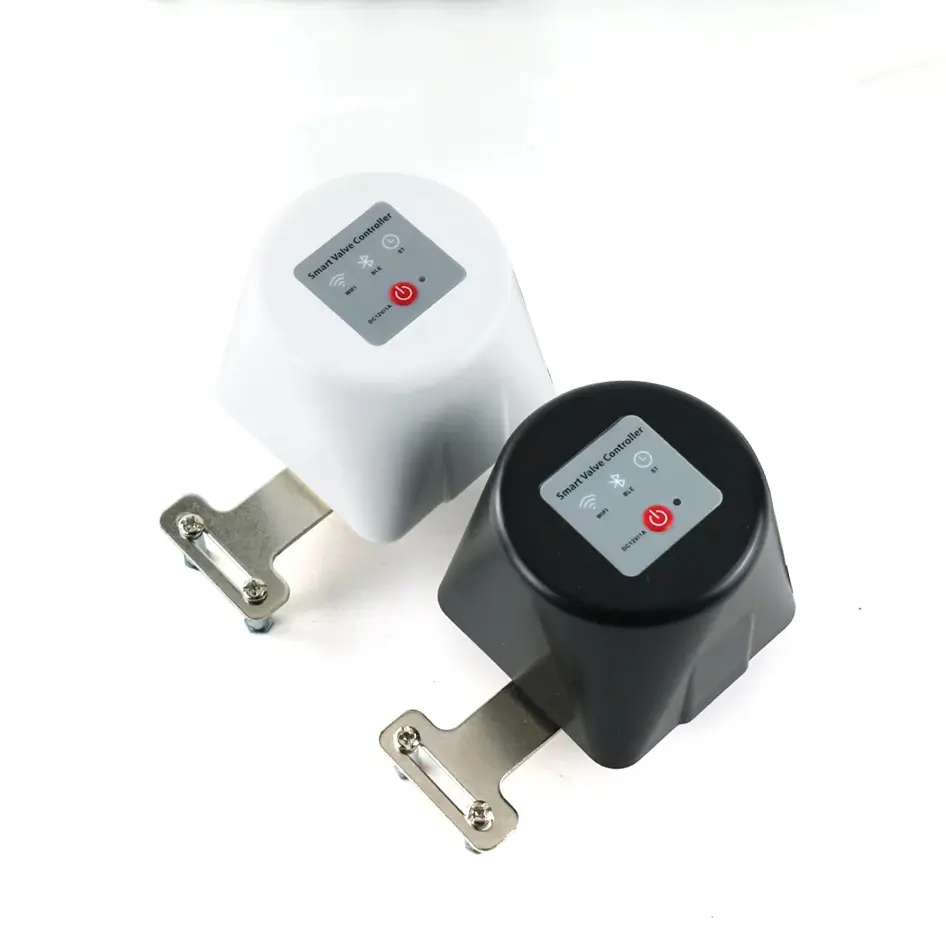
| Color | Black / White |
| Plug (Optional) | European / US Standard |
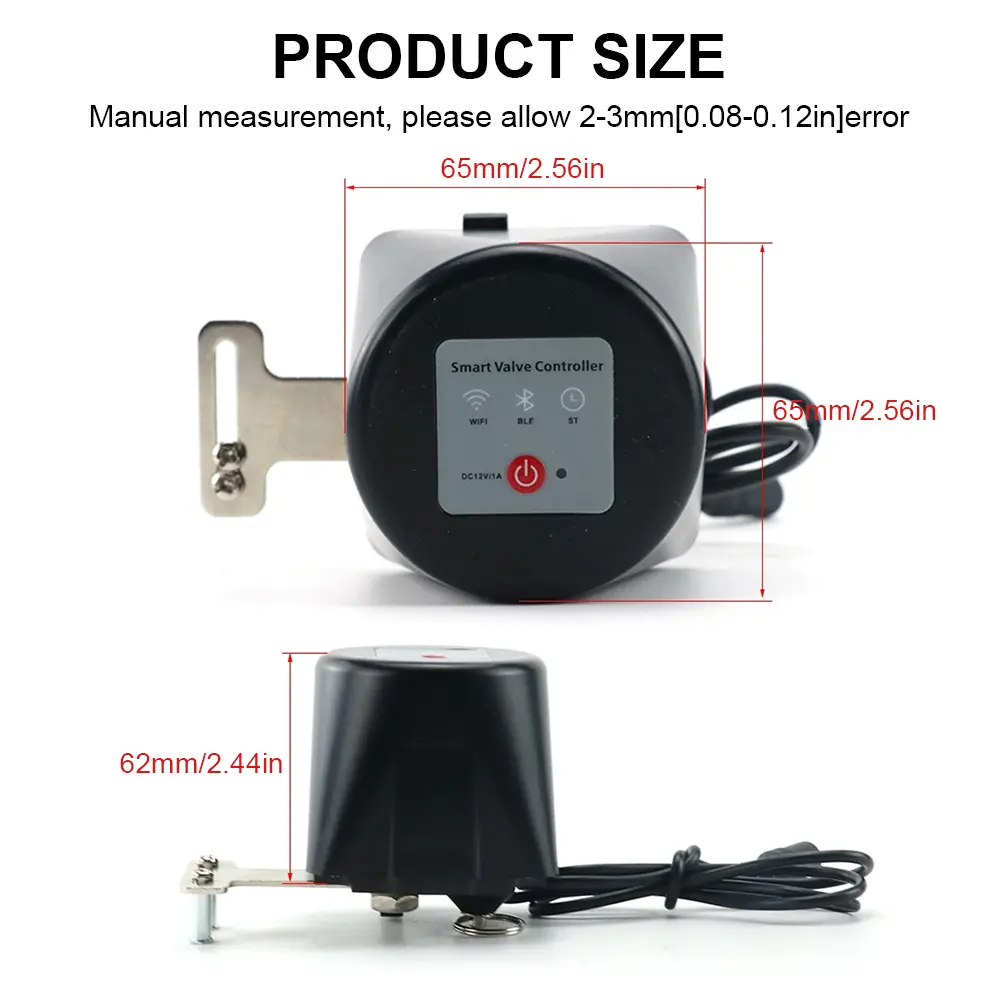
| Power Supply Voltage | 12V / 1A |
| Communication Technology | Wi-Fi |
| Communication Frequency | 2.4GHz |
| Rated Power | 1.2W |
| Radio Range | 30 meters |
| Valve Pressure | 1.6 meters / 1.6MPa |
| Torque | 30–60 kg.cm |
| Insulation Resistance | Greater than 20MΩ |
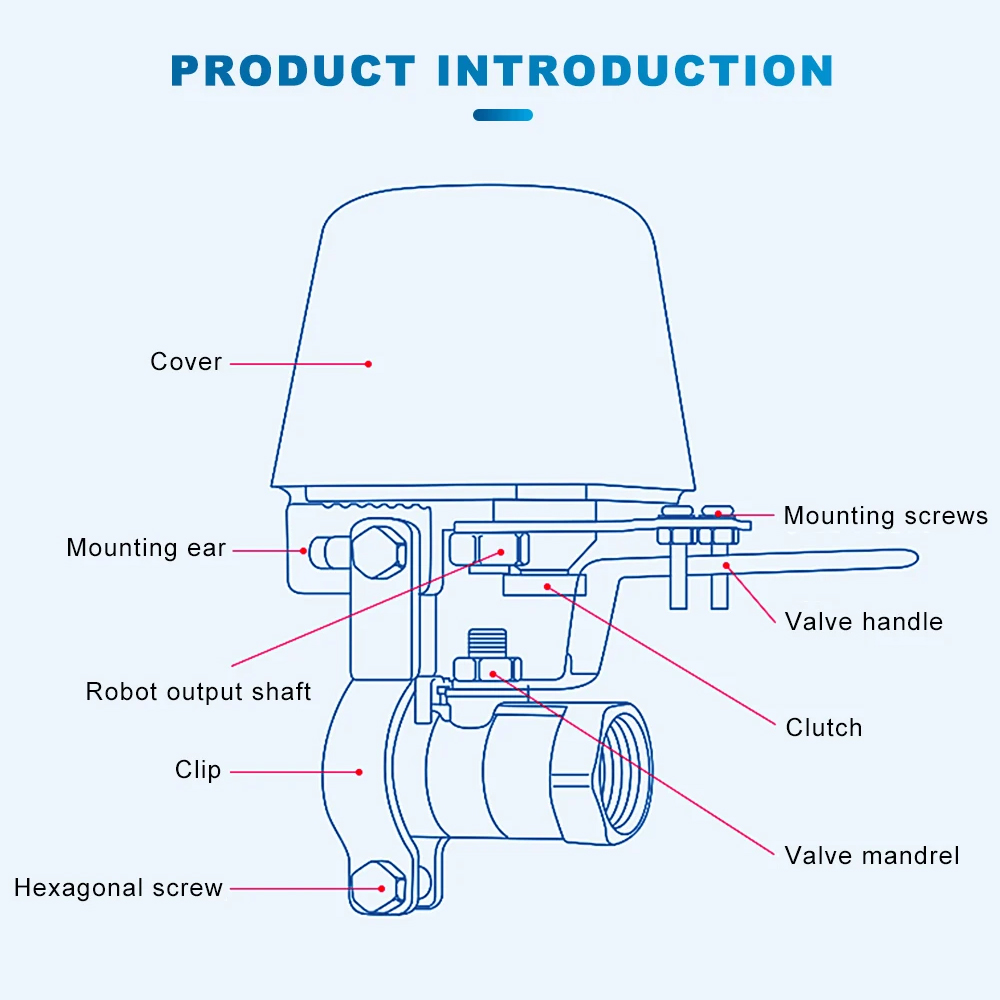
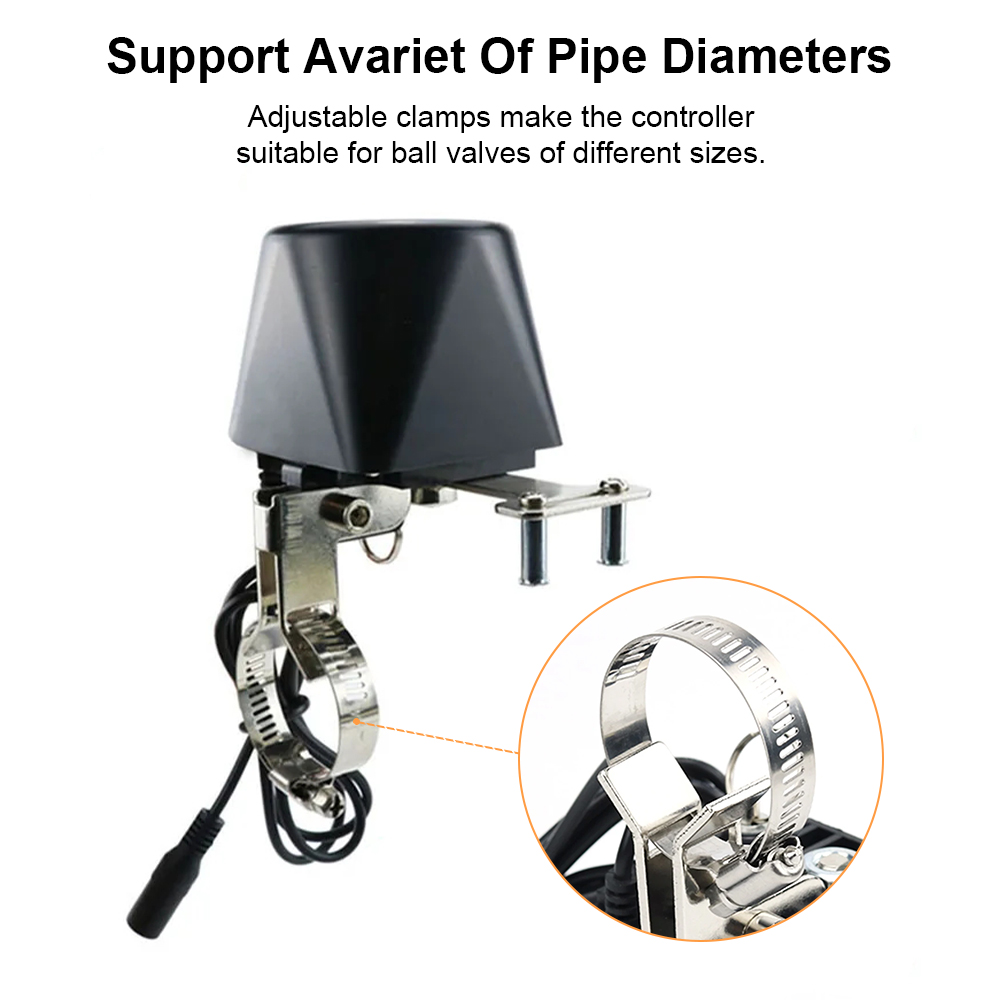
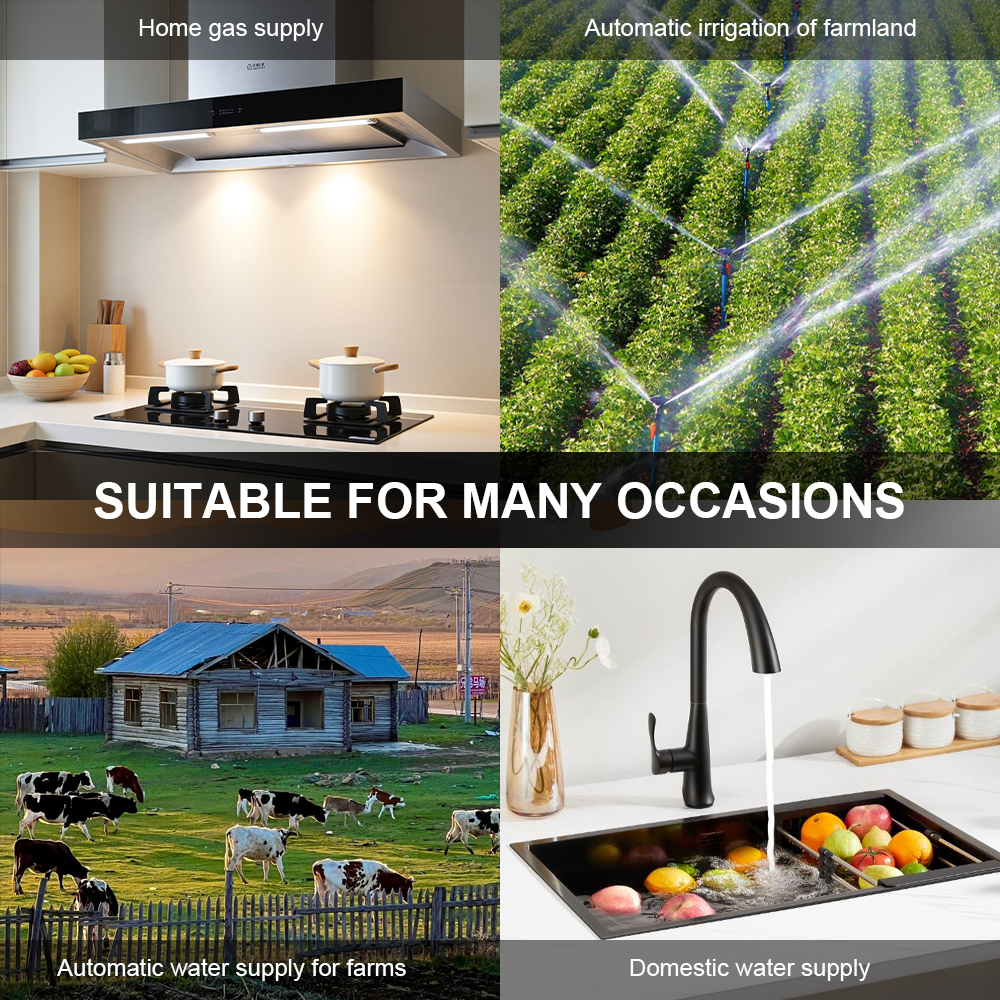
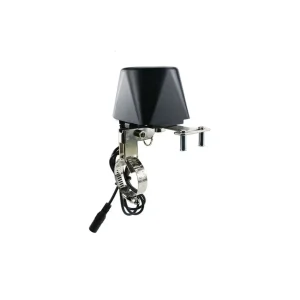
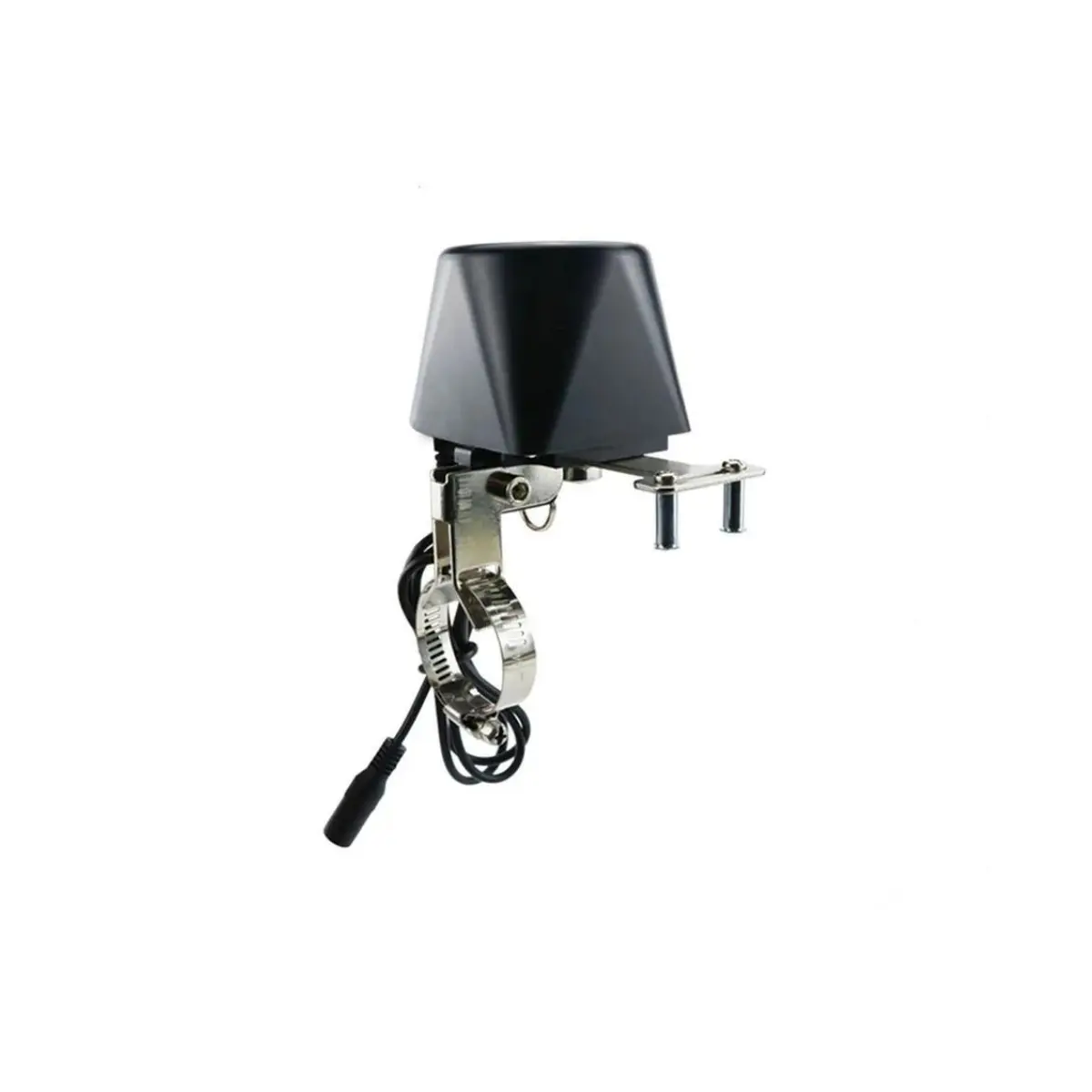
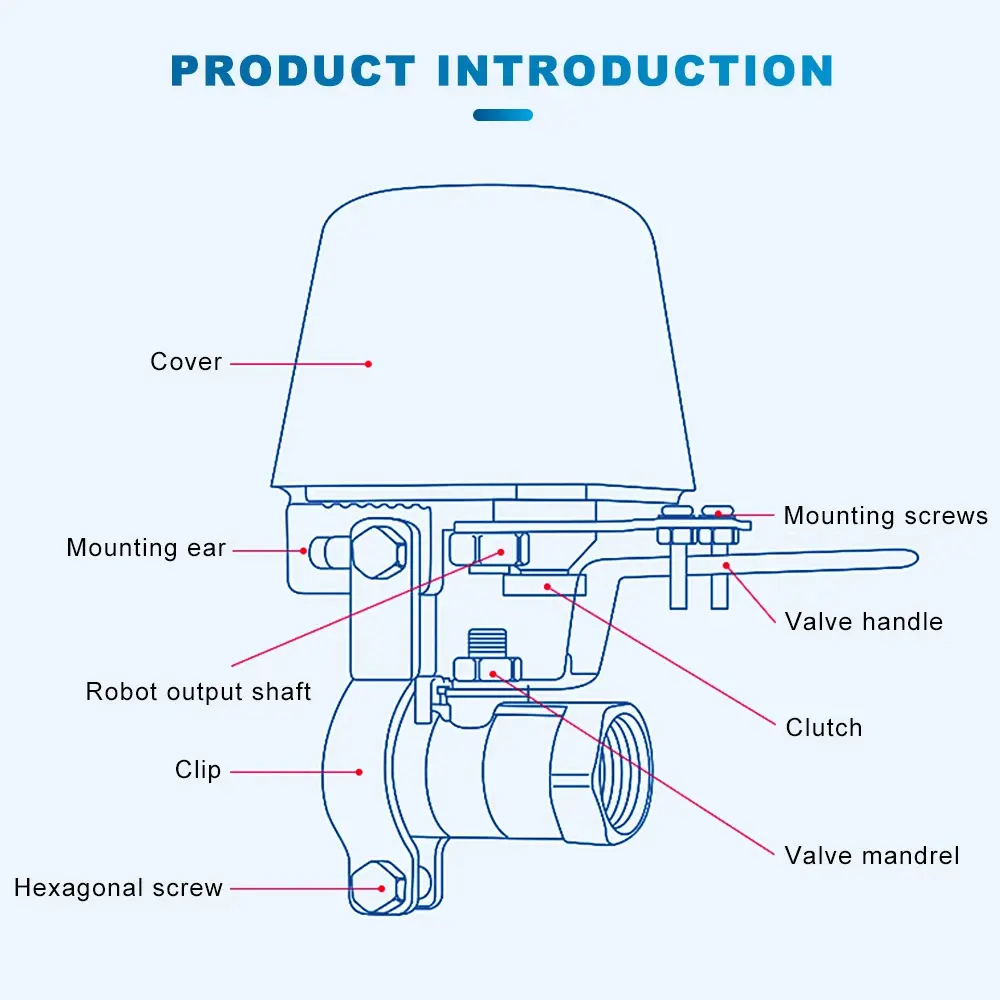
| Applicable Scenario | Suitable for 4-point, 6-point, 1-inch, and 1.25-inch water pipeline ball valves and butterfly valves. Easy to install without modifying existing gas or water piping setups; designed for self-installation. |
Key Features & Benefits
Manual Valve Control
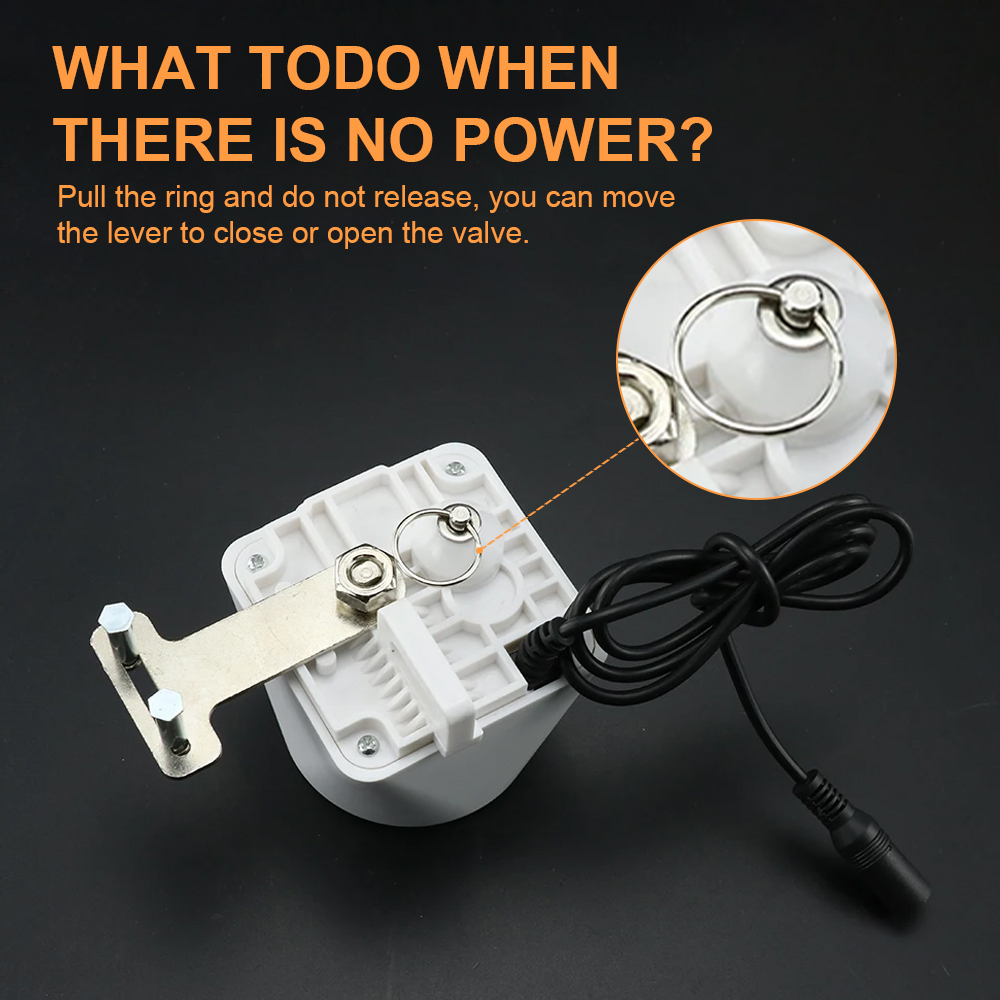
The smart valve supports direct manual opening and closing, providing continuous control over your household utility supply and offering an effortless way to regulate usage.
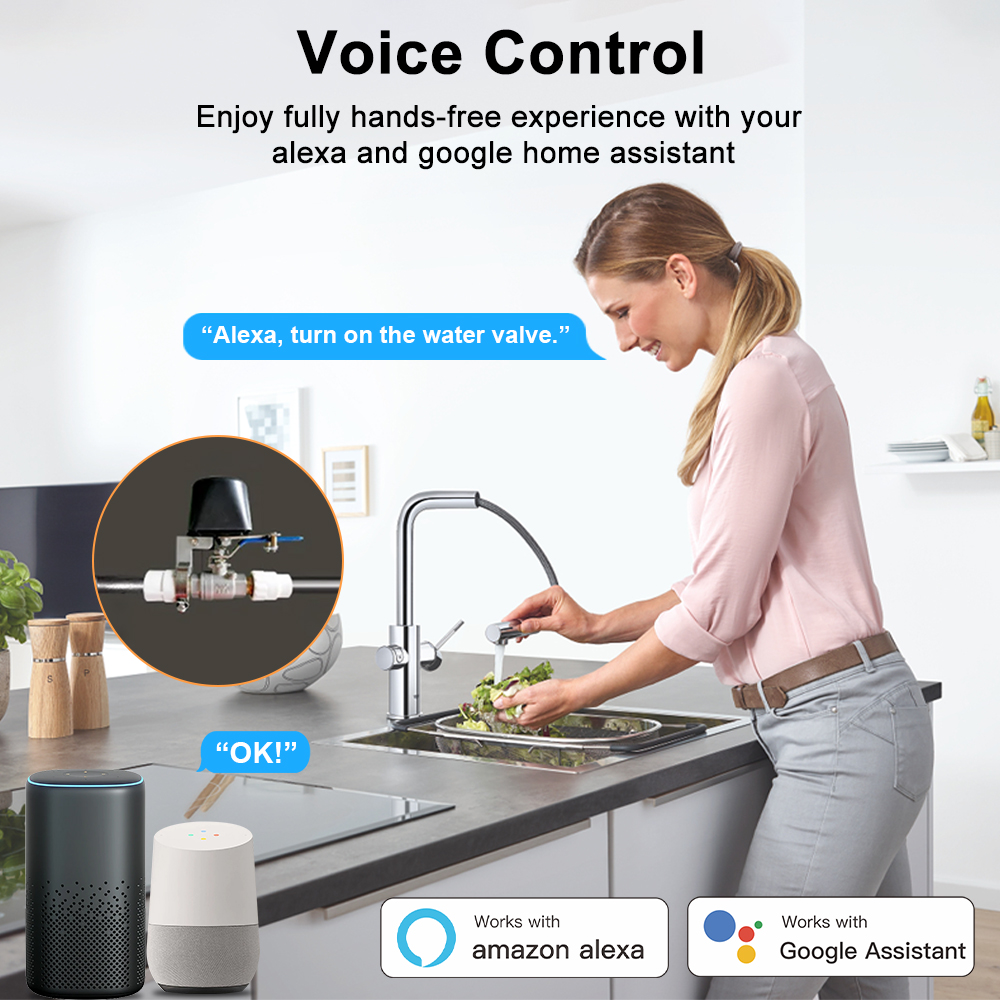
Compatible with Alexa
Engineered with voice-assistant compatibility. Link seamlessly with Alexa-enabled hardware for touch-free, voice-activated shutoff and valve control.
Automatic Shut-Off
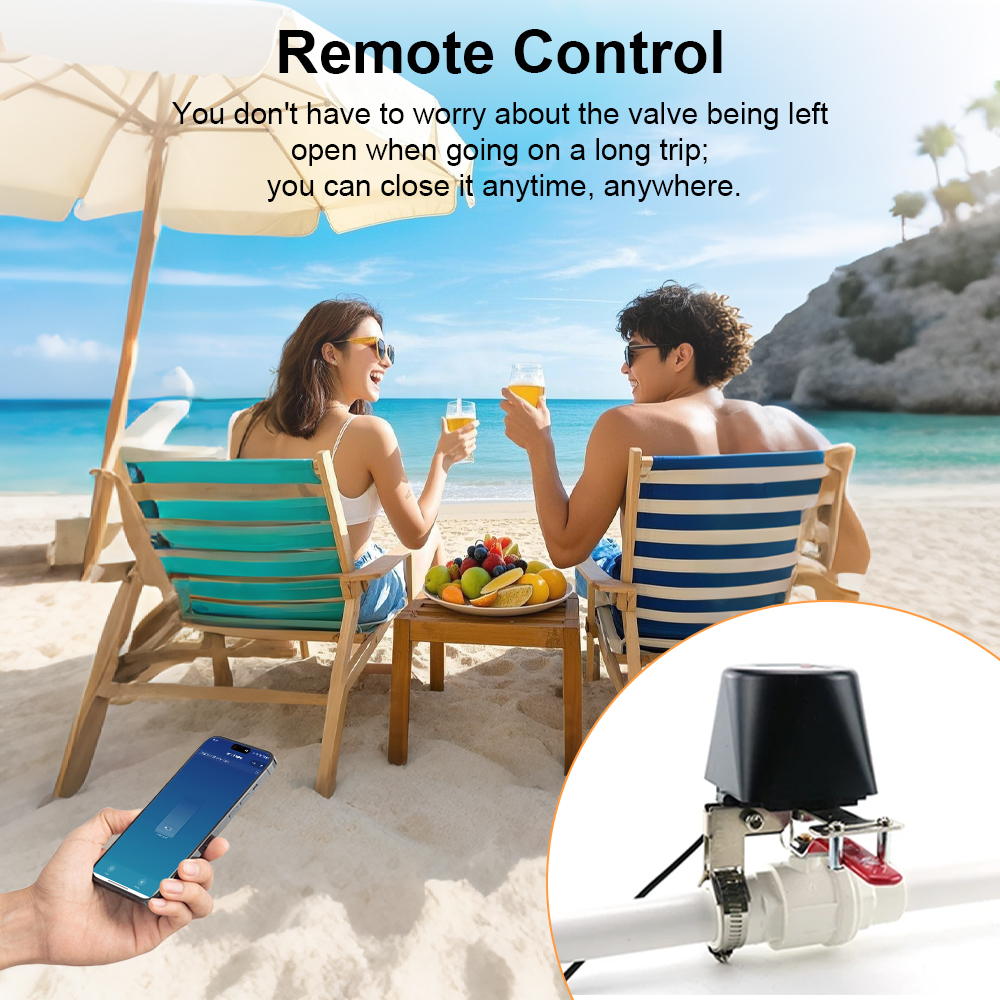
When combined with leak sensors, the controller automatically halts the gas or water supply immediately upon leak detection, protecting against damage and hazards.
Smart Home Automation
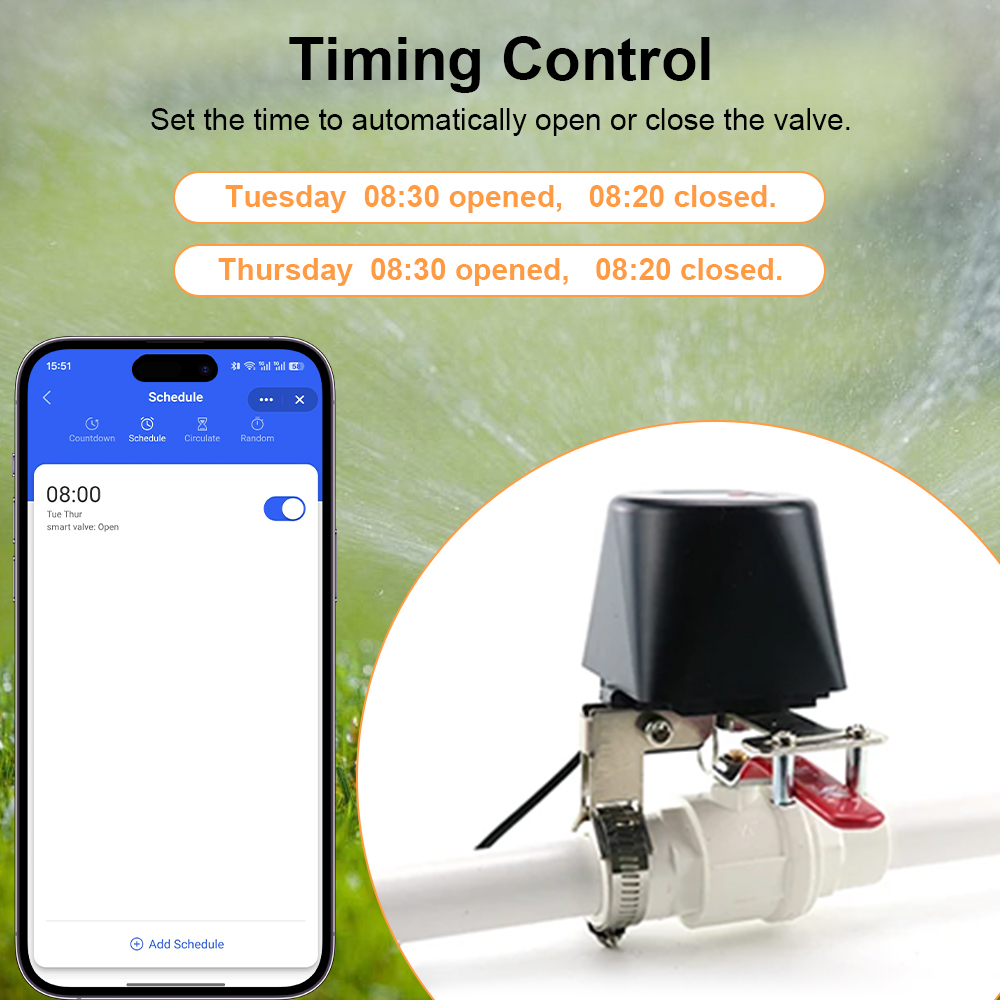
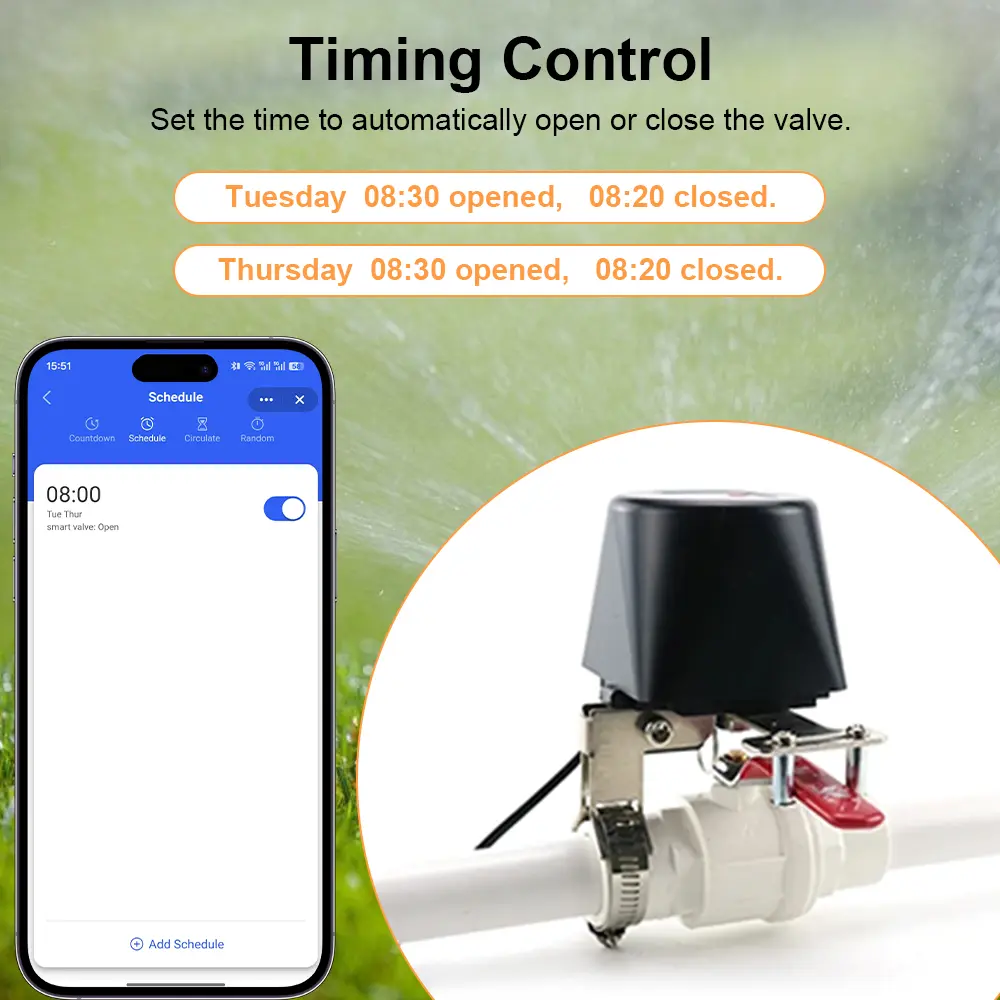
Integrates directly into your existing smart ecosystem. Create personalized scenes, schedules, or emergency routines to enhance operational convenience and safety.
Simple Installation
Designed for fast retrofit mounting without plumbing alterations. Clear instructions and flexible brackets ensure quick, do-it-yourself installation.
How to Integrate with the App
Download App
Download "Tuya Smart" or "Smart Life" from Google Play or the iOS App Store, or scan the product QR code. Register and sign in.
Add Device
Tap "+" in the top corner, go to "Other" on the category list, and select "Others (Wi-Fi)".
Pairing Mode
Press and hold the smart valve power button for approximately 5 seconds until the status indicator flashes quickly.
Select 2.4G Wi-Fi
Select your 2.4GHz Wi-Fi SSID, input the password, and continue (note: 5GHz Wi-Fi networks are not supported).
Connect
Wait 30–60 seconds while the application completes pairing and configuration.
Auto Scan Option
You may also utilize the "Auto Scan" function within the app to automatically detect and register the controller.
How to Link with Other Smart Devices
Product Gallery