1 / 5
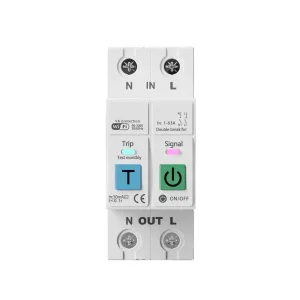
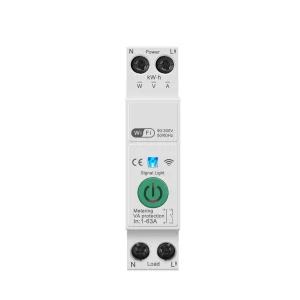
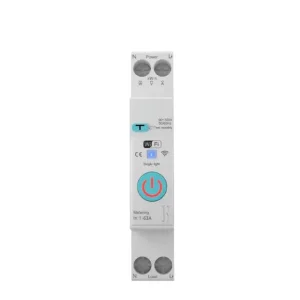
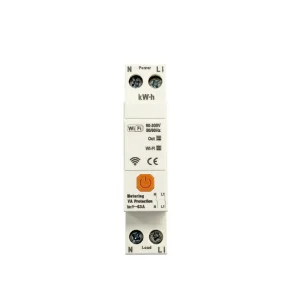
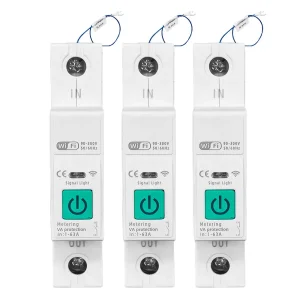
Custom Smart Circuit Breaker With Metering Protected Suppliers, Factories
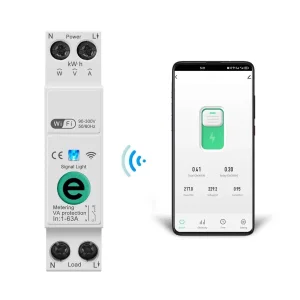
Product Description
⚙
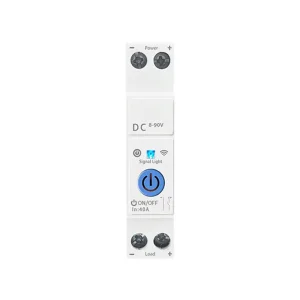
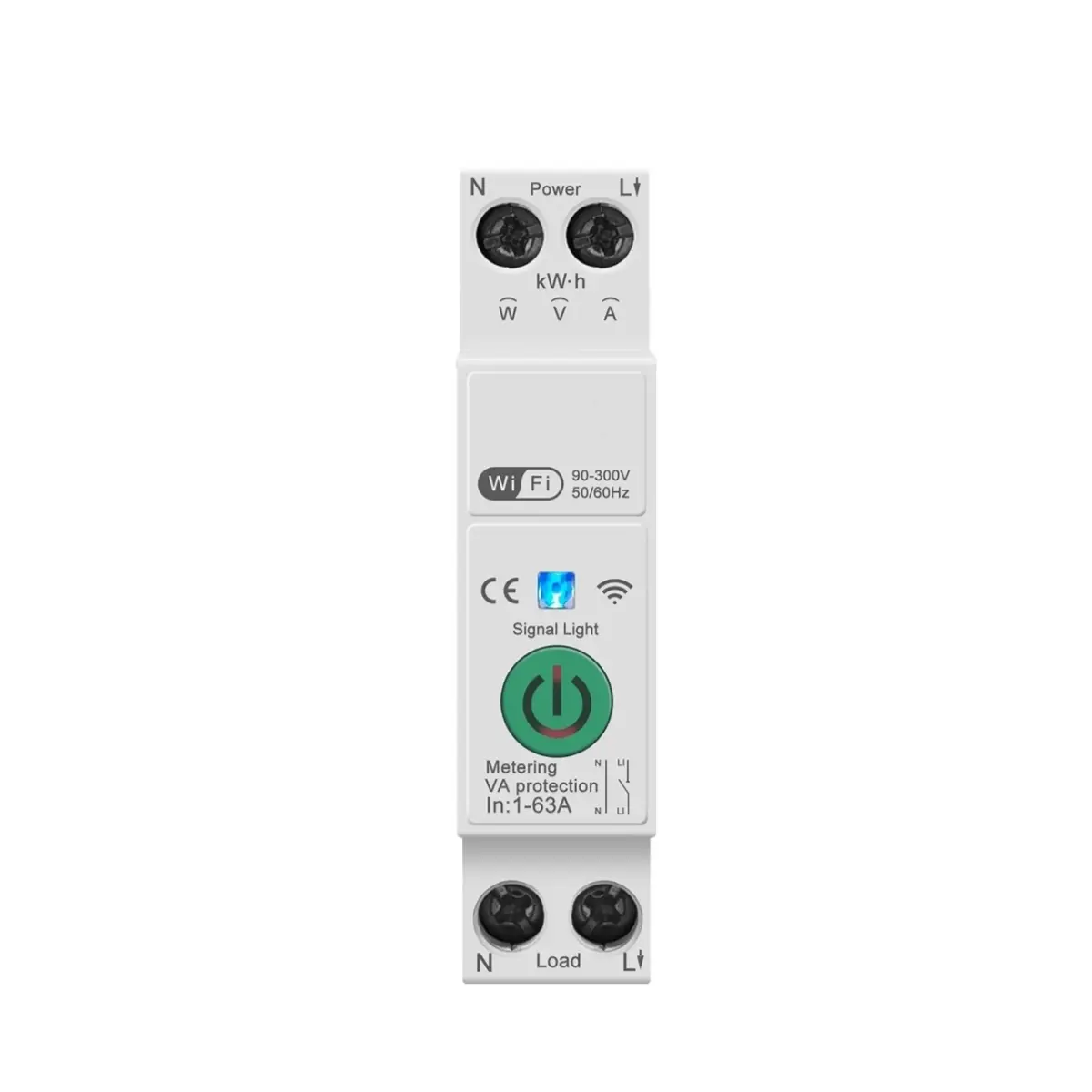
Products Main Specifications
| Smart Circuit Breaker With Metering Protected | Main Data Parameter |
| Protocol | WiFi ( Default ) |
| Rated operating voltage range | 100V-240V |
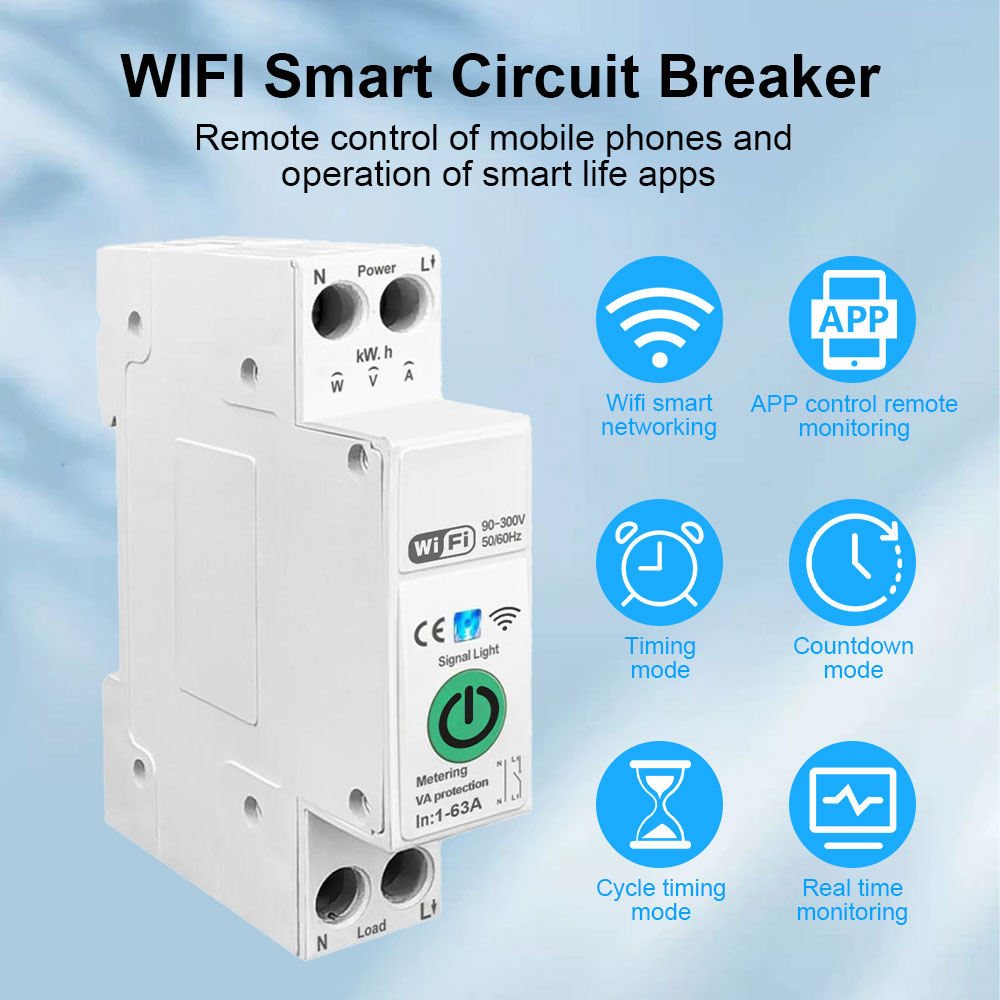
| Control Type | Remote control , Manual |
| Poles description | 1P+ N ( N Pole Pass - through ) |
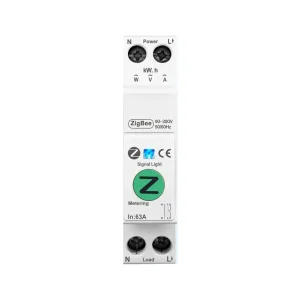
| Customization | SigMesh / ZigBee |
| Model selection | Metering Type |
📝
Operating Procedure
Step 1
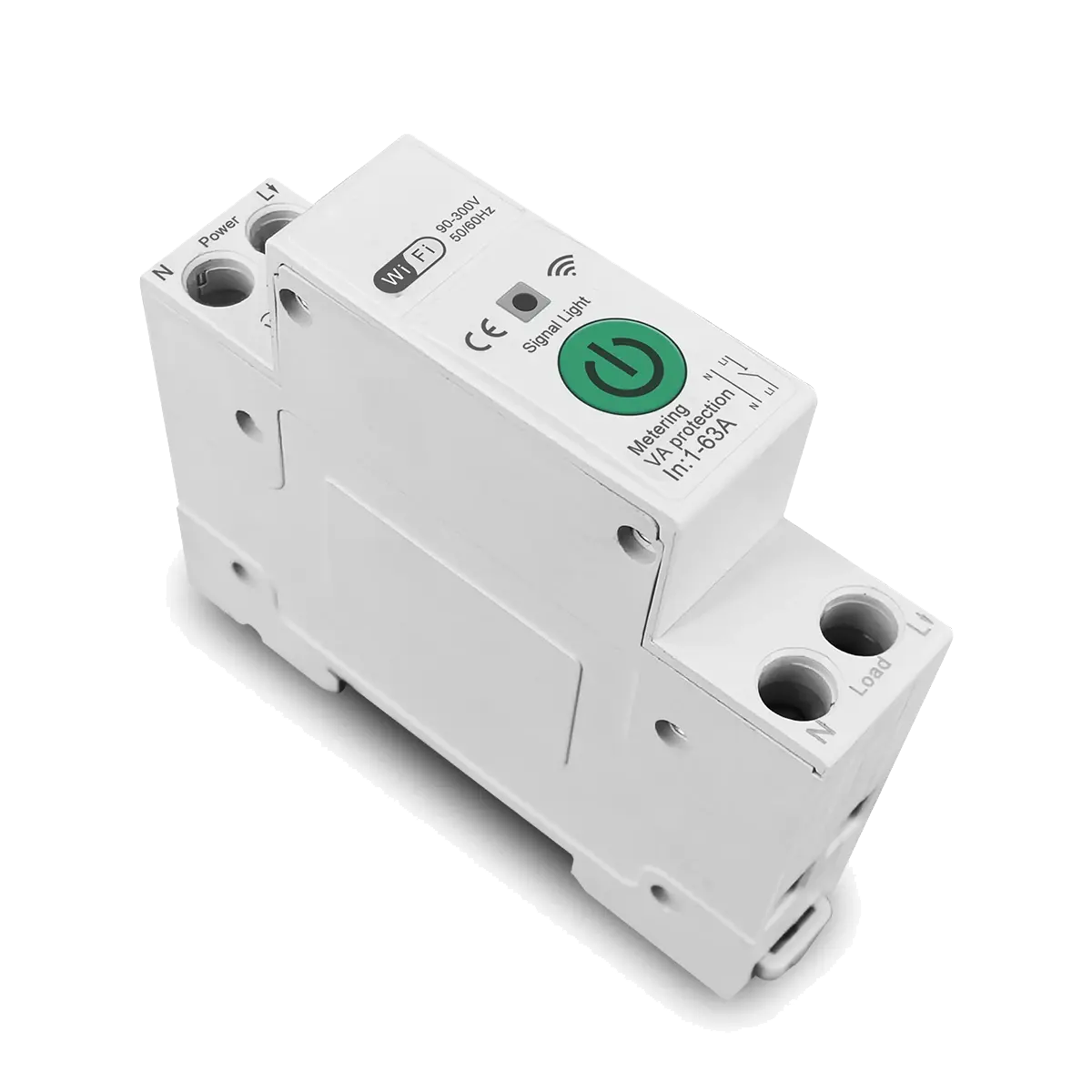
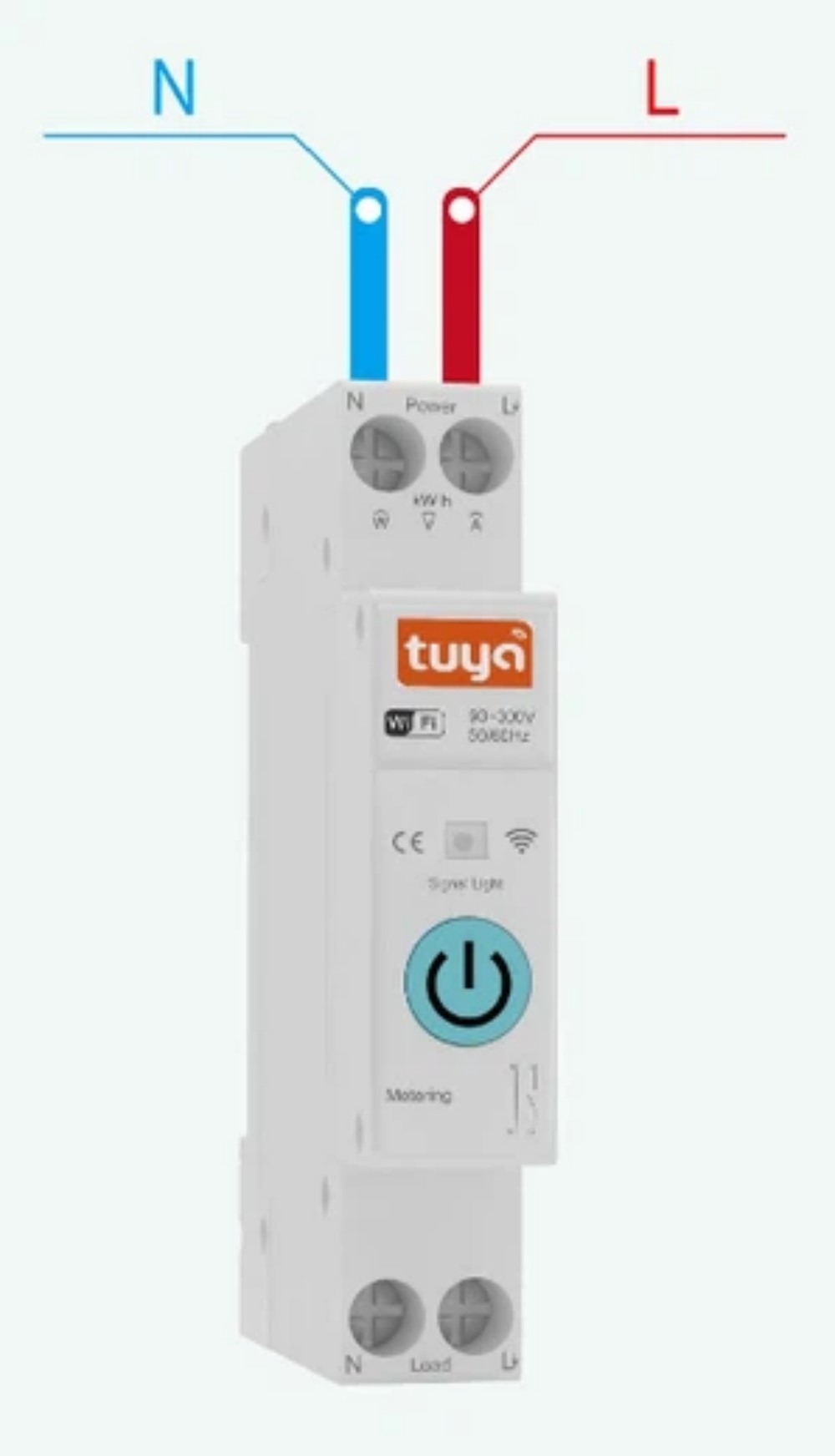
◎ Connect the wires from the top end of the smart switch.
◎ Connect the fire wire to L pole and the zero wire to N pole.
◎ Make sure the wiring is correct and the WFi signal is strong.
◎ Connect the fire wire to L pole and the zero wire to N pole.
◎ Make sure the wiring is correct and the WFi signal is strong.
Step 2
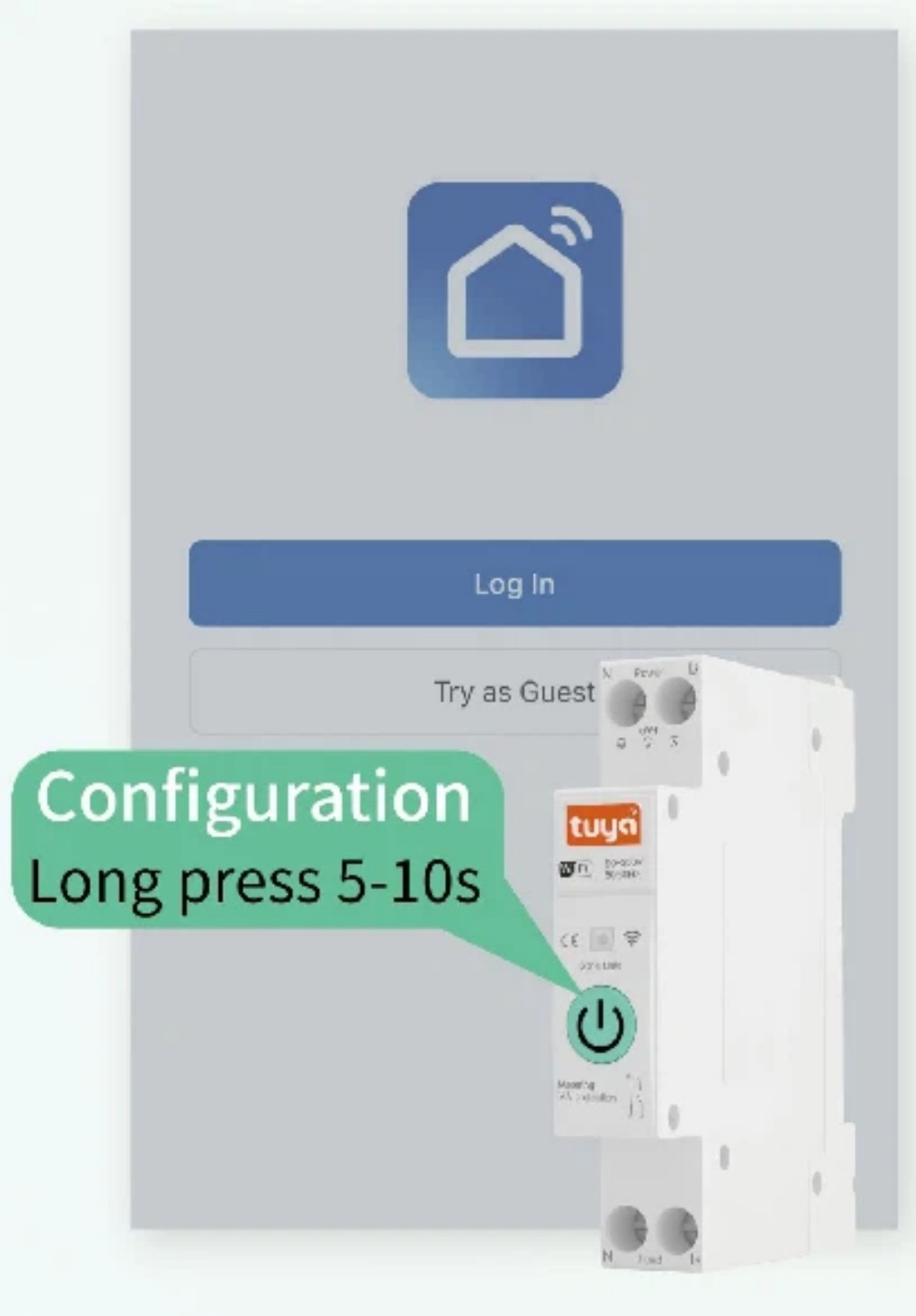
◎ First: Switch on Bluetooth and WFi signal of mobile phone.
◎ Secondly: Login mobile phone APP.
◎ Third: Long press the on/off network button.
◎ Wait for about 5-10 seconds, the LED indicator will enter into slow blinking state.
◎ Wait in the Tuya/Smart life APP interfac.
◎ Secondly: Login mobile phone APP.
◎ Third: Long press the on/off network button.
◎ Wait for about 5-10 seconds, the LED indicator will enter into slow blinking state.
◎ Wait in the Tuya/Smart life APP interfac.
Step 3
◎ First:While waiting in Doodle APP.
◎ Matching objects or objects will be popped up automatically.
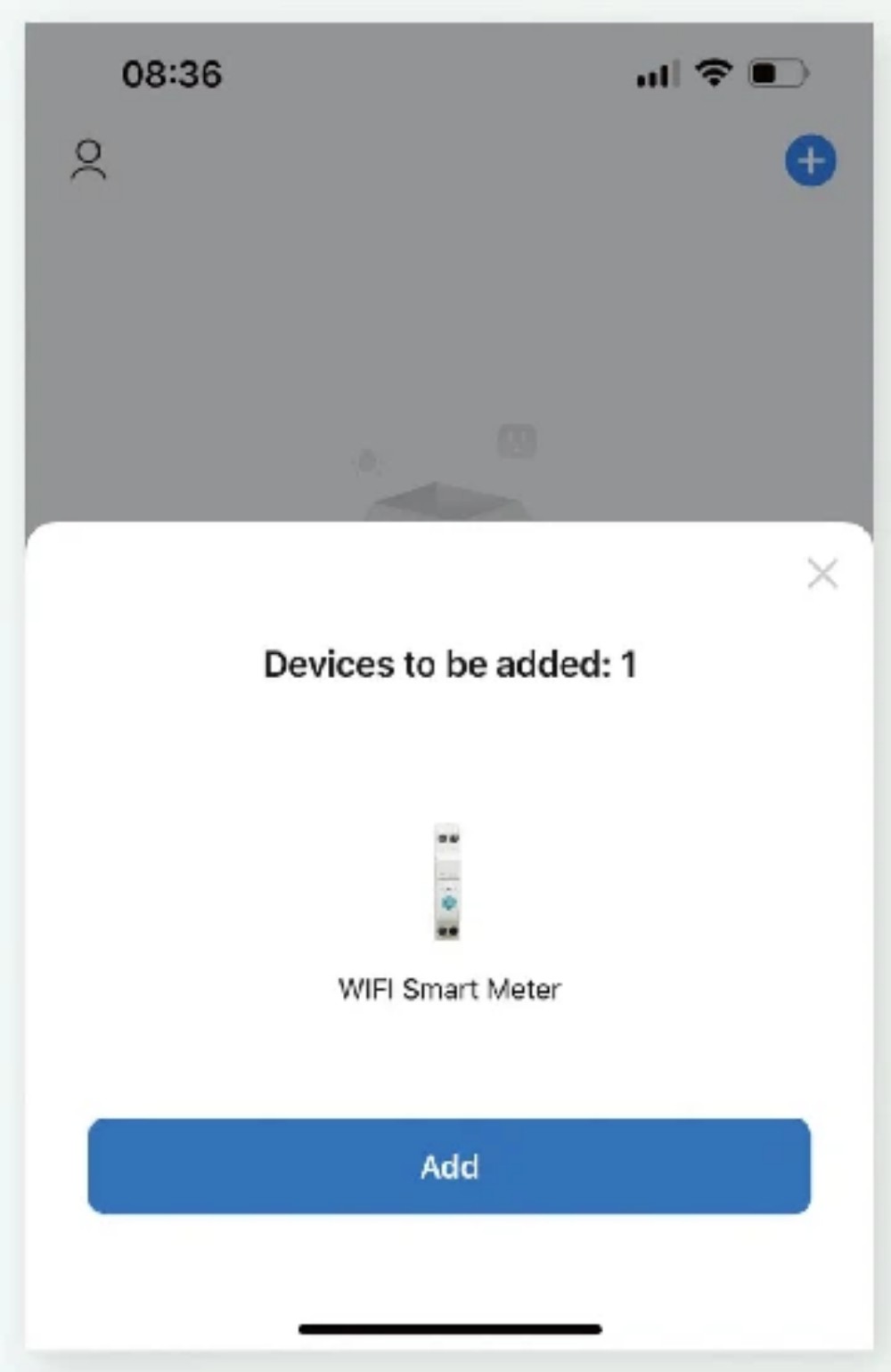
◎ Secondly: Click "+" in the upper right corner, click Add.
◎ Wait for the device to be found, then click Add.
◎ Matching objects or objects will be popped up automatically.
◎ Secondly: Click "+" in the upper right corner, click Add.
◎ Wait for the device to be found, then click Add.
Step 4
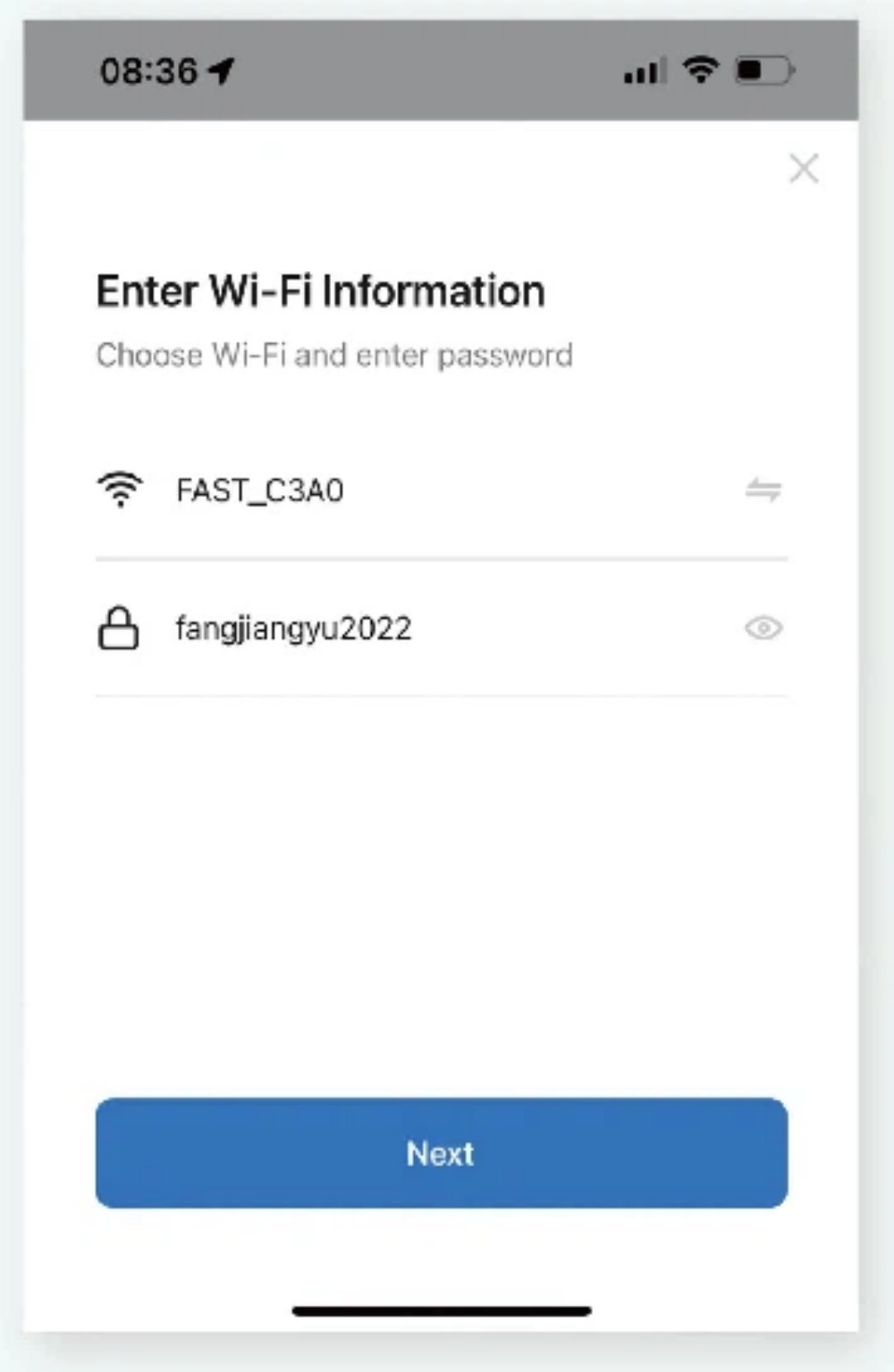
◎ First: Enter the wifi account password.
◎ Secondly: After clicking Next.
◎ Wait for the circuit breaker to connect to the network.
◎ Secondly: After clicking Next.
◎ Wait for the circuit breaker to connect to the network.
Step 5
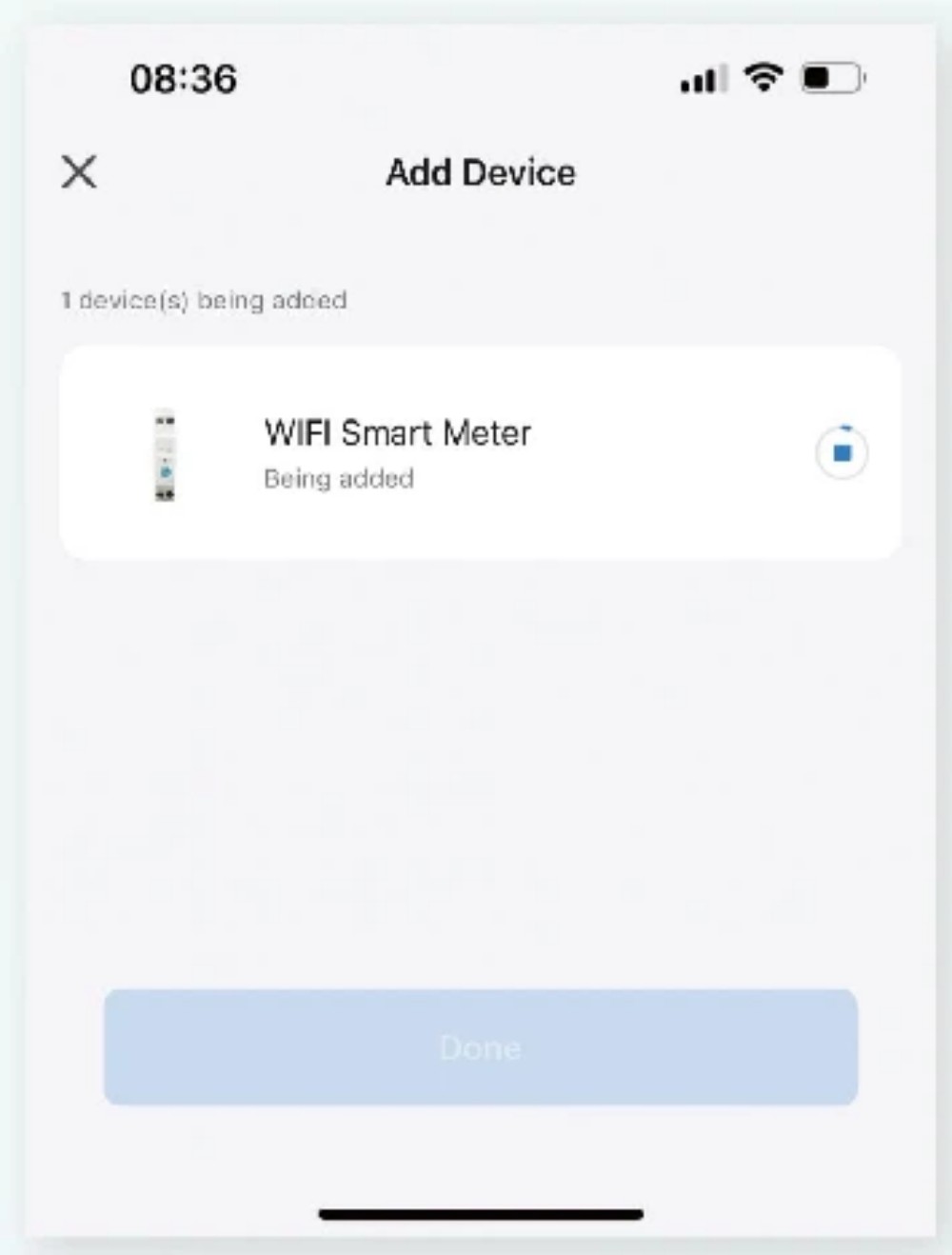
◎ Circuit breaker distribution network connection in progress.
Step 6
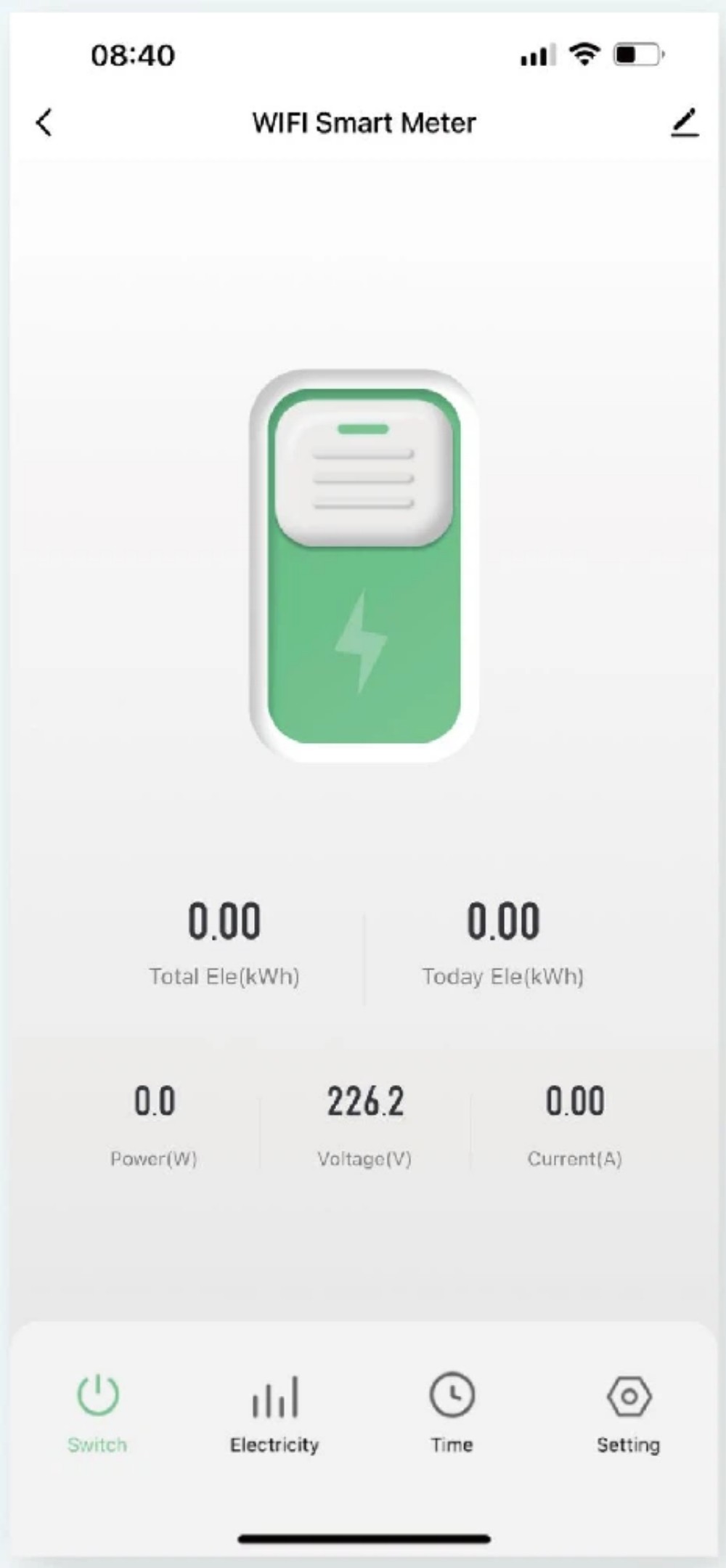
◎ Successfully connect to APP operation page.
◎ Indicator light changes from blue slow flash to blue constant light.
◎ Indicator light changes from blue slow flash to blue constant light.
👁
Live View
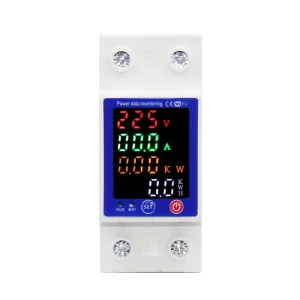
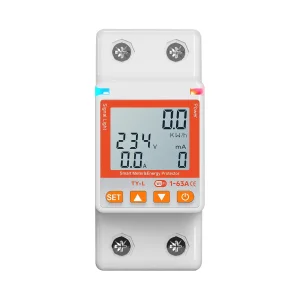
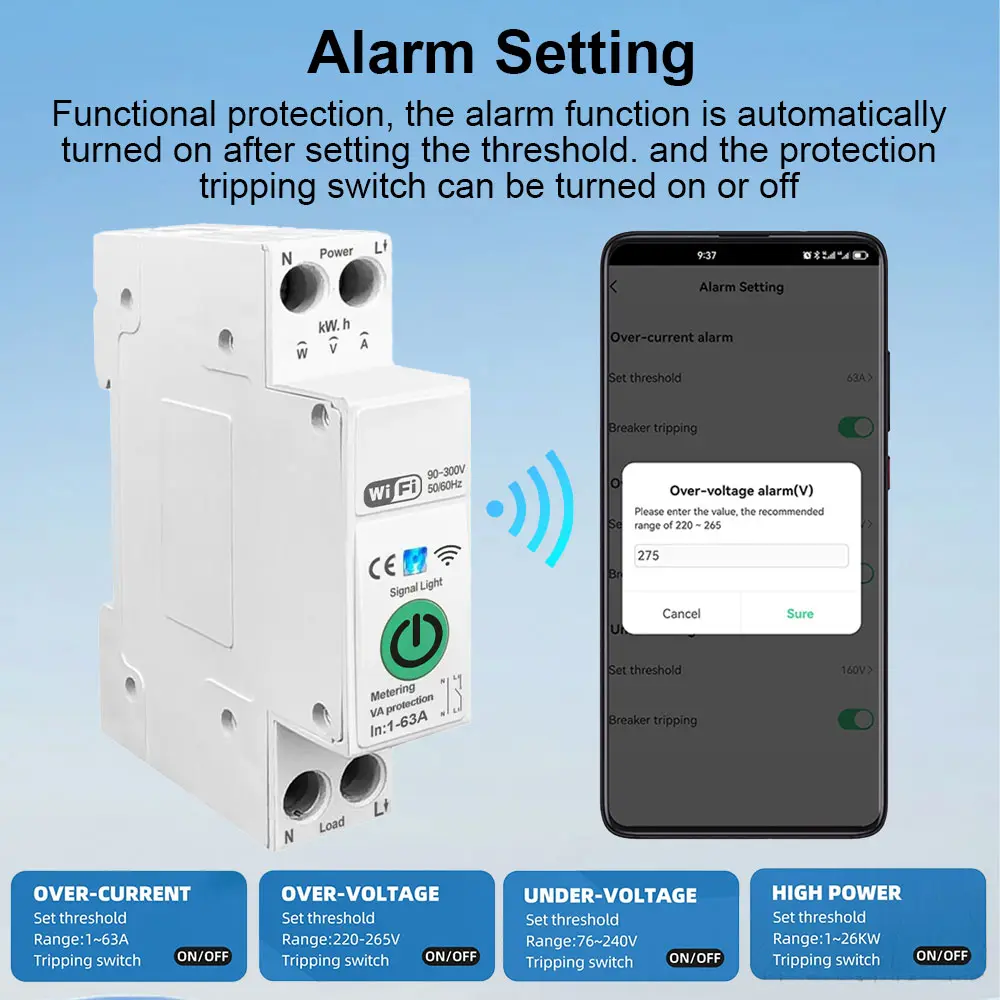
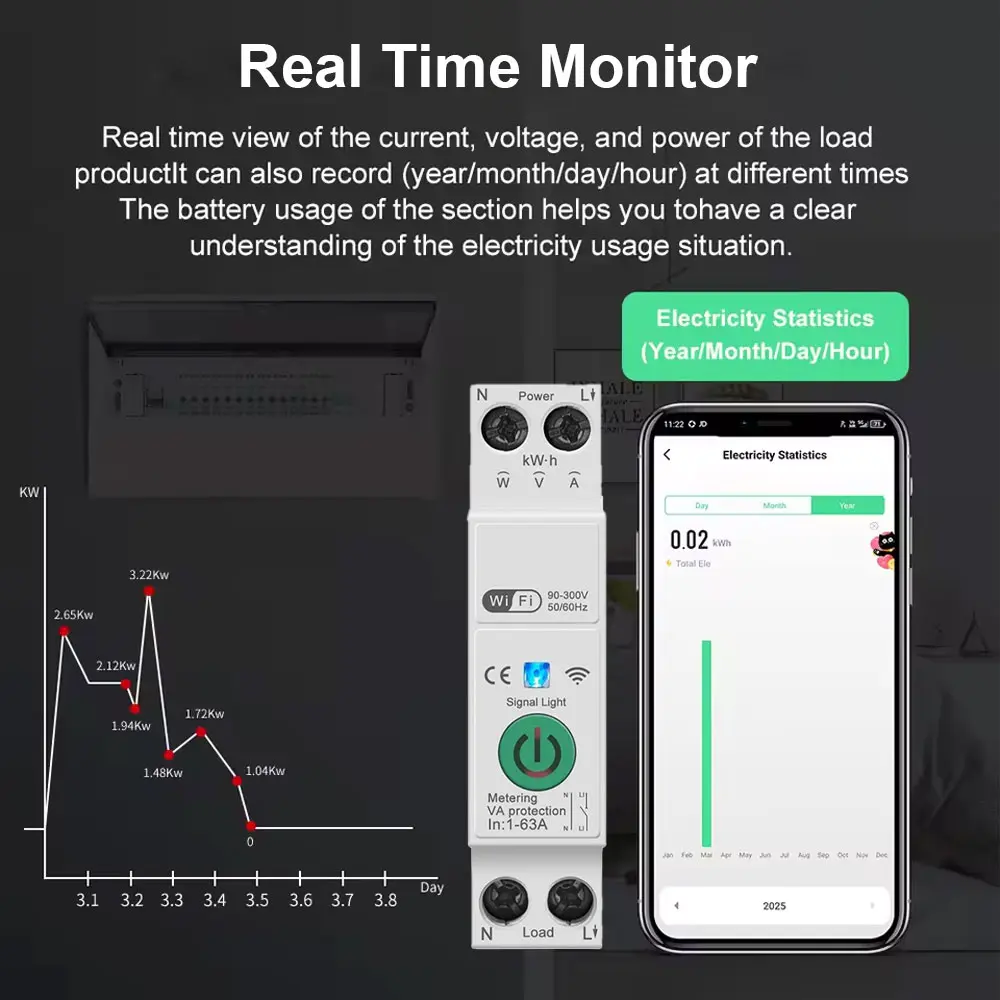
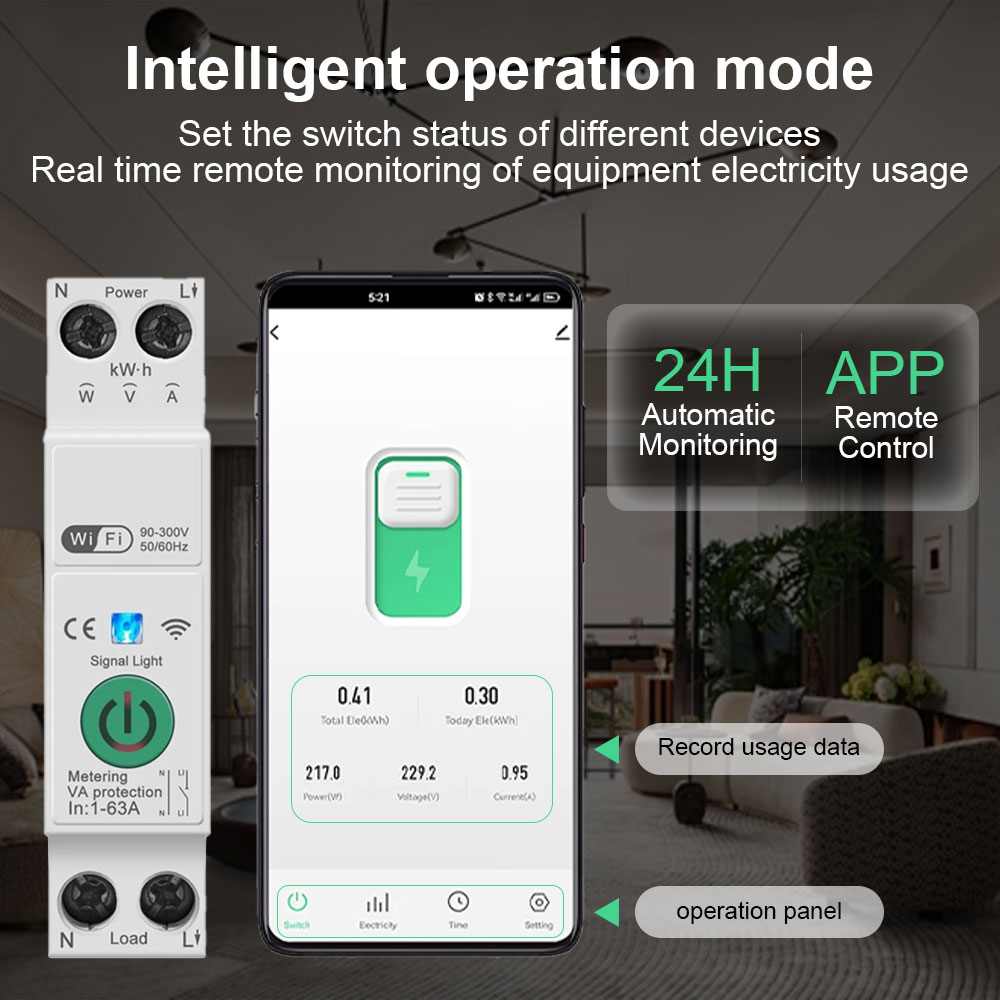
Smart circuit breaker with metering protected can monitor the current, voltage, and power of the load equipment in real time, and can also record the power consumption of the year, month, day, hour and different time neriods, helping users to check the power consumption of load equipment more clearly .
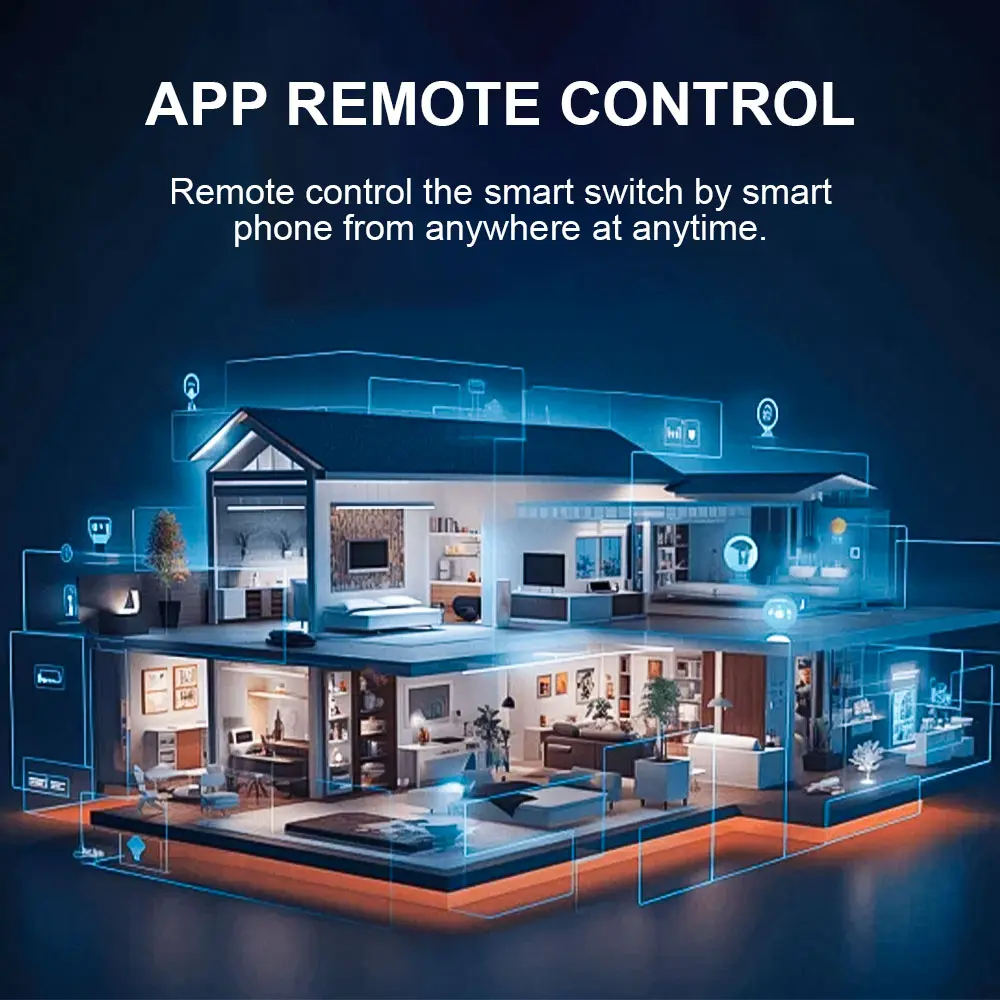
Setting the switch status of the equipment in different scenarios, and remotely monitor the real - time situation of the load electrical appliances.
🖼
Detail Images
✉
Send a message
❓
Frequently Asked Questions
Q: What is the operating voltage range of this smart circuit breaker?
The device supports a wide rated operating voltage range of 100V-240V, compatible with various residential and commercial electrical standards.
Q: Does it support remote real-time electricity monitoring?
Yes, with its metering function, the device monitors current, voltage, and power in real time and keeps historical power consumption records by year, month, day, and hour via the mobile APP.
Q: Which mobile applications are compatible with this device?
The breaker can be easily integrated and operated using standard smart home applications including Tuya App and Smart Life App.
Q: Are there wireless protocols available other than WiFi?
While standard models operate on default WiFi, customization options for SigMesh and ZigBee protocols are available upon request.
Q: What should I do if the breaker fails to connect during pairing?
Ensure your mobile phone has both Bluetooth and 2.4GHz WiFi turned on, verify that the LED indicator blinks slowly after pressing the network button for 5-10 seconds, and confirm the network credentials entered are accurate.